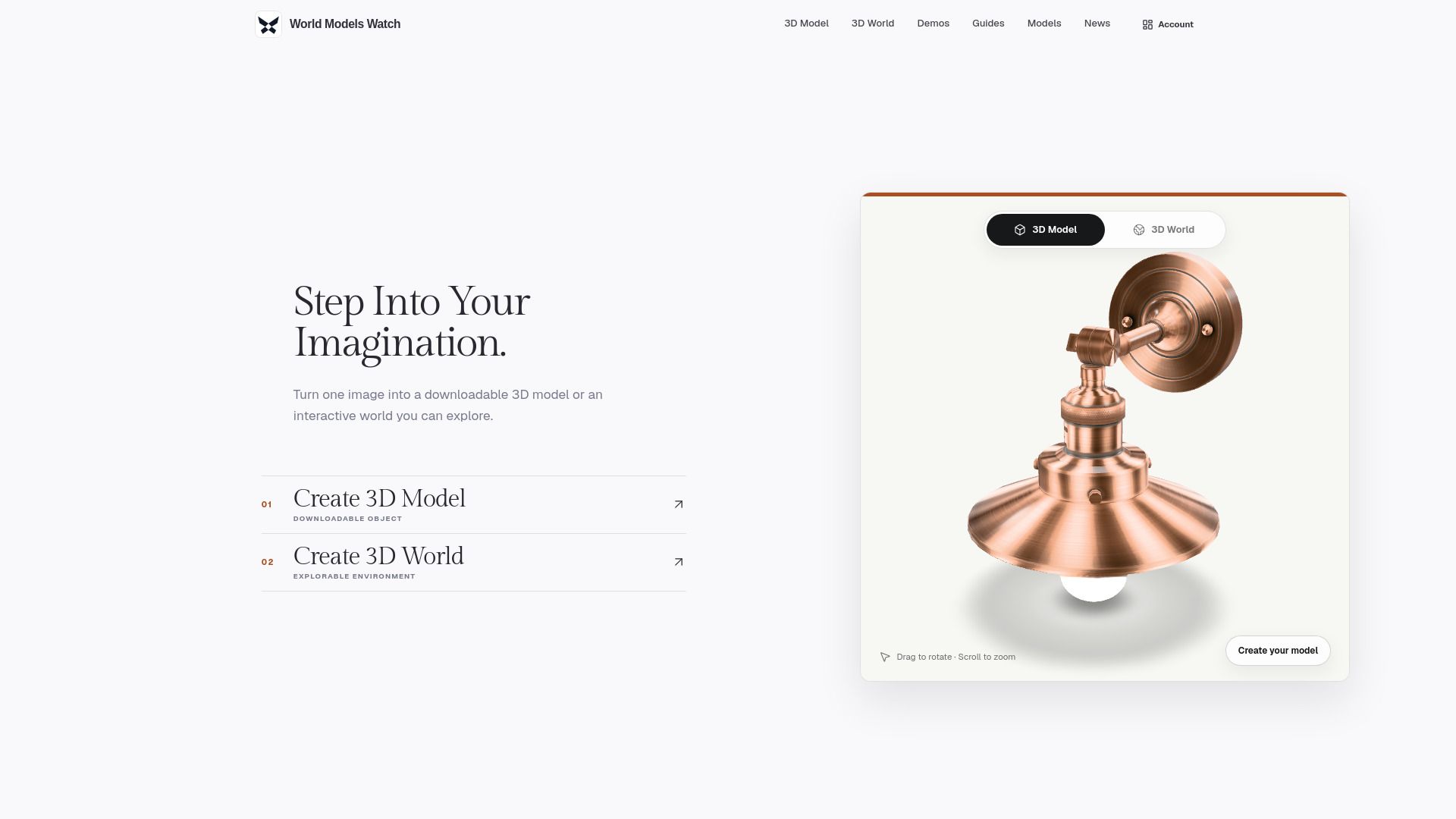
About worldmodel generate
What is worldmodel generate?
World Models Watch operates private 3D generation tools that allow users to create downloadable 3D assets and explorable worlds from images, text, or other supported media. The service is designed to provide a clear understanding of what is available, who the providers are, and to ensure that claims made about the products are supported by public evidence. This approach helps to maintain transparency and avoid overpromising results.
The creation tools enable signed-in users to select a supported model, review the associated credit costs, and submit their source material for generation. The requests are coordinated by World Models Watch, which also manages the storage of private working files on a short retention schedule. This ensures that users have access to their generated content while maintaining a clear separation between editorial content and the generation service.
worldmodel generate Features
World Models Watch offers a robust set of features that enhance the process of generating 3D assets and explorable worlds. Users can start their projects using various input types, including images, text, or multi-view references, depending on the capabilities of the selected generation engine. This flexibility allows for a tailored approach to 3D creation, accommodating different user needs and preferences.
The service provides two primary outcomes: users can either create a downloadable 3D model or transform a scene into an interactive 3D world. Additionally, World Models Watch supports multiple generation engines, enabling users to compare different object and world generation options without the need to learn distinct workflows for each provider. This streamlining of processes enhances user experience and efficiency.
Flexible input options for diverse project needs.
Two clear outcomes: downloadable 3D models or explorable worlds.
Multiple generation engines for comparative analysis.
Support for various 3D file formats, including GLB.
Automatic credit recovery for failed submissions.
Private by default, ensuring user inputs remain confidential.
Why worldmodel generate?
The "worldmodel generate" feature of World Models Watch offers significant advantages for users looking to create and explore 3D assets. By utilizing a streamlined process, users can easily select supported models, review costs, and submit source materials for generation. This efficiency not only saves time but also enhances the user experience by providing a clear and organized method for accessing 3D content.
Some key benefits of using the worldmodel generate feature include:
Access to a wide range of supported models for diverse applications.
Private generation history for easy tracking of past requests and downloads.
Short retention schedule for working files, ensuring that users can manage their assets effectively.
Coordination with third-party model providers to ensure high-quality outputs.
How to Use worldmodel generate
To get started with World Models Watch, you can follow a simple process to generate your desired 3D assets. First, you need to upload an image, start from text, or add multiple consistent views when the selected engine supports them. This flexible input allows you to create a 3D model or an explorable 3D world based on your preferences.
Next, choose the model, geometry, material, and world settings that fit what you want to make. Once you have set everything up, start the generation task and follow it from your history. You can then download the available GLB or SPZ result within a specified timeframe.
Flexible input options for various media types.
Two clear outcomes: downloadable 3D models or explorable 3D worlds.
Multiple generation engines to compare without learning different workflows.
Ready to see what worldmodel generate can do for you?and experience the benefits firsthand.
Key Features
How to Use
Visit the Website
Navigate to the tool's official website.
Pros & Cons
What's good
What's not good
Pricing
- 2,000 credits every month
- Focused credit pack for first assets and world experiments
- No watermarks
- Full privacy
- Models included: Tripo H3.1, Meshy 6, Hunyuan3D
- 3,000 credits every month
- More room for iteration across regular creator projects
- No watermarks
- Full privacy
- Models included: Tripo H3.1, Meshy 6, Hunyuan3D
- 5,000 credits every month
- Largest allowance for production runs and multiple concepts
- No watermarks
- Full privacy
- Models included: Tripo H3.1, Meshy 6, Hunyuan3D