
About VS Code
What is VS Code?
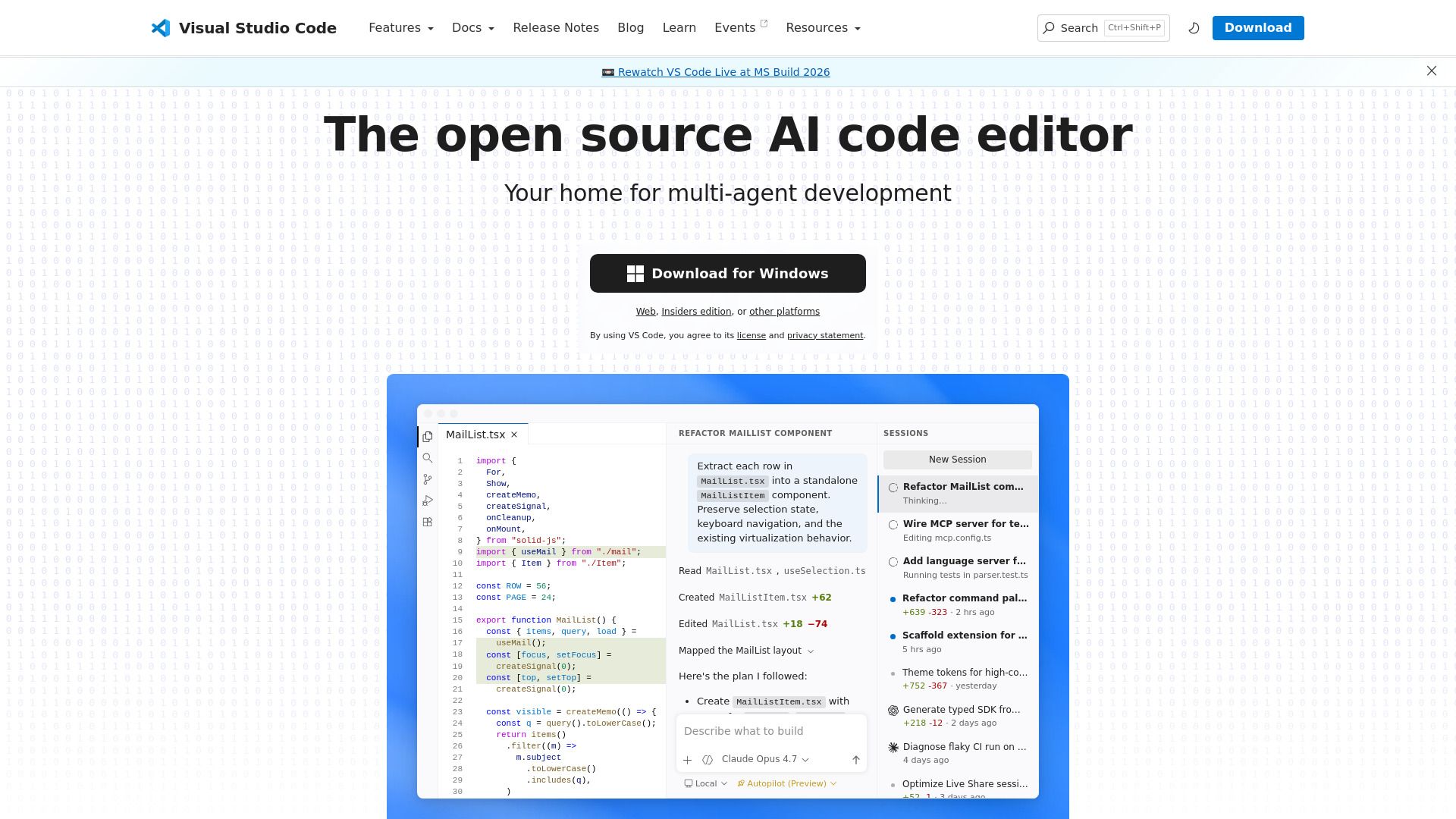
Visual Studio Code is a free, open source AI code editor designed for agent-first development. It allows users to build with AI agents, manage multi-agent workflows, and code across various environments. With its versatile capabilities, VS Code caters to developers looking for a powerful and flexible coding tool.
Some of the key features of Visual Studio Code include:
Integrated terminal for using your favorite shell within the editor.
Run and debug code without leaving the editor.
Built-in support for Git and other source control providers.
Ability to run tools and analyze results from within the editor.
Automatically tracked local history to prevent loss of changes.
VS Code Features
Visual Studio Code (VS Code) is a powerful code editor that comes packed with rich features and capabilities designed to enhance productivity for developers. It includes an integrated terminal that allows users to utilize their preferred shell, such as zsh, pwsh, or git bash, directly within the editor. Additionally, VS Code enables users to run and debug their code without the need to switch between different applications, streamlining the development process.
VS Code also offers built-in support for version control, particularly with Git, and supports various other source control providers through extensions. Users can run build tasks and analyze results from within the editor, ensuring a seamless workflow. The local history feature automatically tracks changes, providing a safety net against data loss. Furthermore, VS Code supports a wide range of programming languages, including JavaScript, TypeScript, Python, C#, and many more, making it a versatile tool for developers.
Integrated terminal for using favorite shells
Run and debug code without leaving the editor
Built-in version control support for Git
Run build tasks and analyze results
Automatically tracked local history
Support for multiple programming languages
Why VS Code?
Visual Studio Code (VS Code) offers a range of benefits that enhance productivity and streamline the coding experience. With its ability to code anywhere, whether connected to the cloud or working in the browser, developers can work flexibly and efficiently. The built-in source control features provide Git support out-of-the-box, making it easier to manage code changes and collaborate with others.
Additionally, VS Code is equipped with rich features that cater to various development needs. Some of the key advantages include:
Integrated terminal for using favorite shells directly within the editor.
Run and debug code without leaving the environment.
Built-in version control support for Git and other providers.
Ability to run tasks and analyze results from within the editor.
Automatically tracked local history to prevent loss of changes.
How to Use VS Code
To get started with Visual Studio Code (VS Code), you can take advantage of its built-in features and rich extensions that enhance your coding experience. The editor is designed to be user-friendly, allowing you to code efficiently whether you're working locally or in the cloud.
Some key features that can help you get started include:
Integrated terminal for using your favorite shell directly within the editor.
Built-in support for running and debugging your code without leaving the environment.
Version control capabilities with Git and other source control providers.
Task management to run tools and analyze results seamlessly.
Automatically tracked local history to prevent loss of changes.
Ready to see what VS Code can do for you?and experience the benefits firsthand.
Key Features
How to Use
Visit the Website
Navigate to the tool's official website.