About vocalove
What is vocalove?
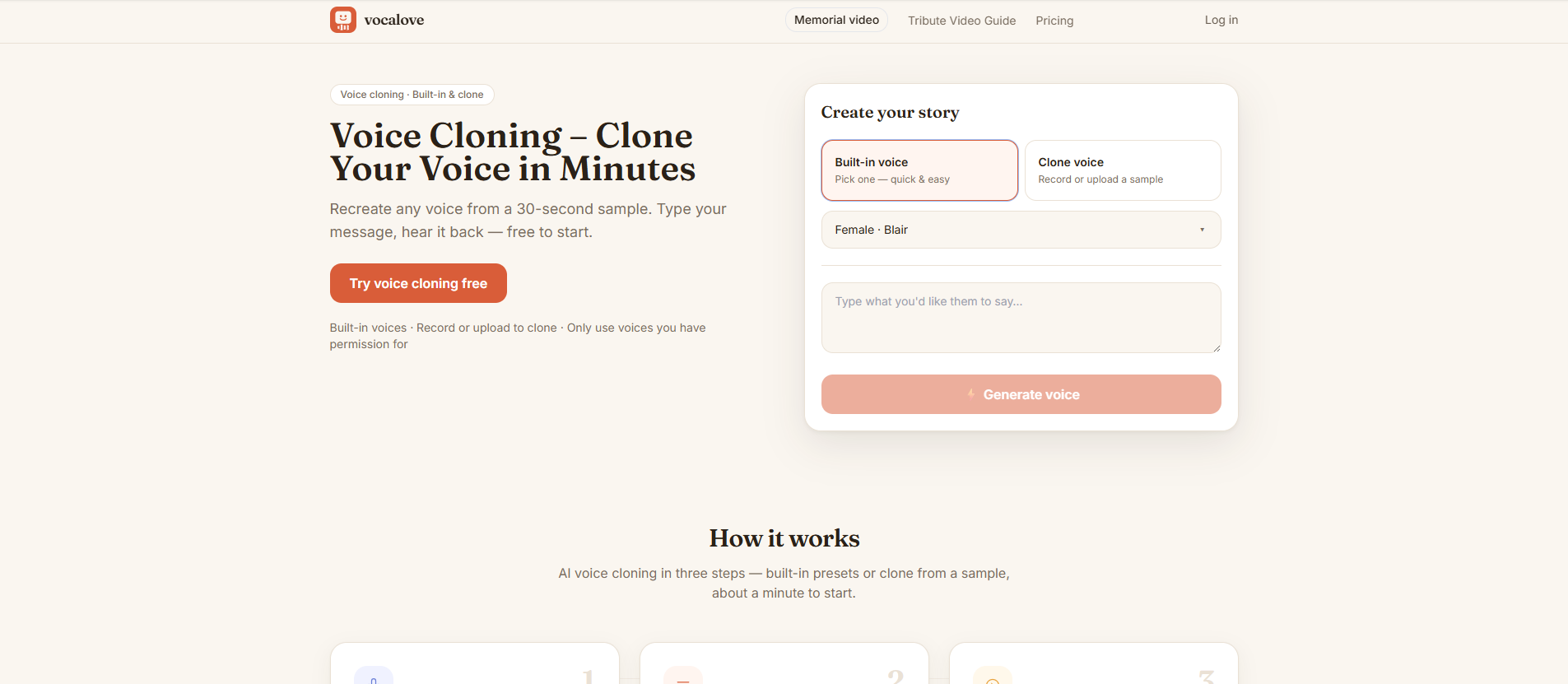
vocalove is a browser-based voice cloning and talking photo video tool that allows users to create tribute messages, keepsakes, and narration without the need to install any software. It enables you to turn a voice sample and a few typed words into speech, and optionally animate a portrait so that the face moves in sync with the audio. Everything operates directly in your browser, making it accessible and user-friendly.
This innovative tool is designed for meaningful moments, such as creating a tribute at a service, sending a birthday message from an old photo, or producing a narration track for a video. Users simply provide the photo and the text, while vocalove takes care of the voice synthesis and talking photo generation in the cloud.
Clone a voice from a sample or record a short clip.
Type new lines and download audio in a similar voice.
Animate portraits to match the generated speech.
vocalove Features
vocalove is a browser-based voice cloning and talking photo video tool that allows users to create tribute messages, keepsakes, and narration without the need for software installation. It enables users to turn a voice sample and a few typed words into speech, and optionally animate a portrait to match the audio. Everything operates directly in the browser, making it accessible and user-friendly.
With vocalove, you can:
Clone a voice from a sample by recording or uploading a short clip.
Type new lines and download audio that mimics the cloned voice.
Create talking photo videos that pair audio with animated portraits.
Utilize built-in voices for quick tests and clone mode for personalized experiences.
Generate familiar speech patterns, making the output sound like someone you love.
Why vocalove?
Vocalove offers a unique voice cloning experience that allows users to create personalized audio messages using the voice of a loved one. This browser-based tool eliminates the need for software installation, making it accessible and easy to use. With Vocalove, you can record or upload a voice sample, type new lines, and generate audio that sounds just like the original voice, providing a heartfelt touch to tributes, keepsakes, and narrations.
The value proposition of Vocalove lies in its ability to preserve the unique cadence and tone of a person's voice, rather than relying on generic text-to-speech options. This feature is particularly beneficial for creating meaningful content for special occasions, such as memorials or birthday messages. Users can also animate a portrait to accompany the audio, enhancing the emotional impact of the message.
Easy browser-based access with no software installation required.
Personalized voice cloning from short recordings or uploaded samples.
Ability to create talking photo videos that pair audio with animated portraits.
Preserves the unique voice characteristics of loved ones for a more authentic experience.
Ideal for creating tributes, keepsakes, and personalized narrations.
How to Use vocalove
To get started with vocalove, simply visit our website at. You don’t need to install any software or have a powerful local GPU; everything runs directly in your browser. Begin by recording or uploading a short voice sample, then type the words you want to be spoken in that voice. This allows you to create personalized audio that sounds just like someone you love.
Once you have your voice cloned, you can enhance your project by pairing the audio with a portrait. This feature is perfect for creating memorable tribute videos or keepsakes. Here are some key features to help you get started:
Clone a voice from a sample or choose from built-in voices.
Type new lines to generate speech in the cloned voice.
Animate a portrait to match the audio for a talking photo effect.
Access everything from your browser without any installations.
Ready to see what vocalove can do for you?and experience the benefits firsthand.
Key Features
How to Use
Visit the Website
Navigate to the tool's official website.
Pros & Cons
What's good
What's not good
Pricing
- New accounts: 5 welcome credits
- Guests: 1 generation (up to 1 credit), then sign in for more
- A free daily pool for everyone — refills every day (can run out on busy days)
- Built-in voices & clone-from-sample audio
- Base credits 590
- Bonus +59 (+10%)
- You receive 649 (+59 bonus)
- You can make ~3 short exports · try voice cloning
- No watermark on exports
- Base credits 1,900
- Bonus +1,725 (+10%)
- You receive 8,625 (+1,725 bonus)
- You can make ~43 exports · clones included
- No watermark on exports
- Base credits match your payment; bonus on every pack
- No watermark on exports
- 1080p videos + built-in & cloned voices