About VideoTranscript
What is VideoTranscript?
A video transcript is a written version of the speech and relevant spoken material in a recording. It makes the content easier to search, quote, edit, translate, study, and adapt for people who prefer or require text.
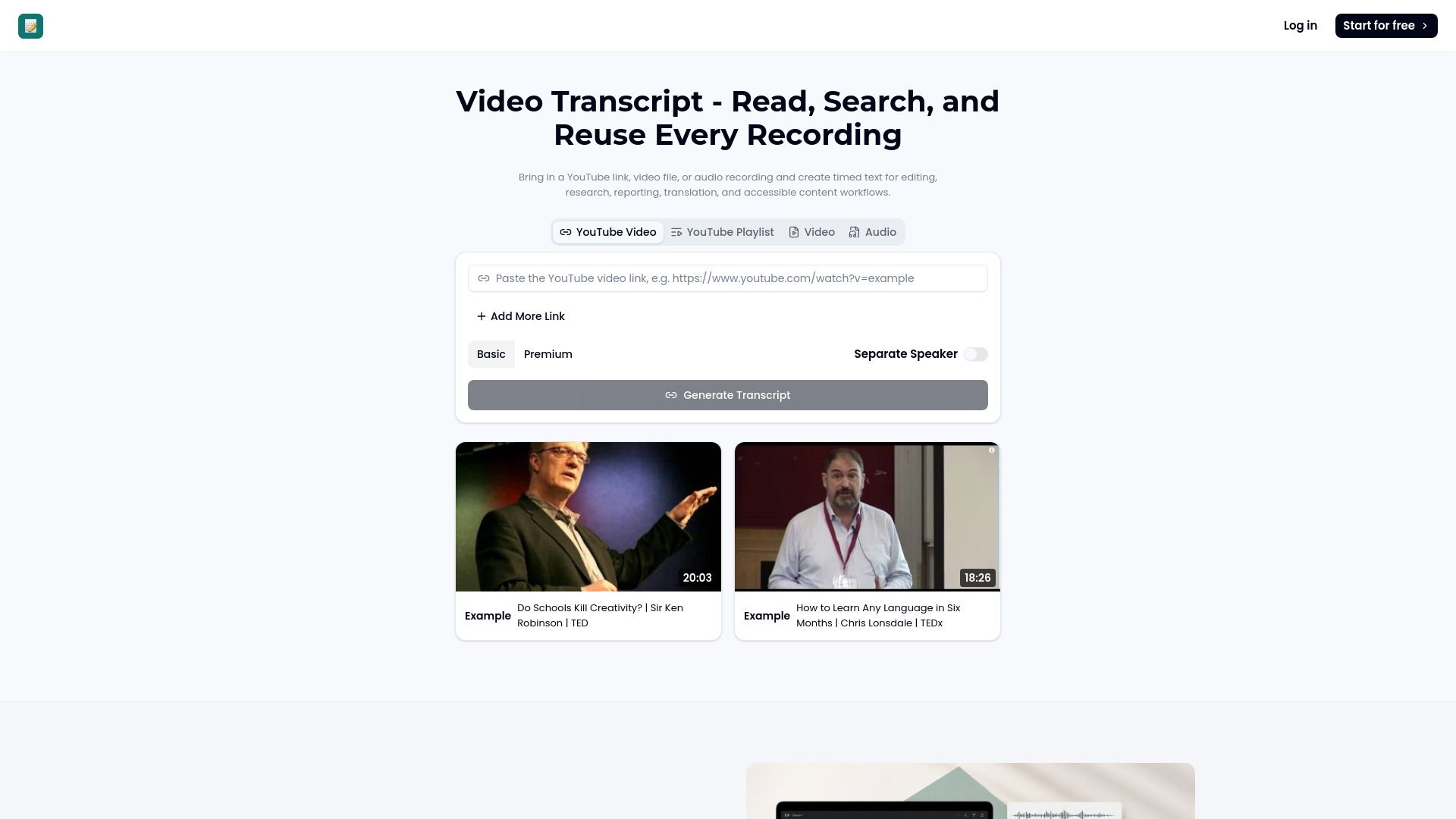
Video Transcript converts YouTube, video, and audio into timed, searchable text for various purposes, including editing, research, accessibility, reporting, and content creation. This tool enhances the accessibility of recordings and supports the preparation of captions and documents.
Provides a searchable text record of spoken content.
Facilitates easier editing and content adaptation.
Supports accessibility requirements for diverse audiences.
Enables quick verification of technical language and proper nouns.
VideoTranscript Features
VideoTranscript is an advanced AI Video Generator that offers a range of features designed to enhance the video creation process. It integrates multiple leading models into a single interface, allowing users to explore various styles and quality outputs without being confined to a single approach. This flexibility is complemented by a chat-based creation flow, music video tools, and a library of preset effects, making it a comprehensive platform for creators from concept to final product.
One of the standout functionalities of VideoTranscript is its ability to convert video and audio content into timed, searchable text. This feature is particularly beneficial for editing, research, accessibility, and reporting purposes. Users can generate a video transcript that transforms spoken details into an organized, reusable text record, facilitating easier content management and accessibility compliance.
AI-powered transcription of video and audio content.
Searchable text for efficient editing and research.
Integration of multiple video generation models for diverse outputs.
Chat-based creation flow for user-friendly experience.
Library of preset effects and music video tools.
Why VideoTranscript?
VideoTranscript offers a range of benefits that enhance the video creation process, making it an invaluable tool for marketers and content creators. By utilizing multiple leading AI models within a single interface, users can achieve diverse styles and high-quality results without being limited to a single approach. This flexibility allows for a more creative and efficient workflow.
Some of the key advantages of using VideoTranscript include:
Streamlined video editing with chapter breakdowns for easy navigation.
Faster accessibility reviews through generated text, reducing manual transcription time.
AI-powered notes that transform video or audio into organized, reusable text records.
Enhanced engagement rates for video ads, as evidenced by user success stories.
How to Use VideoTranscript
To get started with VideoTranscript, follow a simple three-step process that allows you to efficiently create and utilize video transcripts. First, choose the recording by either opening a YouTube URL or selecting a video or audio file that contains the speech you need. This flexibility ensures you can work with various media types, whether they are online videos or local files.
Next, review the generated transcript. You can read timed passages, search for specific phrases, and jump back to the source material for confirmation of wording. This feature is particularly useful for ensuring accuracy and clarity in your content. Finally, prepare the output by using the video transcript to build chapters, summaries, translated text, study materials, or visual briefs, enhancing the overall utility of your video content.
Efficiently create transcripts from various media sources.
Search and review transcripts for accuracy and clarity.
Utilize transcripts to create summaries, chapters, and study materials.
Ready to see what VideoTranscript can do for you?and experience the benefits firsthand.
Key Features
How to Use
Visit the Website
Navigate to the tool's official website.
Pros & Cons
What's good
What's not good
Pricing
- Create up to {count} music generation credits per month
- Protect your privacy; generated music is only visible to you
- Email support
- Personal use
- Supports high quality audio output
- 150 Videos
- 4 credits/5s
- No Watermark
- Early Access to New Features
- 24/7 Support
- 450 Videos
- 12 credits/10s
- Commercial License Included
- Private Content
- Remix & Edit Song
- 1350 Videos
- 24 credits/10s
- Upscaling
- Unlimited Storage
- Ads-Free Experience