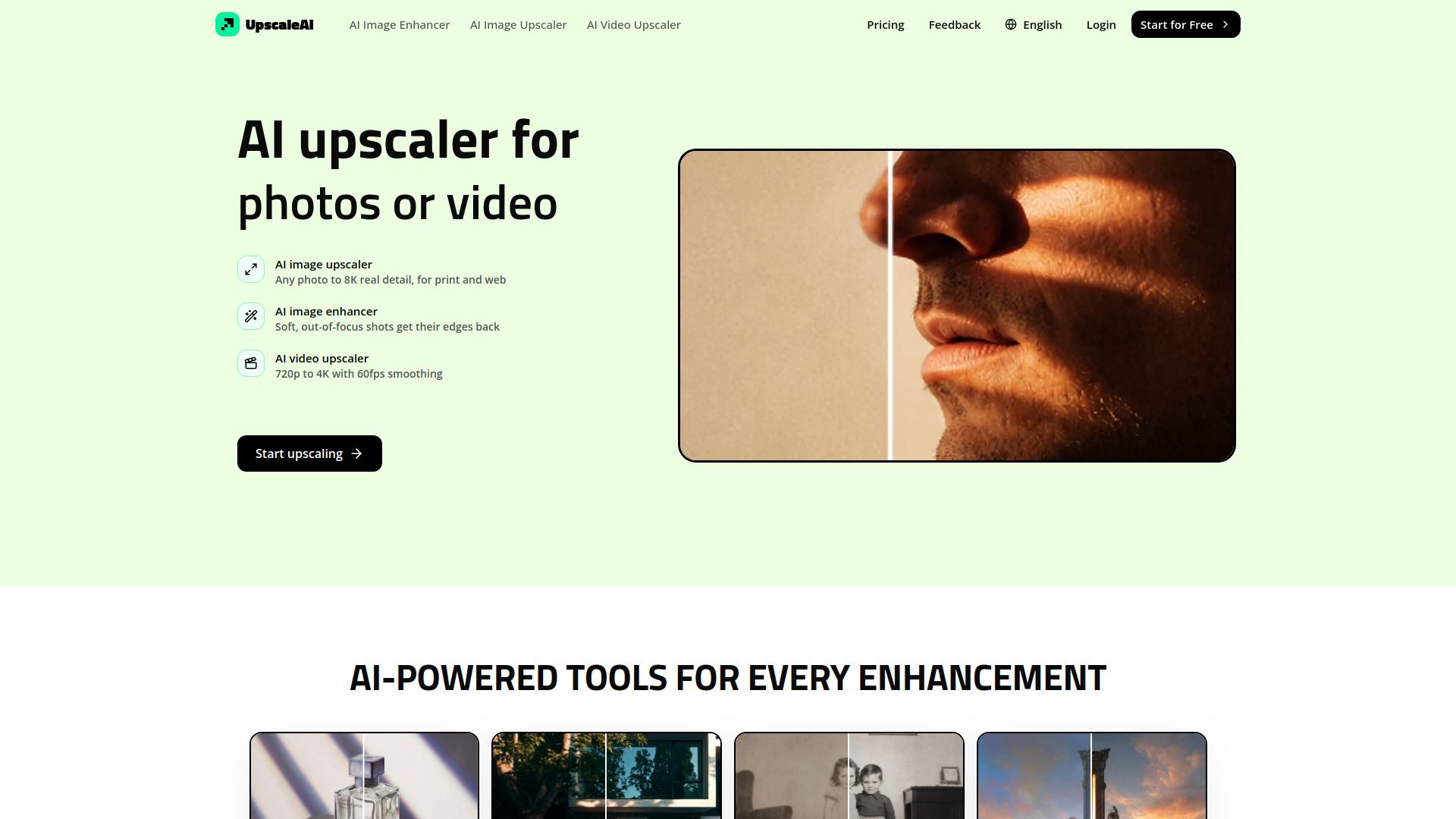
About UpscaleAI
What is UpscaleAI?
UpscaleAI is an advanced AI-powered tool designed to upscale and enhance images and videos effortlessly. It automatically matches every uploaded file to the appropriate Topaz model, eliminating the need for users to adjust settings manually. This streamlined process allows users to focus on their creative work while ensuring high-quality results with sharper edges, cleaner backgrounds, and higher resolutions.
With UpscaleAI, users can restore and enlarge artwork, vintage photos, and legacy assets without losing the original character and detail. The platform supports common image formats and offers a user-friendly experience, making it suitable for both professionals and casual users alike.
AI Image Upscaler: Enlarge photos from 2x to 8x, reaching up to 8K resolution.
Automatic detail enhancement: The AI adjusts sharpening and detail enhancement without user intervention.
Batch processing: Users can upscale multiple images at once, saving time and effort.
UpscaleAI Features
UpscaleAI offers a suite of powerful tools designed to enhance images and videos using advanced AI technology. With its AI Image Upscaler, users can enlarge photos from 2x to 8x, achieving stunning 8K resolution while preserving real detail instead of merely stretching pixels. This ensures that portraits, product shots, and artwork maintain their natural appearance even at larger sizes.
Additionally, UpscaleAI simplifies the enhancement process by automatically matching every uploaded file to the appropriate AI model, eliminating the need for users to adjust settings manually. This user-friendly approach allows for batch processing, making it easy to prepare multiple images for print, web, or client use.
AI Image Upscaler: Enlarge images up to 8K resolution while preserving detail.
Automatic model matching: No manual settings required for optimal results.
Batch processing: Enhance multiple images simultaneously for efficiency.
Why UpscaleAI?
UpscaleAI offers a powerful solution for enhancing images and videos, providing users with the ability to upscale and improve quality without the need for manual adjustments. The platform automatically matches each file to the appropriate Topaz model, ensuring optimal results with minimal effort. This user-friendly approach allows for seamless upscaling, making it accessible for both professionals and casual users alike.
Some of the key benefits of using UpscaleAI include:
High-quality upscaling that preserves true texture and edges, resulting in natural-looking enhancements.
Support for a wide range of file types and resolutions, including the ability to upscale images from 2x to 8x and videos to 4K.
Specialized tools for different needs, such as pixel upscalers for low-resolution images and resolution upscalers for print and screen.
How to Use UpscaleAI
Getting started with UpscaleAI is simple and intuitive. You can begin by uploading your images or videos directly to the platform. UpscaleAI automatically matches your files to the appropriate AI model, eliminating the need for manual settings adjustments. This means you can focus on enhancing your content without worrying about technical details.
Once your files are uploaded, you can take advantage of various features designed to enhance the quality of your images and videos. Here are some key benefits of using UpscaleAI:
Professional quality upscaling that preserves true texture and edges.
Pixel upscaling for low-resolution and pixelated images.
Video upscaling to 4K resolution, perfect for old family tapes and gameplay footage.
Resolution upscaling for print and digital media, scaling from 2x to 8x with real detail.
Ready to see what UpscaleAI can do for you?and experience the benefits firsthand.
Key Features
How to Use
Visit the Website
Navigate to the tool's official website.
Pros & Cons
What's good
What's not good
Pricing
- For hobbyists and beginners
- Limited credits
- Basic features
- For serious creators
- 490 credits per month
- Access to premium features
- For serious creators
- 430 credits per month
- Access to premium features
- For professionals and agencies
- 1990 credits per month
- Access to premium features
- For power users and studios
- Access to all features
- Unlimited credits