About Tier List Maker
What is Tier List Maker?
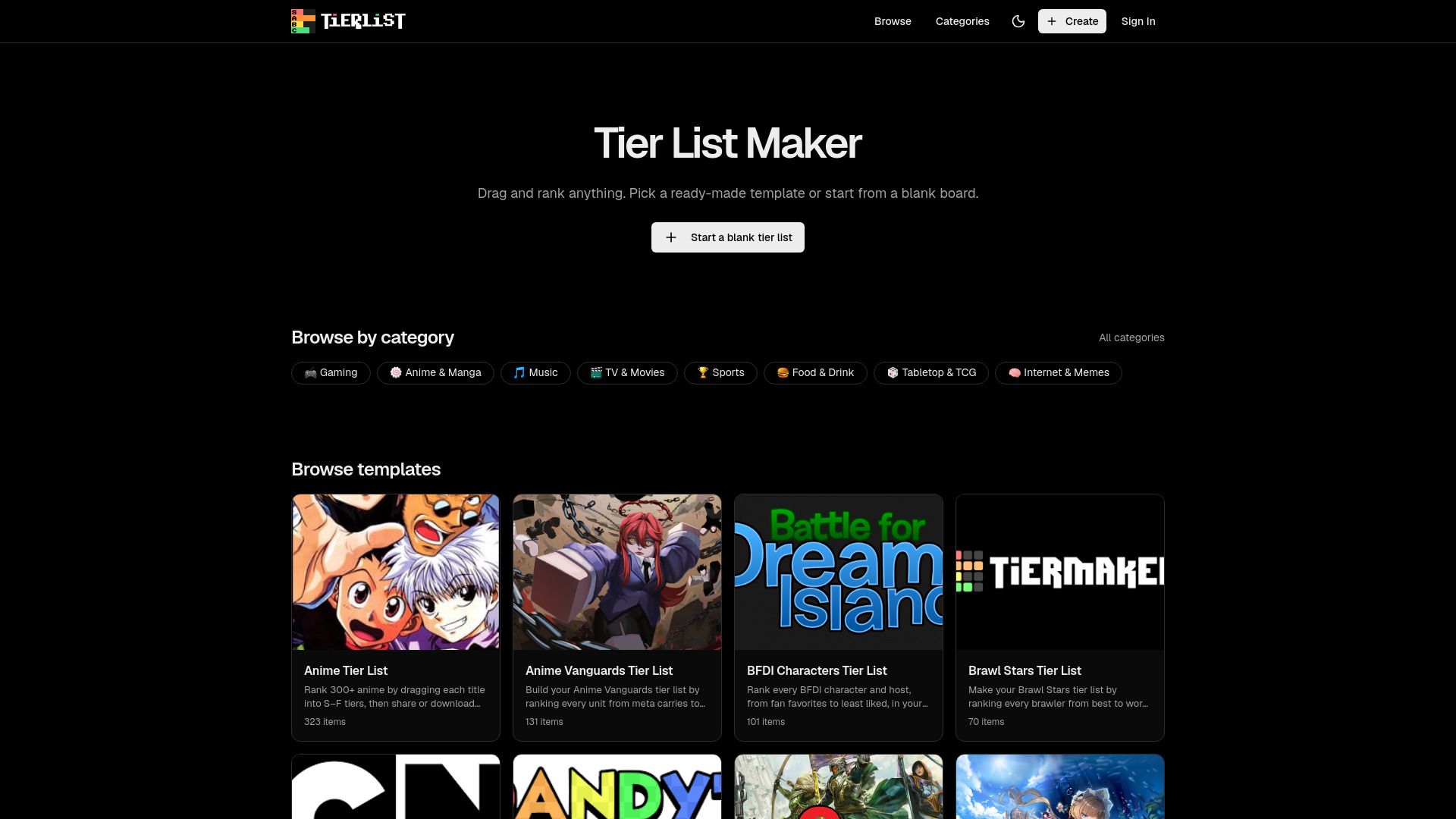
The Tier List Maker is a free online tool designed to help users create and share tier lists effortlessly. It allows you to build tier lists by dragging and ranking images, making it easy to visualize your preferences. You can choose from a variety of templates or start from scratch, and once your list is complete, you can share it via a link or image.
Key features of the Tier List Maker include:
Limited free and paid options available
No watermark on PNG downloads
Customizable row colors and labels
No account required to start
Mobile-friendly tier list editor
Access to over 200 community-built templates
Instant shareable link for easy sharing
Tier List Maker Features
The Tier List Maker is a free online tool that allows users to create and share tier lists effortlessly. With its intuitive drag-and-drop interface, users can build tier lists by ranking images, either by selecting from ready-made templates or starting from scratch. The functionality includes the ability to upload custom images and set personalized tier labels, making it adaptable to any ranking scenario.
Key features of the Tier List Maker include:
Smooth drag-and-drop functionality for easy ranking of items.
Customizable row colors and labels to match user preferences.
High-quality PNG downloads without watermarks.
Instant sharing options via links for social media platforms.
No account required to start creating tier lists.
Why Tier List Maker?
The Tier List Maker offers a variety of benefits that make it an essential tool for anyone looking to rank items across different categories. With its user-friendly interface, users can easily create and share tier lists without the need for any software downloads or account sign-ups. This accessibility allows for quick and efficient ranking, making it perfect for casual users and serious creators alike.
Some of the key advantages of using the Tier List Maker include:
Free tier list creation with no watermarks on downloads.
Customizable row colors and labels to match personal style.
Mobile-friendly design for on-the-go editing.
Instant sharing options via links or high-quality PNG exports.
A vast library of over 200 community-built templates to choose from.
How to Use Tier List Maker
Getting started with the Tier List Maker is simple and quick, allowing you to create your own tier lists in just a few steps. First, choose from over 200 ready-made templates or start from scratch by uploading your own images. You can also set custom tier labels to fit your ranking needs.
Once you have your template ready, use the intuitive drag-and-drop feature to rank your items. You can easily rearrange items within tiers, rename rows, or change row colors, all of which update instantly. Finally, when you're satisfied with your tier list, you can download it as a high-quality PNG without any watermark or share it via a link to engage with others.
Free to use with no sign-up required
Customizable tier labels and colors
High-quality downloads available
Shareable links for social media engagement
Ready to see what Tier List Maker can do for you?and experience the benefits firsthand.
Key Features
How to Use
Visit the Website
Navigate to the tool's official website.
Pros & Cons
What's good
What's not good
Pricing
- Basic features included
- Limited video generation
- No premium features
- 150 Videos
- 4 credits/5s
- Standard resolution
- 450 Videos
- 12 credits/10s
- High resolution
- 1350 Videos
- Unlimited credits
- Premium features