About TestDriver
What is TestDriver?
TestDriver is an advanced testing platform designed to automate complex user flows with AI-powered precision. It combines the thoroughness of manual testing with the speed and reliability of automation, ensuring that software quality is maintained throughout the development process. With TestDriver, teams can monitor resource usage, track performance, and catch regressions in real-time, making it an essential tool for modern engineering teams.
Key features of TestDriver include:
Automated testing across different platforms, including web and desktop applications.
Self-healing tests that adapt to changes in UI without breaking.
Detailed logging of network calls, including HTTP requests and responses.
Step-by-step execution history to pinpoint test failures.
Integration with CI/CD pipelines for seamless testing on every commit.
TestDriver Features
TestDriver is designed to automate complex user flows across various platforms with AI-powered precision, combining the thoroughness of manual testing with the efficiency of automation. It supports pixel-based testing, allowing for reliable test execution without the need for access to the source code, DOM, or internal APIs. This capability ensures that tests can run seamlessly in CI/CD pipelines, automatically executing on every commit or pull request.
Key features and capabilities of TestDriver include:
Self-Healing Tests: Tests continue to pass even when there are changes in colors, layout, or styling, reducing the frequency of test failures due to minor visual changes.
Detailed Logging: Inspect every network call, including HTTP requests and responses, to quickly diagnose API issues and failed interactions.
Performance Monitoring: Track CPU and memory usage during test execution to identify potential memory leaks and performance bottlenecks.
Action Log: Follow a step-by-step execution history to pinpoint where tests diverge from expected behavior.
Regression Tracking: Monitor software quality by tracking pass rates, flaky tests, and failure trends, ensuring that regressions are caught immediately.
Why TestDriver?
TestDriver offers a unique value proposition by combining the thoroughness of manual testing with the efficiency of automation. This next-generation testing solution is designed to streamline the testing process, making it faster and more reliable. With features like self-healing tests, TestDriver ensures that tests continue to pass even when there are changes in colors, layout, or styling, reducing the maintenance burden on developers.
Some of the key benefits of using TestDriver include:
AI-powered end-to-end testing that automates complex user flows across various platforms.
Automatic execution of tests in CI/CD pipelines on every commit or pull request.
Detailed logging and inspection of network calls to diagnose API issues effectively.
Real-time monitoring of resource usage to identify performance bottlenecks.
Comprehensive tracking of software quality, including pass rates and failure trends.
How to Use TestDriver
To get started with TestDriver, you can follow a guided tour that demonstrates how to write and run tests on real desktops. This tutorial will help you understand the platform's features, including how to create end-to-end tests without the hassle of selectors or flaky scripts. You can begin by signing up for a free trial, which requires no credit card, allowing you to explore the capabilities of TestDriver risk-free.
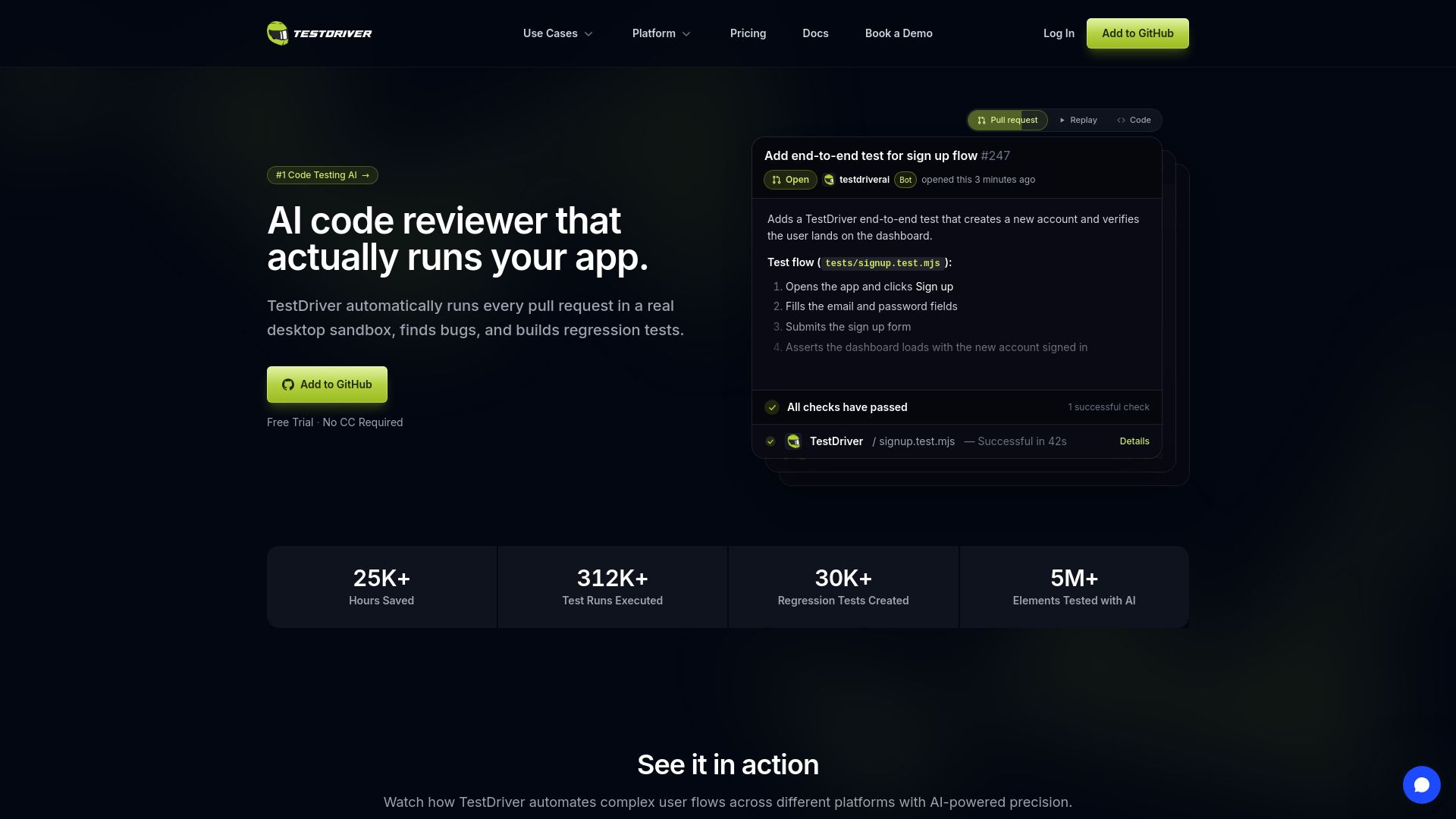
Once you have access, you can create your first test by importing the TestDriver library and writing a simple test case. For example, you can automate the sign-up flow by clicking buttons, filling out forms, and asserting that the dashboard loads correctly. This hands-on approach will help you quickly learn how to leverage TestDriver for your testing needs.
Automate complex user flows across different platforms.
Monitor resource usage to catch performance issues.
Inspect network calls and request details for debugging.
Track software quality and regression trends over time.
Ready to see what TestDriver can do for you?and experience the benefits firsthand.
Key Features
How to Use
Visit the Website
Navigate to the tool's official website.
Pros & Cons
What's good
What's not good
Pricing
- 10 Testing Hours / Month
- Unlimited Repositories
- Community Support
- Overage billed at $3.60/hour
- Web Apps and Chrome Extensions included
- Unlimited Testing Hours
- Custom Team Users
- Private Support via Slack
- Custom deployments for your app and workflow
- Community Support