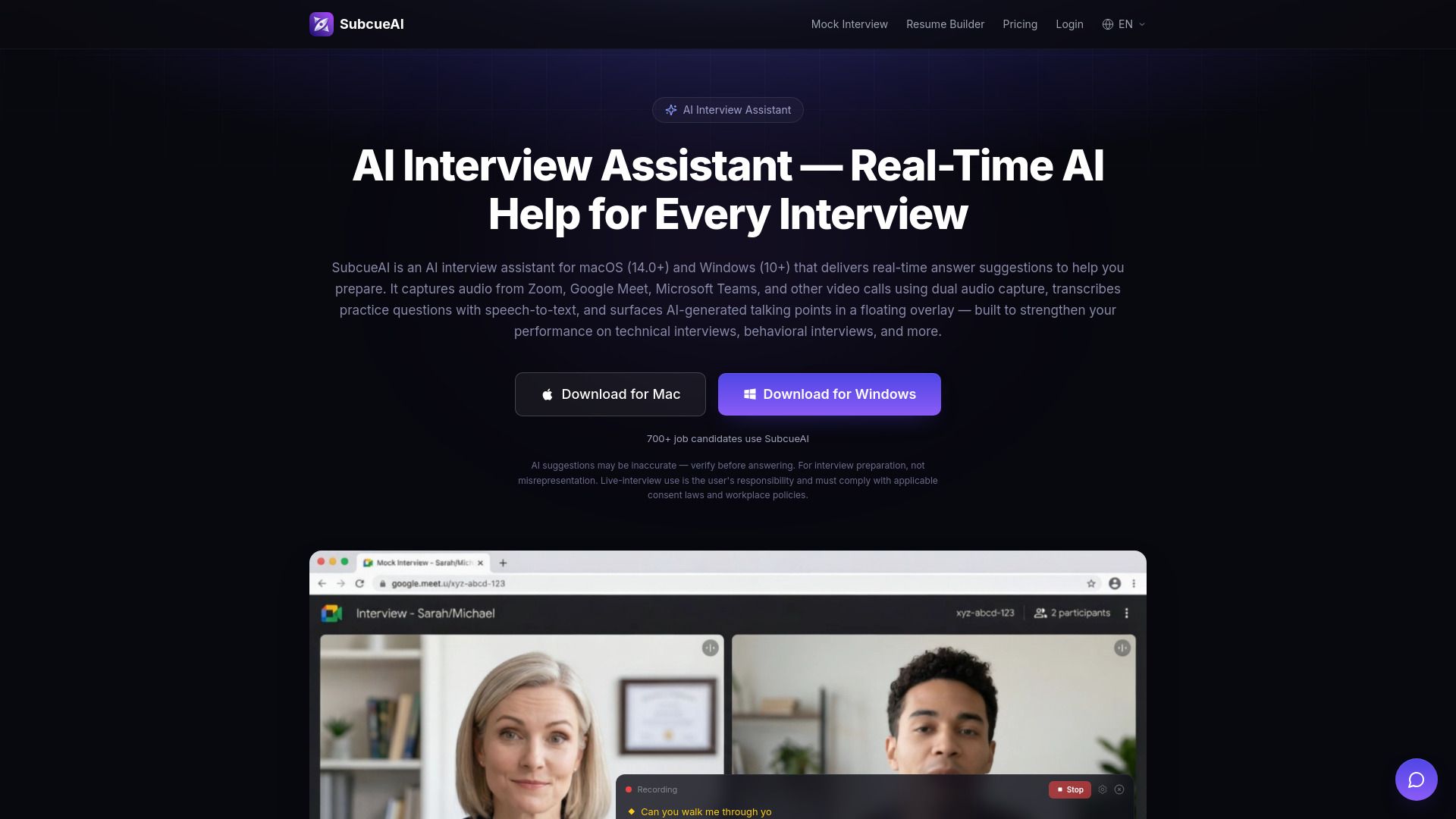
About SubcueAI
What is SubcueAI?
SubcueAI is a native desktop application designed to assist users in preparing for interviews by providing real-time AI-generated talking points. It operates on both macOS and Windows platforms and can also be used as a Chrome/Edge extension. The app captures audio from various video conferencing platforms, including Zoom, Google Meet, and Microsoft Teams, allowing users to rehearse their responses to a wide range of interview questions, including technical coding and behavioral STAR-method questions.
Key features of SubcueAI include:
Real-time AI answer suggestions based on the user's uploaded resume.
Support for multiple languages, including English and Chinese.
Privacy protection through encrypted audio streaming and data storage.
AI mock interviews that simulate real interview scenarios.
SubcueAI Features
SubcueAI is an AI interview assistant designed for macOS and Windows, providing real-time answer suggestions to enhance interview preparation. It utilizes dual audio capture to record system audio from various video conferencing platforms, including Zoom, Google Meet, and Microsoft Teams. The application features a floating overlay that displays AI-generated talking points, helping users navigate technical coding questions, behavioral STAR-method questions, and general HR screening practice.
Key features and capabilities of SubcueAI include:
Real-time AI talking points generated based on the user's uploaded resume.
Support for English and Chinese in speech recognition and AI answer generation, with plans for additional languages.
AI mock interviews that simulate real interview scenarios using questions derived from the user's resume.
Privacy protection through encrypted audio streaming and the option to delete transcripts and account data at any time.
Compatibility with a Chrome/Edge extension for live AI answer suggestions during in-browser interviews.
Why SubcueAI?
SubcueAI offers a unique value proposition for individuals preparing for interviews by providing real-time AI assistance that enhances both technical and behavioral interview preparation. Unlike traditional study guides, SubcueAI operates as a native desktop application that captures audio from various video conferencing platforms, allowing users to rehearse and refine their responses in a realistic setting. This innovative approach helps users bridge the gap between knowing the answers and delivering them effectively under pressure.
Some of the key benefits of using SubcueAI include:
Affordable pricing starting at $20/month, making it one of the most cost-effective AI interview assistants available.
Real-time answer suggestions powered by advanced AI, ensuring users receive context-aware talking points during practice.
Compatibility with major video conferencing platforms like Zoom, Google Meet, and Microsoft Teams, enhancing usability.
Flexible credit system that allows users to purchase top-up packs as needed, ensuring they have the resources to prepare effectively.
How to Use SubcueAI
To get started with SubcueAI, first ensure that your system meets the requirements: macOS 14.0 (Sonoma) or later, or Windows 10 (version 19041) or later. Once you have confirmed this, download the application and install it on your device. The application is designed to work seamlessly with video conferencing platforms such as Zoom, Google Meet, and Microsoft Teams, utilizing dual audio capture to record system audio for real-time transcription and AI answer generation.
After installation, you can begin using SubcueAI by uploading your resume, which allows the AI to provide personalized, context-aware answer suggestions tailored to your interview type. The application features a floating overlay that displays AI-generated talking points as you practice, enhancing your preparation for technical coding questions, behavioral STAR-method questions, and general HR screenings.
Real-time AI answer suggestions based on your resume.
Compatibility with major video conferencing platforms.
Speech-to-text transcription for practice questions.
AI mock interviews to simulate real interview scenarios.
Ready to see what SubcueAI can do for you?and experience the benefits firsthand.
Key Features
How to Use
Visit the Website
Navigate to the tool's official website.
Pros & Cons
What's good
What's not good
Pricing
- 50 credits per month
- Standard AI model
- Mock interview practice
- No credit card required
- 2,000 credits per month
- Smart AI model
- Performance analytics
- Resume-driven context
- Interview history & analysis
- 8,000 credits per month
- Expert AI model
- Advanced analytics & insights
- Priority support
- Early access to new features