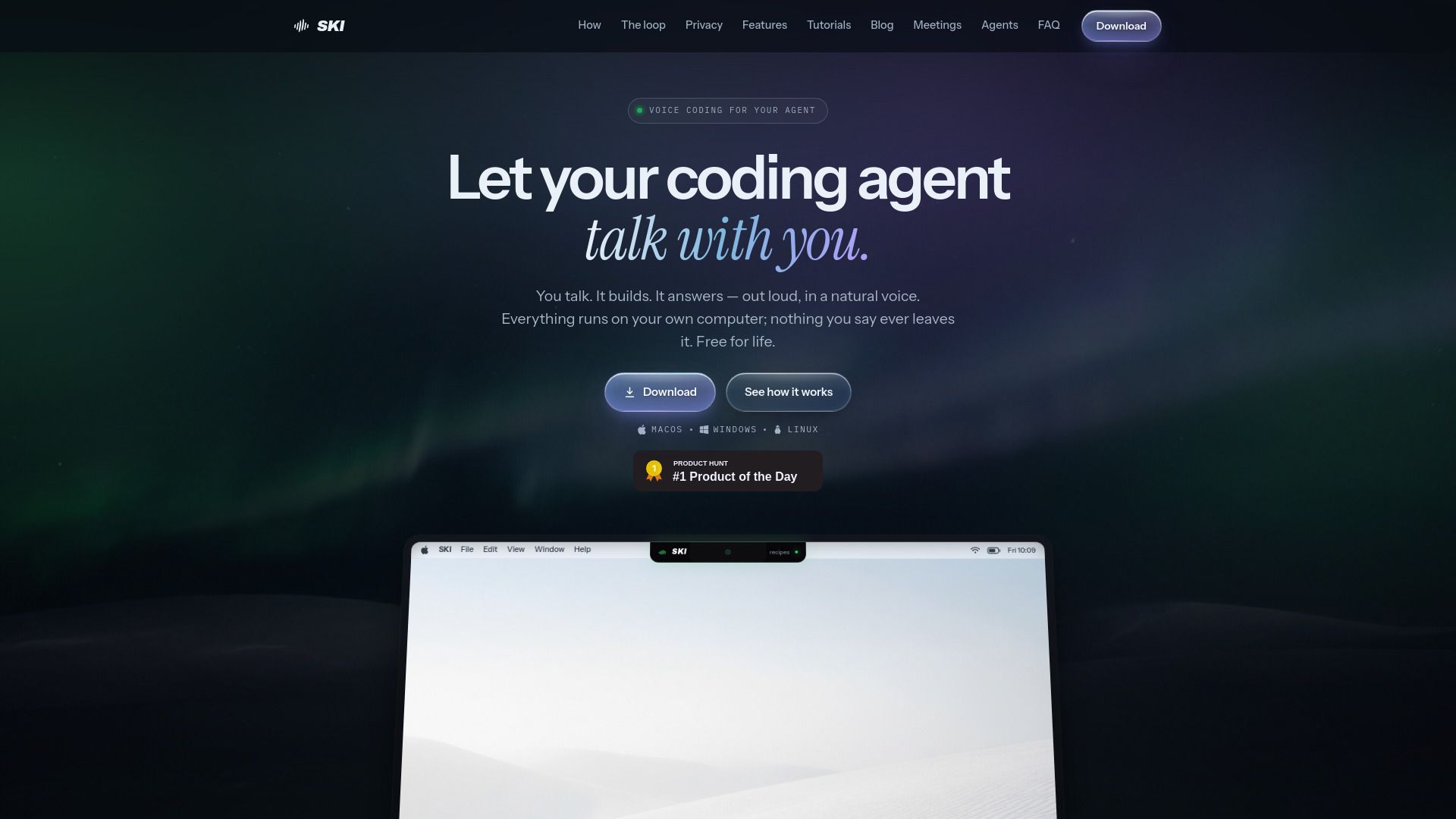
About SKI
{"What is SKI?":"On-device voice assistant for conversational AI coding","How to use SKI?":"Download and install SKI on macOS, Windows, or Linux, configure the microphone, voice, and global hotkey, then connect an AI coding agent such as Claude Code, Cursor, Codex, Gemini CLI, or OpenClaw. Press the hotkey and speak your request. SKI converts speech to text locally, sends it to the connected agent through project files, and speaks the agent's response aloud. Users can optionally enable approve-before-send, silent mode, screenshots, local meeting transcription, or AgentCall participation in video meetings.","Which coding agents does SKI support?":"SKI supports Claude Code, Cursor, Codex, Gemini CLI, Windsurf, OpenClaw, and other compatible agents.","Is SKI a dictation tool?":"No. SKI provides a two-way voice conversation: users speak to their coding agent, and the agent responds aloud while showing its status.","Does SKI work offline?":"Yes. Listening, speech recognition, and voice synthesis run locally. Internet access is only needed for optional AgentCall video meeting participation.","Is my voice uploaded to the cloud?":"No. Voice audio becomes text on the user's computer and is not uploaded. Local recordings and transcripts remain on the device.","How much does SKI cost?":"SKI is free for life on Mac, Windows, and Linux, with registration required once and no credit card. AgentCall, which sends an agent into video meetings, is billed per minute and includes free hours.","Which operating systems are supported?":"SKI supports Apple Silicon Macs running macOS 14.4 or newer, Windows 10 and 11 on x64, and Ubuntu/Debian Linux on x64.","Can I interrupt the AI agent while it is speaking?":"Yes. Full-duplex echo cancellation allows users to speak over the agent and be heard clearly without push-to-talk.","Does SKI transcribe meetings?":"Yes. SKI can record microphone and system audio locally, transcribe meetings on-device, show a live transcript, and export it as Markdown or plain text.","Can an AI agent join a video meeting?":"Yes. Through the optional AgentCall feature, an agent can join Google Meet, Microsoft Teams, or Zoom as an active participant or silent notetaker.","What is silent mode?":"Silent mode keeps SKI listening and responding but displays the agent's replies as text instead of speaking them aloud.","Can I review a transcript before sending it to my agent?":"Yes. Approve-before-send mode places each transcript in an editable bubble and sends it only after the user approves it."}
How to Use
Visit the Website
Navigate to the tool's official website.