About Shotbase
What is Shotbase?
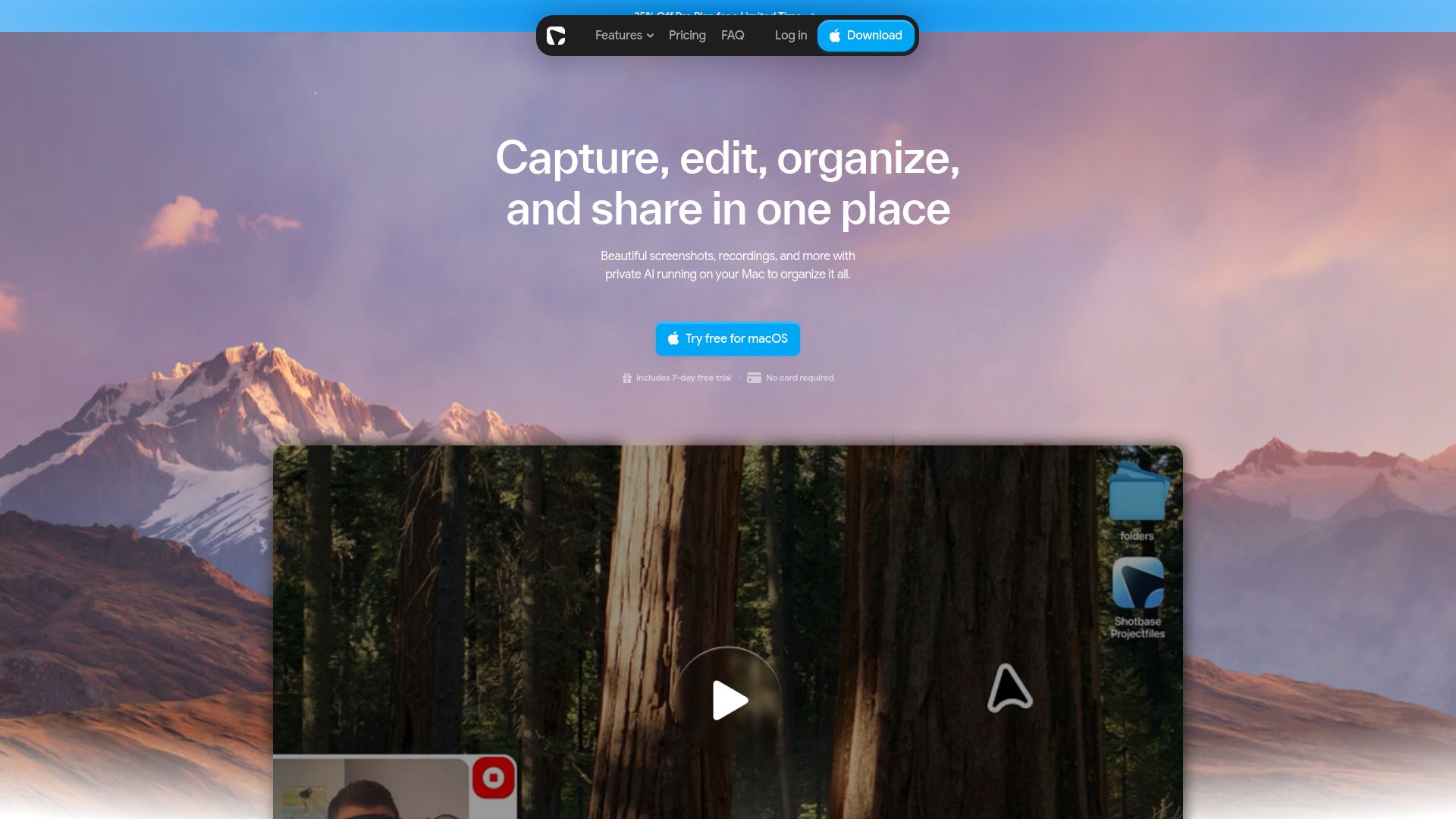
Shotbase is a powerful tool designed for creators and teams to easily capture, organize, and share visual content. It allows users to take screenshots or recordings and upload them for sharing with just a few clicks. The platform enhances the sharing experience by generating clean links for each capture, making it simple to distribute content across various channels.
Key features of Shotbase include:
Smart naming: Automatically assigns useful and recognizable filenames to every capture.
Automatic tagging: Simplifies the organization of captures with tags based on content.
Quick summaries: Provides brief overviews of captures without needing to open them.
Fast search: Enables users to find captures easily through meaningful names and relevant tags.
Local AI: Analyzes visual content privately on your Mac, ensuring that your data remains secure and is not sent to remote servers.
Shotbase Features
Shotbase is designed to enhance the management of visual content by utilizing local AI technology on Macs with Apple silicon. It automatically assigns smart names to every capture, ensuring that each file has a recognizable and useful filename. Additionally, Shotbase employs automatic tagging based on the content of the captures, making it easier for users to locate their files through a fast search feature that relies on meaningful names and relevant tags.
Furthermore, Shotbase provides quick summaries of each capture, allowing users to understand the content without needing to open each file. The local AI functionality ensures that users' image content remains private, as it is analyzed directly on their device without being sent to a remote model. This focus on privacy and efficiency makes Shotbase a powerful tool for anyone looking to streamline their visual content management.
Smart naming for easy recognition of captures
Automatic tagging for improved searchability
Quick summaries for instant understanding of content
Fast search capabilities using meaningful names and tags
Local AI analysis for enhanced privacy
Why Shotbase?
Shotbase offers a range of benefits that enhance the user experience for both solo creators and product teams. With its ability to automatically generate smart names and tags for every capture, users can easily organize and locate their content. The local AI feature ensures that visual content is analyzed privately on the user's device, maintaining data security and privacy.
Some key advantages of using Shotbase include:
Automatic tagging for easier content retrieval.
Quick summaries that allow users to understand captures without opening them.
Fast search capabilities through meaningful names and relevant tags.
Local AI processing, ensuring that user data remains private and secure.
How to Use Shotbase
To get started with Shotbase, follow these simple steps to share your screenshots and recordings effectively. First, choose what you want to share by right-clicking on any screenshot or recording in Base and uploading it for sharing. Next, open the share page where Shotbase will create a link and display your capture in the browser. Finally, copy the link and send it wherever it belongs, such as in a conversation or an email.
Shotbase offers a variety of features that enhance your sharing experience:
Capture any area, window, or full screen on your Mac.
Support for scrolling screenshots and screen recordings.
Full-page or viewport-based webpage captures across custom breakpoints.
Compatibility with both light and dark mode.
Ready to see what Shotbase can do for you?and experience the benefits firsthand.
Key Features
How to Use
Visit the Website
Navigate to the tool's official website.
Pros & Cons
What's good
What's not good
Pricing
- Full Pro access
- 7-day free trial
- No payment required to get started
- Instant capture
- Text extraction
- Full Pro access
- 7-day free trial
- No payment required to get started
- Instant capture
- Text extraction
- Full Pro access at the lowest monthly price
- 7-day free trial
- No card required
- Instant capture
- Text extraction
- Full Pro access at the lowest monthly price
- 7-day free trial
- No card required
- Instant capture
- Text extraction