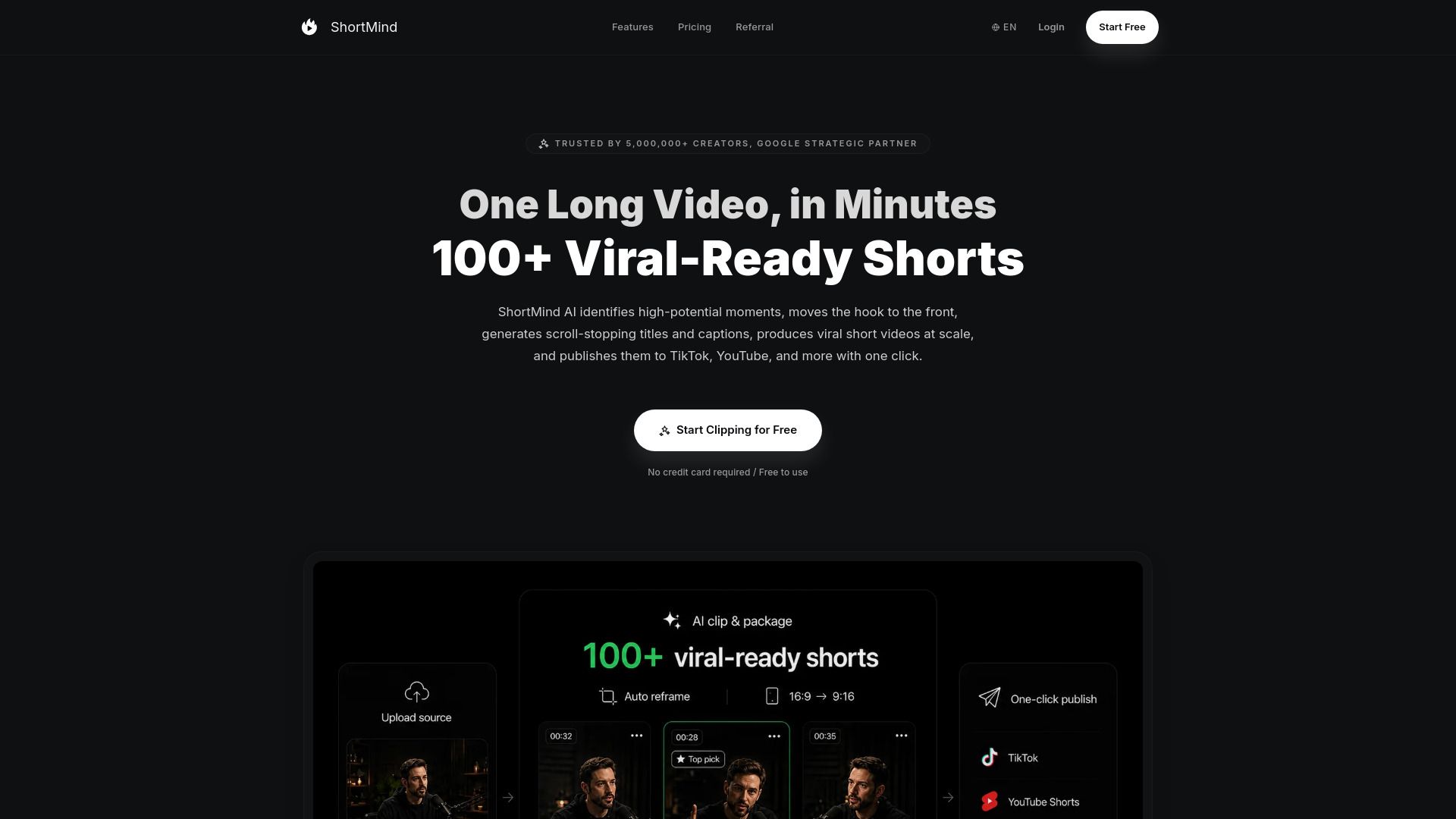
About ShortMind
{"What is ShortMind?":"Turn long videos into viral short clips at scale.","How to use ShortMind?":"1. Visit the ShortMind website and create an account.\n\n2. Upload a long-form video from your device or import a video from a supported platform such as YouTube or Bilibili.\n\n3. Submit the video and allow the AI to analyze its dialogue, visuals, speakers, audio, and emotional moments.\n\n4. Review the suggested clips and use the virality scores to identify the most promising moments.\n\n5. Edit the automatically generated titles, descriptions, hashtags, and captions. You can also trim the clip, adjust the framing, change the aspect ratio, and customize the caption style.\n\n6. Optimize the video for formats such as 9:16, 1:1, or 4:5, depending on the target social platform.\n\n7. Export the finished clips or publish them to platforms such as TikTok, YouTube Shorts, Instagram Reels, Facebook, LinkedIn, and X.","Does ShortMind offer a free plan?":"Yes. The free plan includes 30 credits per month and supports videos up to 30 minutes, with no credit card required.","What are ShortMind credits?":"Credits are used to measure AI video processing usage. Under the current pricing model, one minute of video processing or generation uses one credit.","Can I purchase additional credits?":"Yes. Basic, Pro, and Enterprise users can purchase additional credit packs at any time.","How can I import videos into ShortMind?":"You can upload a local video or import content by pasting a YouTube or Bilibili video link.","What payment methods does ShortMind support?":"ShortMind supports major Visa and Mastercard debit and credit cards, as well as PayPal and Alipay.","Can I cancel my ShortMind subscription?":"Yes. Paid subscriptions can be canceled, while the applicable renewal and cancellation terms are shown during purchase."}
How to Use
Visit the Website
Navigate to the tool's official website.