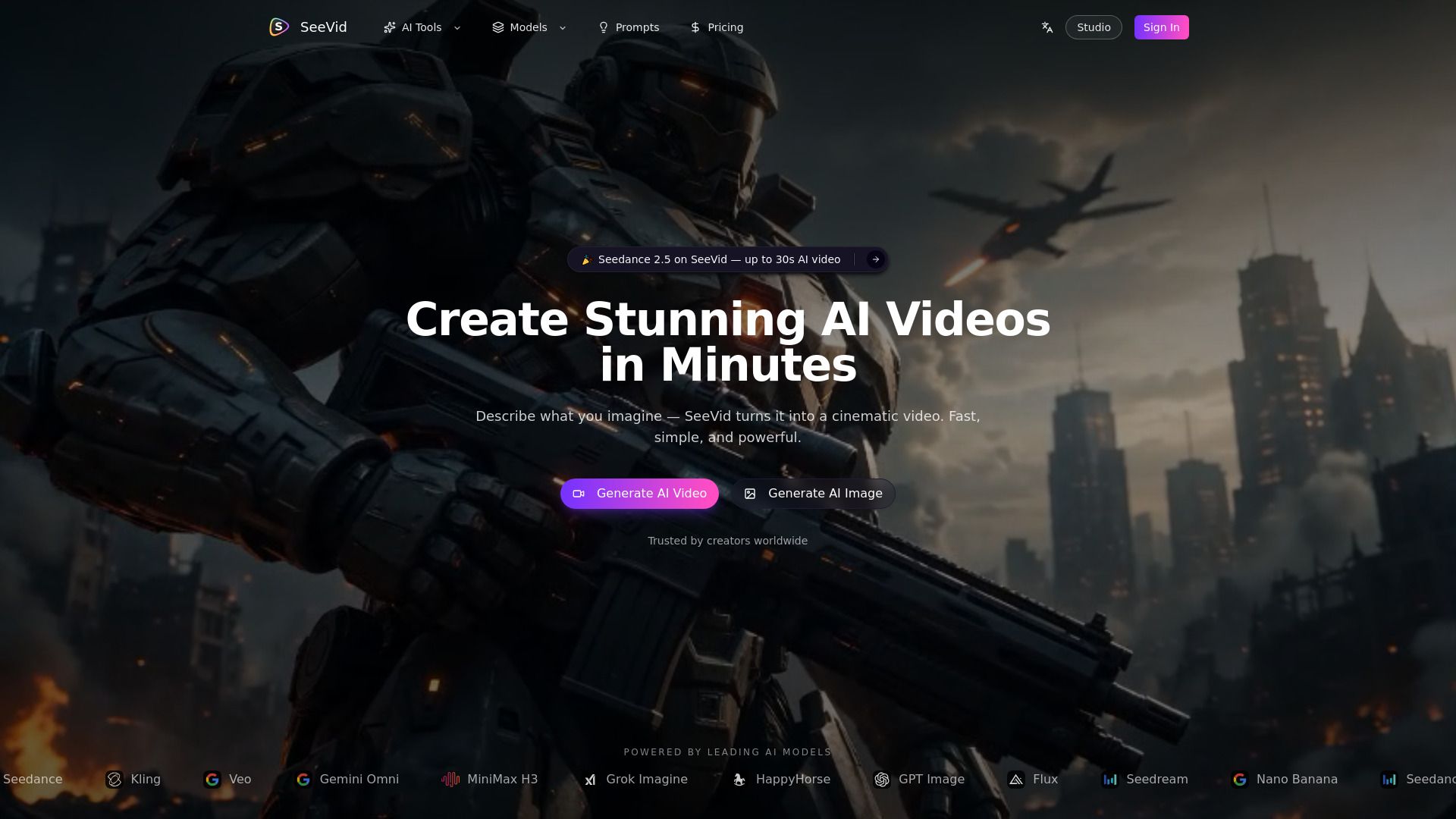
About SeeVid
What is SeeVid?
SeeVid is an AI video editing platform that allows users to upload short clips ranging from 4 to 30 seconds in MP4 or MOV format. The platform is powered by Seedance 2.5, enabling users to describe their desired edits in plain language, making the editing process intuitive and accessible. Users can also enhance their videos by adding reference images, videos, or audio to support their editing requests.
Key features of SeeVid include:
Prompt-Based Editing:
Users can clearly state their edit intent, such as "Edit the video: remove passers-by in @video1."
Multimodal References:
With Seedance 2.5, users can incorporate optional reference materials to guide their edits.
Publishable Short Clips with Audio:
The platform allows for the creation of 3-15 second MP4 clips at 720p or 1080p with native audio, ideal for social media and marketing purposes.
SeeVid Features
SeeVid offers a range of powerful features through its Veo 3.1 capabilities, enabling users to create engaging video content with ease. One of the standout functionalities is the optional native audio, which allows users to generate dialogue and ambient sound tailored to their clips. This feature enhances audiovisual storytelling by enabling users to specify language, tone, and sound design in their prompts.
Additionally, SeeVid supports the creation of short clips with durations of 4, 6, or 8 seconds, making it ideal for focused shots and product highlights. The platform also provides improved image-to-video quality, allowing users to animate still images with natural motion and continuity. Other notable capabilities include real-world physics for enhanced realism in visuals and stronger adherence to complex prompts, ensuring that camera angles, lighting, and scene composition are accurately represented.
Optional native audio for dialogue and ambient sound
Support for 4, 6, or 8 second video clips
Improved image-to-video quality with natural motion
Realistic physics and object interactions
Stronger adherence to complex instructions
Why SeeVid?
SeeVid is designed for creators who prioritize results over complexity. It allows users to focus on their creative process without the distractions of complicated setups or technical requirements. Whether you're a beginner or a seasoned content producer, SeeVid streamlines the video creation process, enabling you to generate high-quality AI videos quickly and efficiently.
Some of the key benefits of using SeeVid include:
Access to the world's leading AI video and image generation models in one platform, ensuring you always have the right tool for your project.
No setup or learning curve required; simply describe your idea or upload an image to start creating.
Improved adherence to complex prompts, allowing for precise control over camera angles, lighting, and scene composition.
Enhanced image-to-video quality with natural motion and continuity, guided by reference images.
Realistic physics and interactions, making it suitable for cinematic drafts and product-style clips.
How to Use SeeVid
Getting started with SeeVid is simple and intuitive, allowing you to create stunning AI videos and images in just a few clicks. To begin, open the AI video or image generator and select your desired creation mode from the available options: text-to-video, image-to-video, reference-to-video, text-to-image, or image-to-image. Each mode is designed to cater to different creative needs, ensuring that you can easily find the right tool for your project.
Once you've chosen your creation mode, you can describe your scene or upload an image, and SeeVid will generate professional-quality content for you. There’s no need for technical skills or extensive setup; the platform is designed to be user-friendly, allowing you to focus on your creativity rather than the complexities of the technology.
Access to multiple leading AI models in one place.
Quick and easy content creation with no technical know-how required.
Professional-quality results delivered in minutes.
Ready to see what SeeVid can do for you?and experience the benefits firsthand.
How to Use
Visit the Website
Navigate to the tool's official website.
Pros & Cons
What's good
What's not good
Pricing
- 9600 credits / year (~800 / month)
- Text-to-video generation
- Image-to-video generation
- Text-to-image generation
- Image-to-image generation
- 21600 credits / year (~1800 / month)
- Access to all available AI models on the platform
- No watermark
- Priority generation queue
- Email support
- 45600 credits / year (~3800 / month)
- All available AI models including latest releases
- No watermark
- Fastest generation priority
- Priority support
- 144000 credits / year (~12000 / month)
- All available AI models including latest releases
- No watermark
- Dedicated high-priority queue
- Priority support & early model access