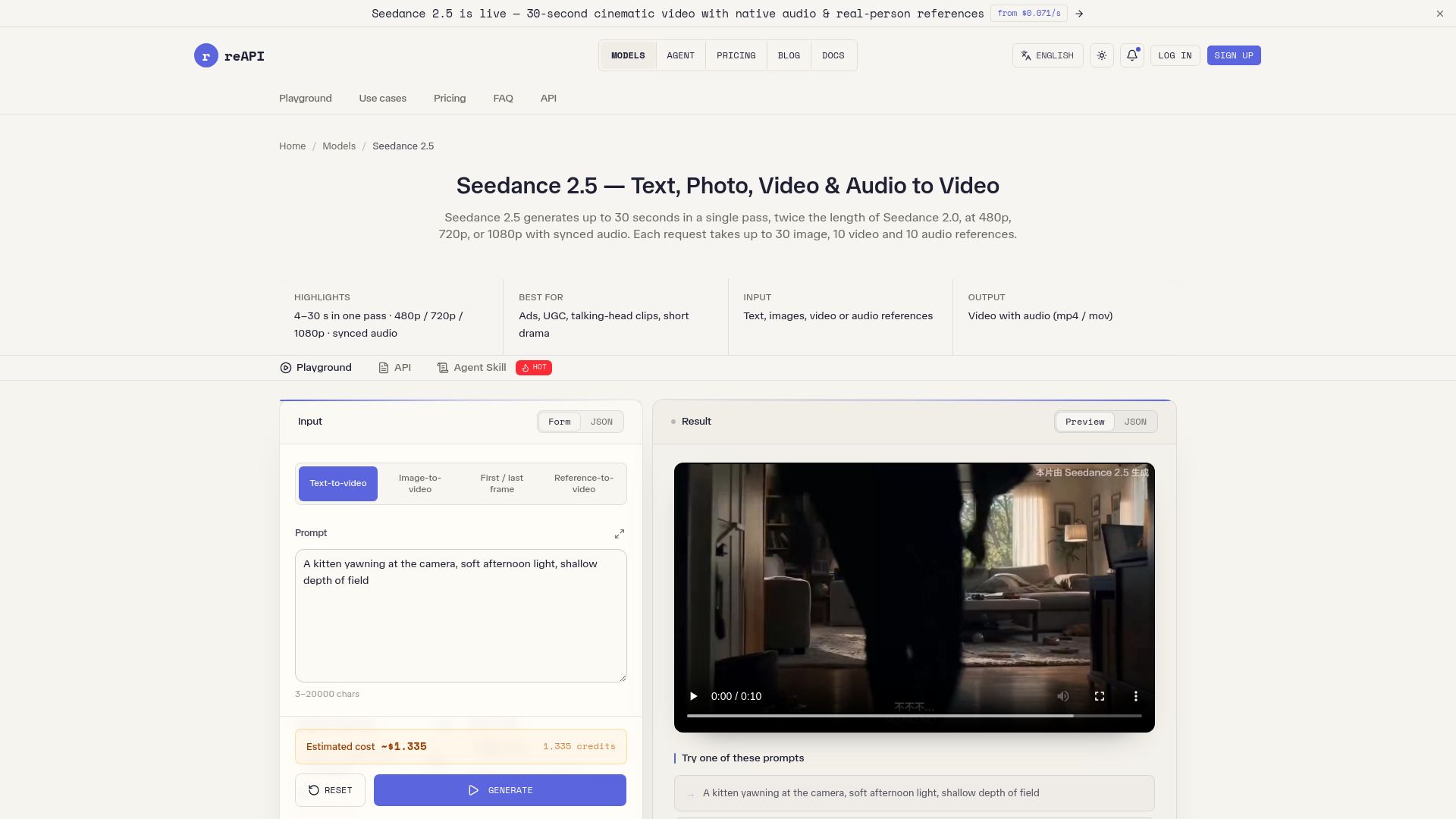
About Seedance 2.5 — Text, Photo, Video & Audio to Video
What is Seedance 2.5 — Text, Photo, Video & Audio to Video?
Seedance 2.5 is an advanced video generation model that allows users to create videos from various media types, including text, images, and audio. It supports the transformation of still images into animated video clips, where the first image serves as the initial frame and the accompanying prompt dictates the motion throughout the video. Users can submit up to 30 reference images per request, enhancing the creative possibilities.
In addition to video generation, Seedance 2.5 can synthesize audio tracks that play alongside the video. Users have the option to include up to 10 reference audio tracks, providing a rich multimedia experience. The model can generate videos ranging from 4 to 30 seconds in length, with the flexibility to chain clips together for longer outputs without losing continuity.
Transforms text, images, and audio into engaging videos.
Supports up to 30 reference images and 10 audio tracks per request.
Generates videos of varying lengths, from 4 to 30 seconds.
Allows chaining of clips for extended video content.
Seedance 2.5 — Text, Photo, Video & Audio to Video Features
Seedance 2.5 is a versatile video generation tool that allows users to create videos from various media types, including text, images, and audio. It supports the transformation of still images into dynamic video content, where the first image serves as the initial frame and the accompanying prompt dictates the motion throughout the video. Users can submit up to 30 reference images per request, enhancing the creative possibilities.
In addition to visual content, Seedance 2.5 can also generate audio tracks to accompany the videos. By setting the generate_audio parameter to true, users can synthesize an audio track that plays alongside the video. Furthermore, it allows the inclusion of up to 10 reference audio tracks, providing a rich multimedia experience. The videos generated can range from 4 to 30 seconds in length, with options for longer outputs by chaining clips together.
Transforms text, images, and audio into engaging videos.
Supports up to 30 reference images and 10 audio tracks per request.
Generates videos ranging from 4 to 30 seconds, with options for longer durations.
Automatically synthesizes audio tracks to accompany video content.
Why Seedance 2.5 — Text, Photo, Video & Audio to Video?
Seedance 2.5 offers a powerful solution for transforming text, photos, videos, and audio into engaging video content. This innovative tool allows users to create videos that are not only visually appealing but also rich in multimedia elements, enhancing the storytelling experience. By leveraging advanced AI technology, Seedance 2.5 simplifies the video creation process, making it accessible for both professionals and casual users alike.
The value proposition of Seedance 2.5 lies in its versatility and efficiency. Users can benefit from:
Seamless integration of multiple media types, including text, images, and audio.
Automated moderation to ensure high-quality output and a clear refund process for rejected content.
Flexible video length options, generating clips from 4 to 30 seconds based on user preferences.
Support for up to 30 reference images and 10 audio tracks, allowing for rich multimedia storytelling.
How to Use Seedance 2.5 — Text, Photo, Video & Audio to Video
To get started with Seedance 2.5, you can utilize its powerful features for generating videos from text, images, and audio. Begin by selecting your input materials, which can include up to 30 reference images and 10 audio tracks. The first image you provide will serve as the initial frame of your video, while the accompanying prompt will guide the motion throughout the clip.
For those new to Seedance 2.5, here are some key steps to follow:
Set the
generate_audio
parameter to true if you want the model to synthesize an audio track for your video.
Specify the duration of your video; you can choose between 4 to 30 seconds or let the model determine the best length by setting the duration to -1.
To create longer videos, use the
return_last_frame
option and chain clips together by feeding the URL of the last frame into the next request.
Ready to see what Seedance 2.5 — Text, Photo, Video & Audio to Video can do for you?and experience the benefits firsthand.
Key Features
How to Use
Visit the Website
Navigate to the tool's official website.
Pros & Cons
What's good
What's not good
Pricing
- Basic features
- Limited usage
- Community support
- Try out the platform
- Enough for a few hundred image generations
- Up to 3 projects
- 1 GB storage
- Basic analytics
- Community support
- Unlimited projects
- 10 GB storage
- Advanced analytics
- Priority support
- Custom domains
- All Pro features
- 100 GB storage
- Dedicated support
- Enterprise-grade security
- Advanced integrations
- No subscription
- No minimums
- Credits never expire
- Pay only for the calls you make
- Failed generations are refunded