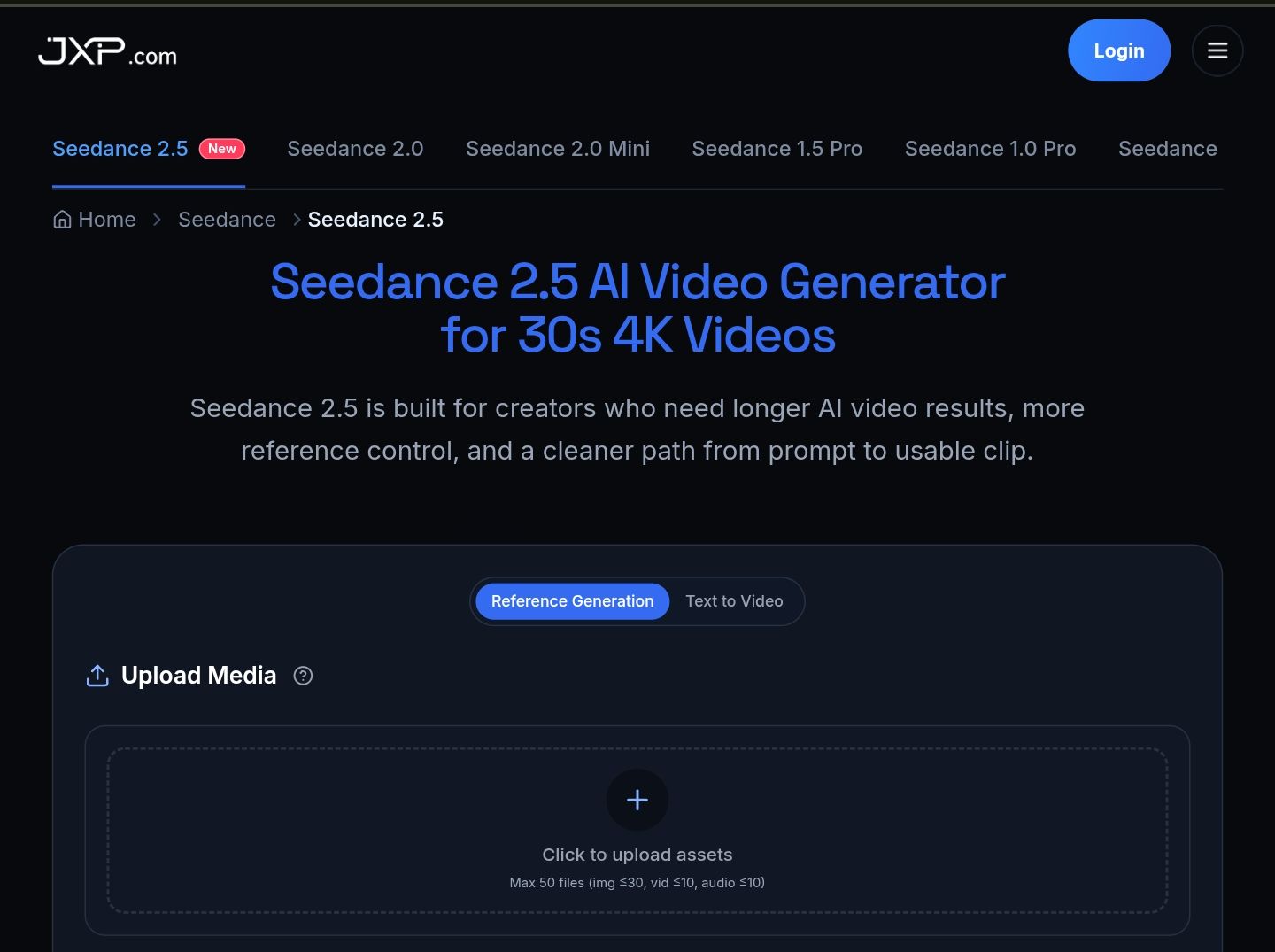
About Seedance 2.5 - 6
What is Seedance 2.5 - 6?
Seedance 2.5 is an advanced AI video generation tool designed for creators and teams seeking to produce longer, more refined video drafts. It offers a native 30-second single-pass clip generation, eliminating the need for stitching, and supports up to 50 multimodal references, including images, video, audio, and 3D blockouts, all in one generation. This allows for a more comprehensive and detailed output, making it ideal for projects that require a clear sequence and multiple inputs.
One of the standout features of Seedance 2.5 is its local editing capability, which enables users to refine specific details in the clip without the need to re-render the entire scene. New users can take advantage of a free trial on JXP, allowing them to explore the tool's capabilities without any upfront costs. For those looking to unlock the full potential of the platform, an upgrade is available to access higher-resolution outputs.
30-second native single-pass clips
Support for up to 50 multimodal references
Local editing for precise adjustments
Free trial available for new users
Upgrade options for higher-resolution outputs
Seedance 2.5 - 6 Features
Seedance 2.5 introduces several enhancements over its predecessor, Seedance 2.0, including a longer native clip duration of 30 seconds, the ability to handle up to 50 multimodal references, and improved local editing capabilities. This version is designed for more extensive and editable production workflows, making it a powerful tool for creators.
Key features of Seedance 2.5 include:
Native 30-second single-pass clips with no stitching required.
Support for up to 50 combined inputs, including images, video, audio, and 3D blockouts.
Local editing functionality that allows users to refine specific details without re-rendering the entire scene.
Free trial access for new users on JXP, with an option to upgrade for full features.
Output resolutions of 480p, 720p, and 1080p, with various aspect ratios available.
Why Seedance 2.5 - 6?
Seedance 2.5 offers significant advantages for video creators, marketers, and agencies by providing a more robust platform for generating longer, more coherent video drafts. With its support for 30-second generation, users can develop a complete narrative arc within a single clip, allowing for a more engaging storytelling experience. This extended duration is particularly beneficial for creators who need to convey a full message without relying on fragmented clips.
Additionally, Seedance 2.5 enhances the video creation process by accepting up to 50 reference materials, which helps in accurately capturing the desired look and feel of the project. This feature is invaluable for marketers and agencies, as it ensures that product videos remain on brief by incorporating essential elements such as logos, color palettes, and style examples. The iterative workflow supported by Seedance 2.5 allows users to generate, inspect, and refine their videos, leading to a cleaner and more polished final product.
Supports 30-second video generation for comprehensive storytelling.
Allows up to 50 reference materials for precise creative direction.
Facilitates an iterative editing process for improved video quality.
Ideal for creators, marketers, and agencies needing longer drafts before final production.
How to Use Seedance 2.5 - 6
To get started with Seedance 2.5, follow these simple steps to create your AI-generated video. First, define the subject, setting, camera movement, mood, and action for your clip. For longer clips, such as a 30-second video, ensure you have a clear sequence in mind to guide the generation process.
Next, upload your reference materials, including images, video samples, character references, or brand assets. Seedance 2.5 supports up to 50 reference materials, which helps streamline the workflow and reduces guesswork in the creation process.
Finally, generate your clip and review it for consistency in motion, framing, color, and sound. Use local editing to refine specific details without needing to re-render the entire scene. Make sure to check the final aspect ratio and delivery settings before exporting your video.
Ready to see what Seedance 2.5 - 6 can do for you?and experience the benefits firsthand.
Key Features
How to Use
Visit the Website
Navigate to the tool's official website.
Pros & Cons
What's good
What's not good
Pricing
- HD video quality (1080p)
- AI Image Generator & Video Generator
- Commercial use license
- Priority download speed
- Priority customer support
- 100 credits one time purchase
- AI Image Generator & Video Generator
- HD video quality (1080p)
- Commercial use license
- Download enabled
- 330 credits one time purchase
- AI Image Generator & Video Generator
- HD video quality (1080p)
- Commercial use license
- Download enabled
- 120 credits monthly
- AI Image Generator & Video Generator
- HD video quality (1080p)
- Commercial use license
- Email support
- 396 credits monthly
- AI Image Generator & Video Generator
- HD video quality (1080p)
- Commercial use license
- Priority download speed