About Seed - Youtube to Obsidian
What is Seed - Youtube to Obsidian?
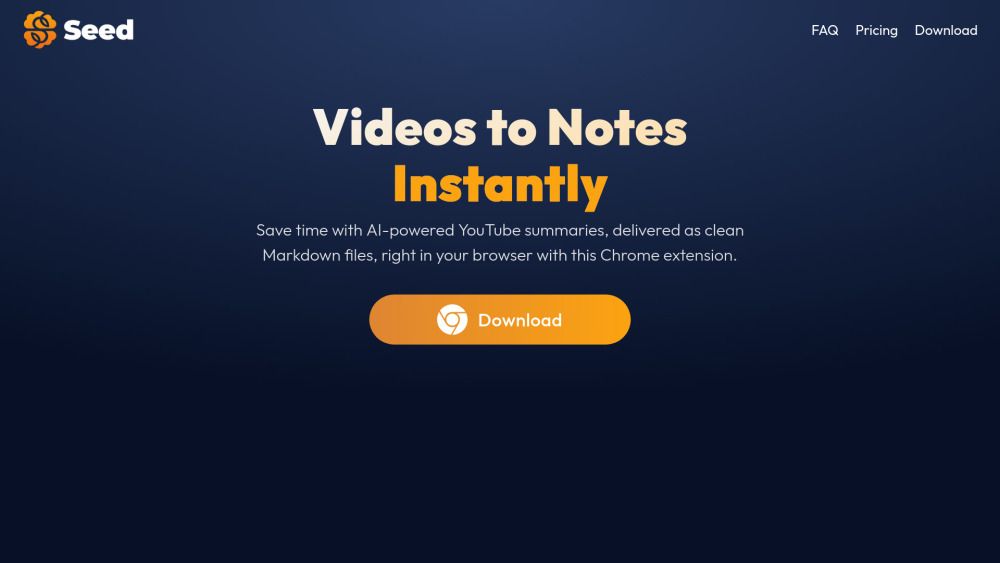
Seed is a Chrome extension designed to streamline the process of summarizing YouTube videos and saving those summaries in Markdown format, making it compatible with note-taking tools like Obsidian. Users can easily generate concise and structured summaries by simply clicking the Seed icon while watching a video, allowing for efficient information capture and organization.
Key features of Seed include:
Ability to summarize YouTube videos quickly.
Support for multiple languages, enhancing accessibility.
Customization options for summary format and length.
Free plan offering 10 summaries per month, with an option to upgrade for unlimited access.
Secure processing of data without storing personal information on servers.
Seed - Youtube to Obsidian Features
Seed is a Chrome extension designed to streamline the process of summarizing YouTube videos and saving those summaries in Markdown format, making it compatible with note-taking tools like Obsidian. Users can easily generate concise and structured summaries by simply clicking the Seed icon while watching a video. The extension requires videos to have captions or subtitles to function effectively, ensuring that users receive accurate summaries.
Key features of Seed include:
Ability to summarize YouTube videos quickly and save in Markdown format.
Customization options for summary format, including bullet points or paragraphs.
Choice of summary length and inclusion of custom prompts for personalized results.
Support for over 30 languages, enhancing accessibility for a diverse user base.
Secure processing of data without storing personal information on servers.
Why Seed - Youtube to Obsidian?
Seed is a powerful Chrome extension designed to enhance your productivity by summarizing YouTube videos quickly and efficiently. By converting video content into concise Markdown summaries, Seed allows users to save valuable time while ensuring they capture essential information from their favorite videos. This functionality is particularly beneficial for students, researchers, and professionals who need to digest large amounts of information rapidly.
Some of the key advantages of using Seed include:
Instant video summaries that save time and improve learning efficiency.
Seamless integration with Obsidian and other note-taking tools, allowing for easy organization of notes.
Customization options for summary formats, including bullet points and paragraph styles.
Support for over 30 languages, making it accessible to a global audience.
Secure processing of data, ensuring user privacy and data protection.
How to Use Seed - Youtube to Obsidian
To get started with Seed, first install the Chrome extension from the Chrome Web Store. Once installed, navigate to any YouTube video that has captions or subtitles. Click on the Seed icon in your browser, and the extension will generate a concise and structured summary of the video for you.
Seed offers several features to enhance your summarization experience:
Choose between bullet points and paragraph summaries.
Select the length of the summary to fit your needs.
Include custom prompts to personalize your results.
Save summaries directly to your computer in Markdown format for use in apps like Obsidian.
Available in over 30 languages.
Ready to see what Seed - Youtube to Obsidian can do for you?and experience the benefits firsthand.
Key Features
How to Use
Visit the Website
Navigate to the tool's official website.
Pros & Cons
What's good
What's not good
Pricing
- 10 free summaries per month
- Summarize YouTube videos in the background
- Export summaries in .md
- Access summaries in up to 30 languages
- Summary Customization
- Everything in Free, plus
- Unlimited summaries
- Early access to premium features (articles summaries, Notion integration...)
- Priority support
- Everything in Free, plus
- Unlimited summaries
- Early access to premium features (articles summaries, Notion integration...)
- Priority support