About Rutta
What is Rutta?
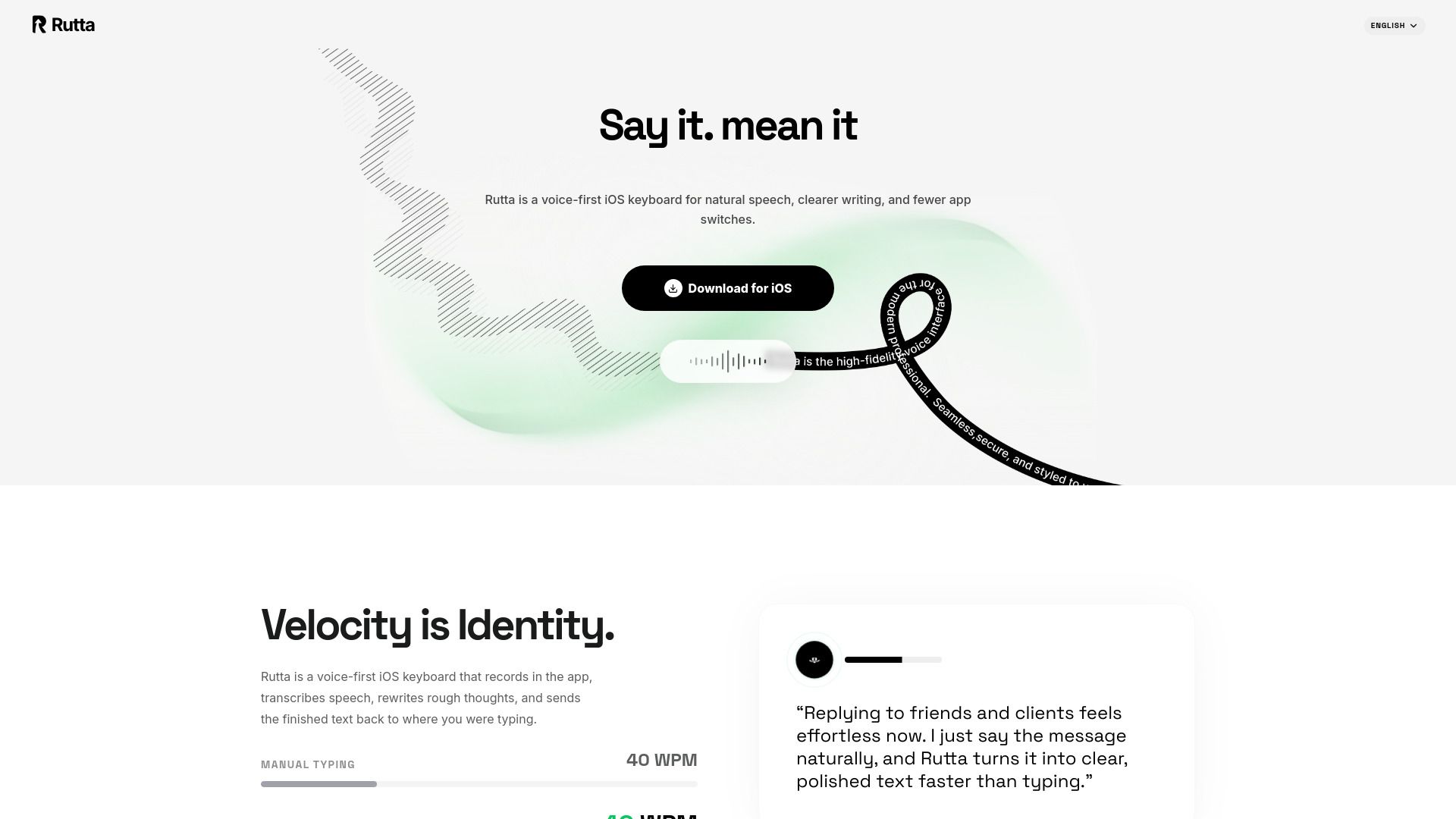
Rutta is an AI voice input app that transforms natural speech into clear, ready-to-use text across your devices and everyday applications. It is designed for users who prefer a focused cross-app writing product, allowing them to speak their thoughts and receive structured text without extensive setup.
With Rutta, users can enjoy several benefits, including:
Efficiently capturing and organizing ideas into readable structures.
Preserving the speaker's intent, tone, and personal expression.
Seamless integration across multiple devices, including Mac, iPhone, iPad, and Android.
Rutta Features
Rutta is an AI voice input app that turns natural speech into clear, ready-to-use text across your devices and everyday apps. It enhances the transcription process by not only converting speech to text but also improving the quality of the output.
Rutta goes beyond transcription by removing filler words and repetition, recognizing self-corrections, formatting ideas, and refining phrasing while preserving your intent. This functionality allows users to create polished text effortlessly.
Transforms natural speech into text across devices
Removes filler words and repetition
Recognizes self-corrections
Formats ideas and refines phrasing
Preserves user intent in the final output
Why Rutta?
Rutta is designed to transform natural speech into clear, structured text, making it an ideal tool for users who prefer a straightforward writing process. By focusing on the user's spoken words, Rutta cleans up filler, repetition, and self-correction, ensuring that the final output preserves the speaker's intent, tone, and personal expression. This approach allows users to capture their thoughts without the need for extensive setup or workflow design.
Some of the key benefits of using Rutta include:
Less setup time, enabling users to start talking and receive useful results immediately.
Organizes longer ideas into a readable structure, enhancing clarity and coherence.
Works seamlessly across multiple devices, including Mac, iPhone, iPad, and Android.
Offers a strong default opinion on transforming natural speech into text that can be sent or refined right away.
How to Use Rutta
To get started with Rutta, begin by launching the application on your Mac. Once Rutta is open, you can easily speak your rough thoughts, and the app will transcribe your speech in real-time. This feature allows you to focus on your ideas without worrying about typing them out manually.
After your thoughts are transcribed, Rutta provides an AI-powered rewrite of your content. You can review this polished text and send it to your desired writing context, making it a seamless addition to your workflow.
Real-time transcription of spoken thoughts.
AI-assisted rewriting for improved clarity and coherence.
Easy integration into your existing writing processes.
Ready to see what Rutta can do for you?and experience the benefits firsthand.
How to Use
Visit the Website
Navigate to the tool's official website.
Pros & Cons
What's good
What's not good
Pricing
- Full voice-to-text workflow
- Streaming transcription
- AI rewrite preview
- Everything in Free Trial
- Higher usage limits
- Priority launch access
- Team billing
- Admin controls roadmap
- Shared rollout support
- Full access to features
- Cloud processing
- Privacy controls
- Full access to features
- Cloud processing
- Privacy controls