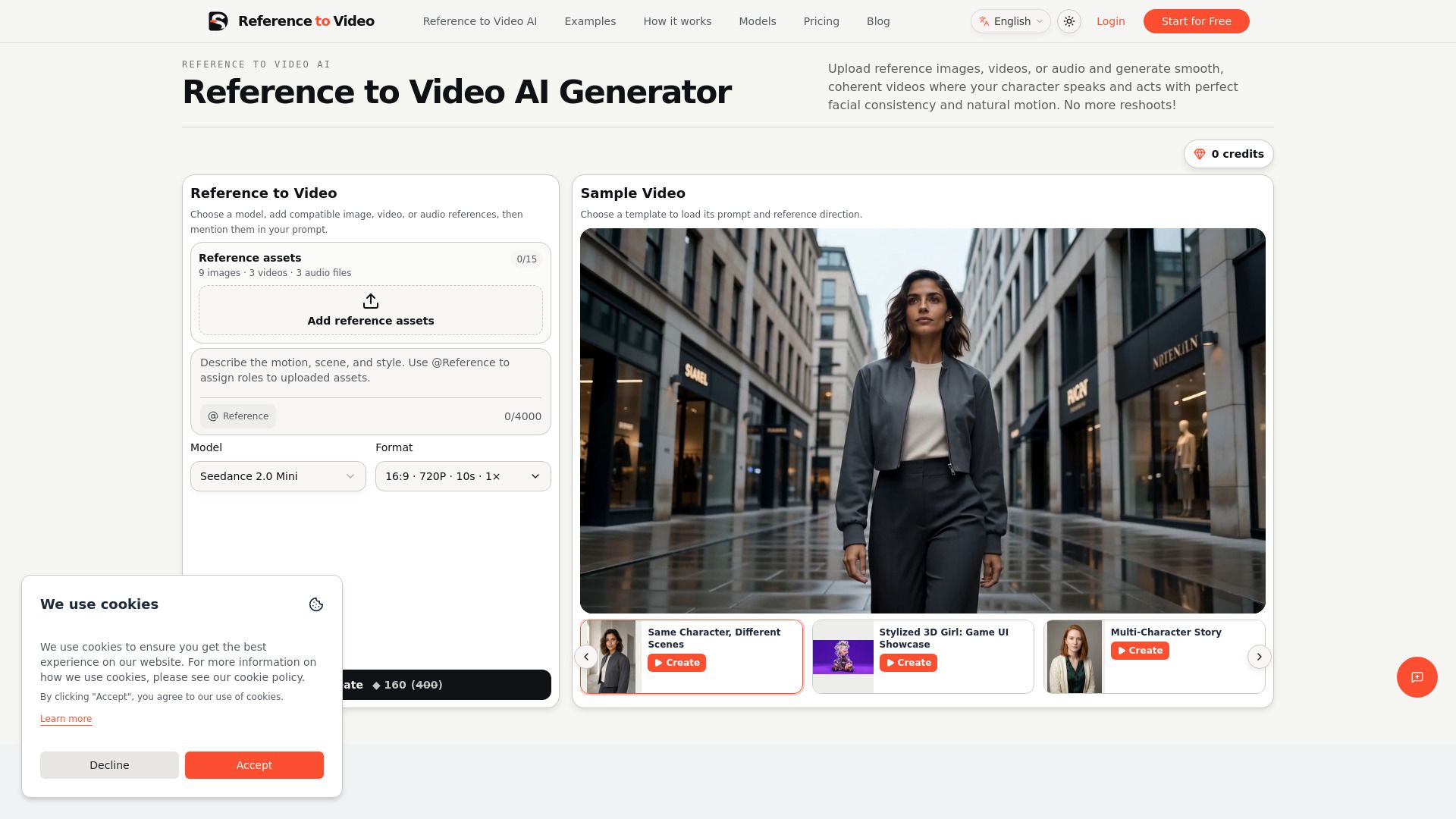
About reference to video
What is reference to video?
Reference to video is an AI generation workflow that uses one or more source assets as creative evidence. Instead of asking a text prompt to remember a face, product, outfit, movement, camera style, and sound at once, reference to video lets each source define a specific part of the new shot.
A strong reference to video result does not reproduce a source frame for frame. It preserves the details that create continuity while allowing the setting, action, framing, and story beat to change. This makes reference to video useful for episodic creators, AI influencers, product campaigns, anime characters, fashion sequences, music videos, and branded worlds.
Preview results for continuity
Refine or download the final output
Maintain control over active references throughout the shot
reference to video Features
The "reference to video" functionality allows users to generate AI videos by utilizing various input assets such as identity or product images, motion videos, and optional audio. This feature ensures that only the most relevant reference materials are used to create clear and informative video outputs.
Key capabilities of the "reference to video" process include:
Analyzing video references for rhythm, shots, motion, lighting, and camera direction.
Mapping subjects and actions using specific tokens for images, videos, and audio.
Previewing the generated video result for continuity and making adjustments as needed.
Why reference to video?
Reference to Video enhances the creative process by integrating references into the workflow, allowing creators to maintain continuity across multiple shots. This approach addresses the common challenges faced when using generic image-to-video tools, which often treat each generation as a standalone project. By ensuring that characters, products, and visual styles remain consistent, creators can produce cohesive narratives that resonate with their audience.
The benefits of using Reference to Video include:
Improved continuity across scenes, ensuring characters and products remain recognizable.
Streamlined workflow that allows for better control over the creative process.
Ability to combine various media types (images, video, audio) for a richer storytelling experience.
How to Use reference to video
To effectively use the "Getting Started" tutorial guide for the Reference to Video application, begin by uploading your reference materials. This includes identity or product images, a motion video, and optional audio. Ensure that the assets you choose contribute clear information to enhance the video generation process.
Next, analyze or direct your video references. These references provide essential elements such as rhythm, shots, motion, lighting, and camera direction. By keeping the appearance anchored with image references and setting the voice or timing with audio, you can create a more coherent video output.
Upload clean references for identity, products, and styles.
Utilize video references for rhythm and motion guidance.
Map subjects and actions using @Image, @Video, and @Audio tokens.
Preview the generated result for continuity before finalizing.
Ready to see what reference to video can do for you?and experience the benefits firsthand.
Key Features
How to Use
Visit the Website
Navigate to the tool's official website.
Pros & Cons
What's good
What's not good
Pricing
- 4,000 credits every month
- Monthly credits reset each billing cycle
- Seedance, MiniMax H3, and Omni models
- Image, video, and audio reference workflows
- 13,000 credits every month
- Monthly credits reset each billing cycle
- Seedance, MiniMax H3, and Omni models
- Image, video, and audio reference workflows