
About Photo to Video
What is Photo to Video?
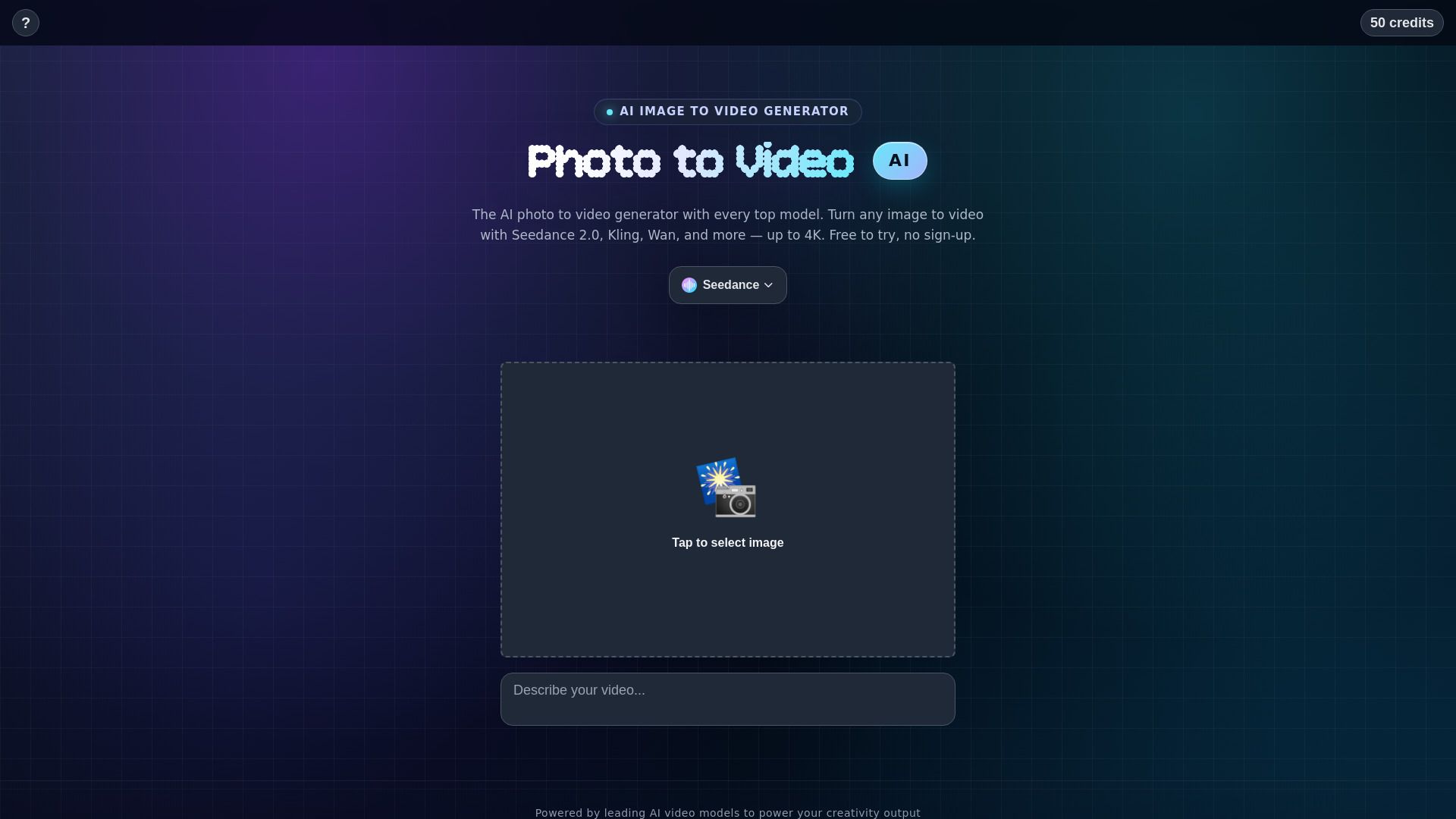
Photo to Video is an innovative tool that transforms still images into dynamic video clips using generative AI technology. This process adds natural motion, camera movement, and cinematic styling to create engaging visual content. Users can easily upload a photo, optionally add a prompt, select a model, and generate a short animated video in seconds, making it accessible for everyone from beginners to seasoned professionals.
The features of Photo to Video include:
Animation of portraits, artwork, and product shots while preserving detail.
Realistic movement of faces, hair, and water in the generated videos.
Ability to direct camera movements such as push-ins and close-ups.
Seamless transitions between multiple shots using reference images.
Customizable settings for lens, depth of field, and pacing.
Photo to Video Features
Photo to Video is a powerful tool that transforms still images into dynamic video clips, utilizing generative AI to introduce natural motion, camera movement, and cinematic styling. Users can easily upload a photo, optionally add a prompt, select a model, and generate a short animated video in seconds. This process is designed to be user-friendly, making it accessible for individuals of all skill levels, from beginners to experienced creatives.
The capabilities of Photo to Video include a variety of features that enhance the animation process. Users can animate portraits, artwork, and product shots while maintaining the integrity of the original image. The tool allows for detailed direction of motion, enabling users to create specific camera movements such as push-ins or close-ups. Additionally, users can upload multiple reference images to ensure consistency in shape, color, and composition throughout the video.
Transforms still photos into animated video clips with natural motion.
Supports various types of images, including portraits, artwork, and product shots.
Allows users to direct camera movements and highlight specific details.
Enables the upload of multiple reference images for seamless transitions.
User-friendly interface suitable for all skill levels.
Why Photo to Video?
Photo to Video AI offers a unique value proposition by transforming still images into dynamic video clips, making it an invaluable tool for creators of all skill levels. This technology utilizes generative AI to add natural motion, camera movement, and cinematic styling to photos, allowing users to bring their visions to life without the need for extensive video editing skills. The process is straightforward: simply upload a photo, add an optional prompt, select a model, and generate a video in seconds.
The benefits of using Photo to Video AI include:
Quick and easy transformation of still images into animated videos.
Natural motion and realistic movement of subjects, enhancing visual storytelling.
No need for subscriptions or complex editing timelines, streamlining the workflow.
Ability to animate portraits, artwork, and product shots while maintaining detail fidelity.
Versatile applications for personal projects, marketing, and creative showcases.
How to Use Photo to Video
Getting started with the Photo to Video AI tool is simple and user-friendly, making it accessible for everyone, from beginners to experienced creatives. To turn a photo into a video, you just need to upload your chosen image, optionally add a prompt to guide the animation, select a model, and generate your video. The process is quick, allowing you to see your still image transformed into a short animated clip with natural motion in just seconds.
Here are some key features that enhance your experience with Photo to Video AI:
Animates a single photo into smooth motion while keeping the subject sharp.
Brings any still photo to life with realistic movements, including faces and water.
Allows for 360-degree spins of subjects for dynamic presentations.
Enables lifelike animations of portraits, making them blink and smile.
Integrates your subject into various settings with matching lighting and perspective.
Ready to see what Photo to Video can do for you?and experience the benefits firsthand.
Key Features
How to Use
Visit the Website
Navigate to the tool's official website.