
About Panorama AI
What is Panorama AI?
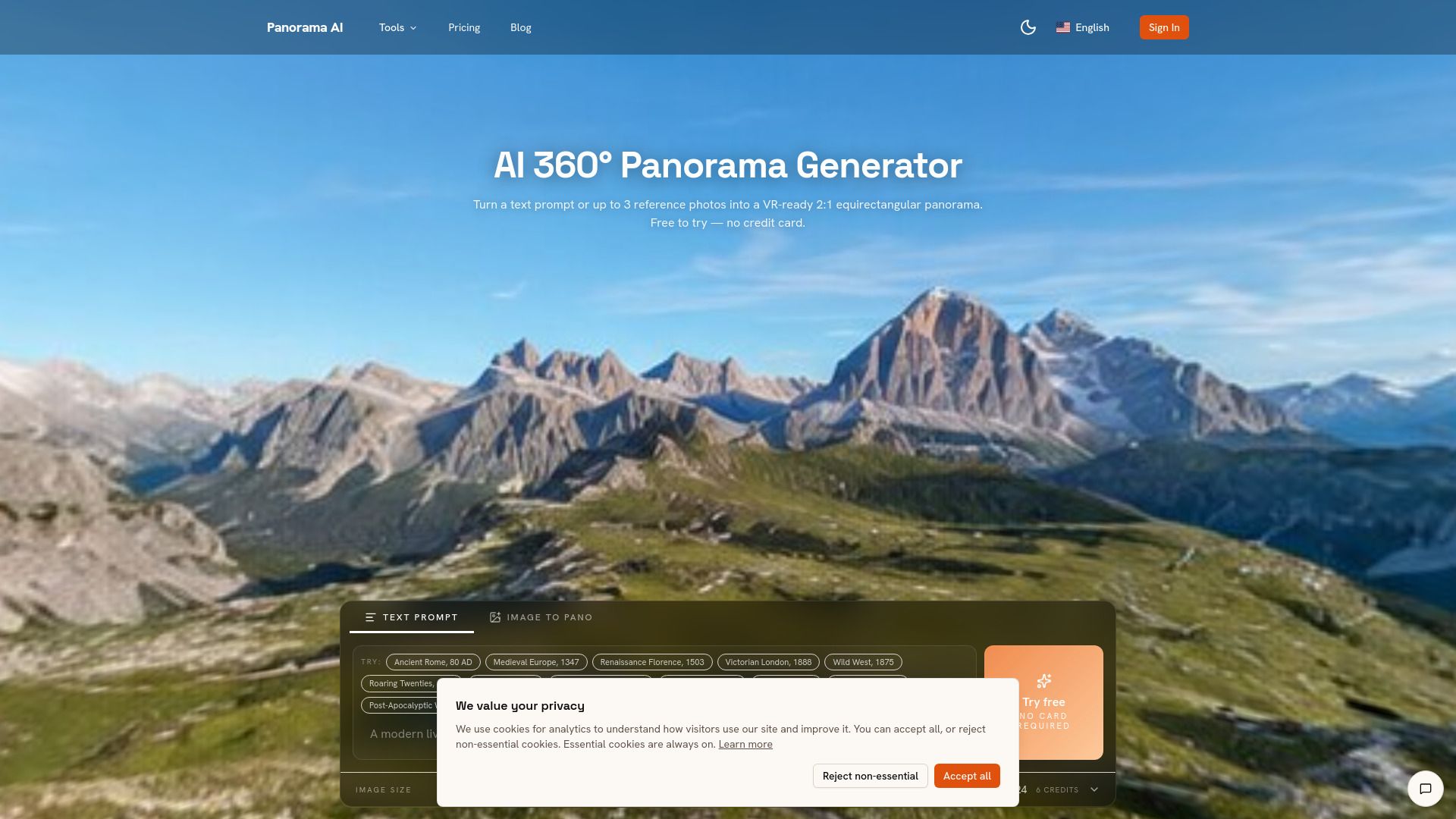
Panorama AI is an innovative software application designed to create, convert, and utilize AI-generated equirectangular panoramas and HDRI environment maps. It offers a range of tools that enable users to generate 360° images from text or existing photos, making it accessible for both casual users and professionals in the multimedia field.
Key features of Panorama AI include:
Text-to-360 panorama generation
Image-to-360 with up to 3 reference photos
2:1 equirectangular output (1K / 2K / 4K)
Built-in Photo Sphere Viewer
Seamless edge wrap-around
Commercial usage license on Pro plans
Panorama AI Features
Panorama AI is a powerful tool designed for generating 360° panoramas using advanced AI technology. It offers a range of features that enable users to create immersive visual experiences from various input formats. The platform supports text-to-360 panorama generation and image-to-360 conversion, allowing users to upload up to three reference photos for enhanced output quality.
Key capabilities of Panorama AI include:
2:1 equirectangular output available in 1K, 2K, and 4K resolutions.
Built-in Photo Sphere Viewer for easy previewing of generated panoramas.
Seamless edge wrap-around to ensure a smooth visual transition in the final output.
Commercial usage license available on Pro plans, making it suitable for professional applications.
Why Panorama AI?
Panorama AI offers a revolutionary approach to generating 360° panoramas, providing users with significant advantages over traditional methods. By leveraging AI technology, users can create stunning panoramas in just a few minutes, eliminating the need for expensive hardware and complex stitching processes. This not only saves time but also reduces costs, making high-quality panorama generation accessible to a wider audience.
Some key benefits of using Panorama AI include:
Fast generation of panoramas with minimal input required.
Cost-effective solution compared to traditional camera setups.
Ability to customize outputs with scene presets and reference images.
Real-time progress tracking during the generation process.
Easy preview and download options for seamless sharing and embedding.
How to Use Panorama AI
To get started with Panorama AI, you can follow a simple workflow that allows you to create stunning equirectangular panoramas from your photos. Begin by uploading 1-3 reference images, preferably wide-angle shots, as they provide the necessary context for the AI to generate a seamless panorama. You can also add an optional prompt to guide the AI in terms of mood or season.
Once your images are uploaded, the AI will process them to produce a consistent panorama. You can then inspect the generated output in the built-in viewer to ensure that the seams and poles are correctly aligned. This intuitive process makes it easy for anyone to create high-quality panoramas without the need for specialized hardware.
Text-to-360 panorama generation
Image-to-360 with up to 3 reference photos
2:1 equirectangular output (1K / 2K / 4K)
Built-in Photo Sphere Viewer
Seamless edge wrap-around
Commercial usage license on Pro plans
Ready to see what Panorama AI can do for you?and experience the benefits firsthand.
Key Features
How to Use
Visit the Website
Navigate to the tool's official website.
Pros & Cons
What's good
What's not good
Pricing
- 3,600 credits per year
- Commercial usage license
- Email support
- 9,600 credits per year
- Priority queue (rolling out in v1.x)
- Commercial usage license
- 18,000 credits per year
- Lowest per-credit cost overall
- Priority queue (rolling out in v1.x)
- Commercial usage license
- 800 credits per month
- Priority queue (rolling out in v1.x)
- Commercial usage license
- 1,500 credits per month
- Lowest per-credit cost on monthly tier
- Priority queue (rolling out in v1.x)
- Commercial usage license