About OpenTypeless
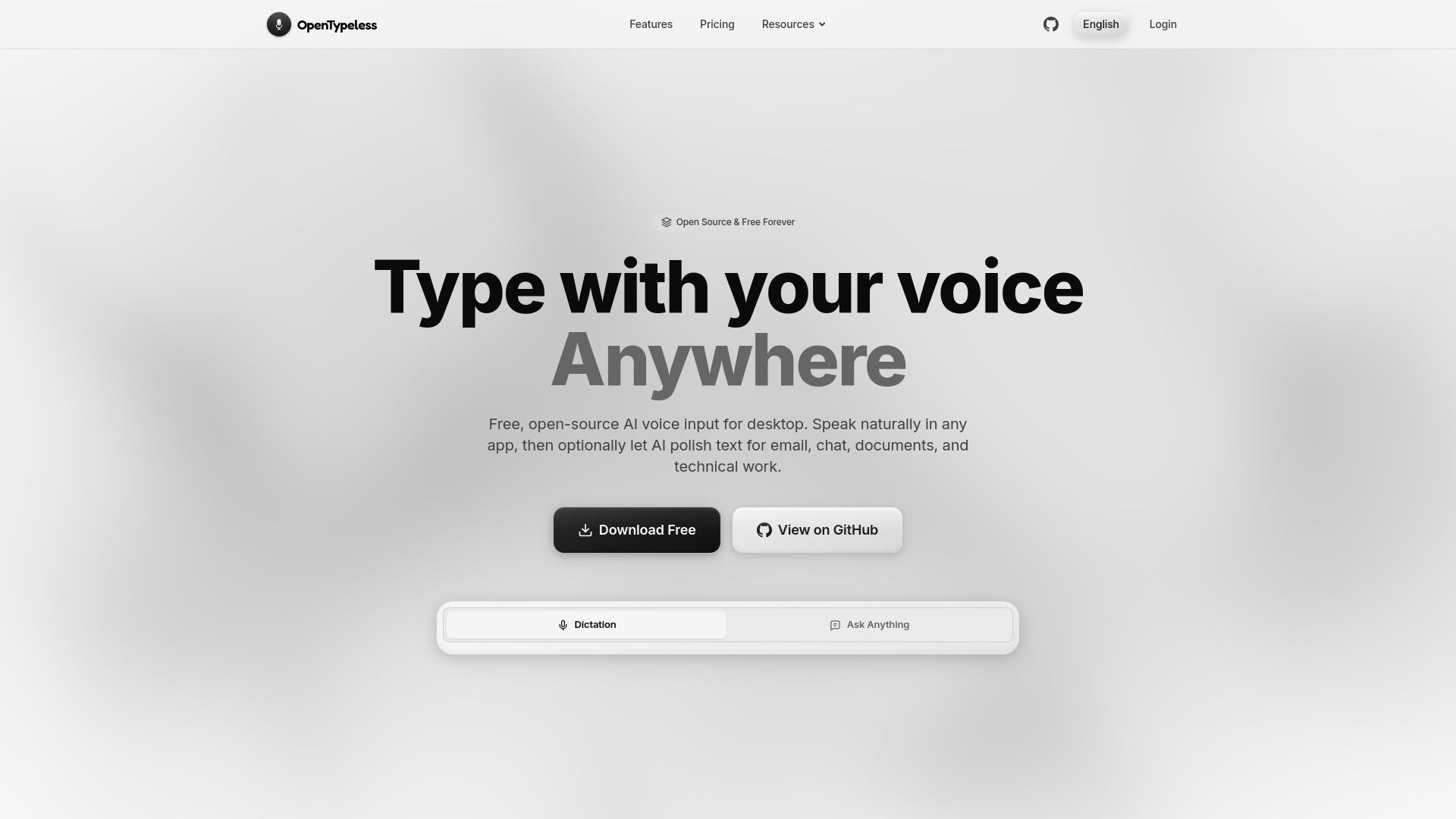
{"What is OpenTypeless?":"OpenTypeless is a free, open-source AI voice typing app for macOS, Windows, and Linux that turns speech into polished text in any desktop app.","How to use OpenTypeless?":"1. Download and install OpenTypeless for macOS, Windows, or Linux.\n2. Choose managed Cloud mode, or configure your own STT and LLM providers in BYOK mode.\n3. Grant the required microphone and accessibility permissions, then set your preferred global shortcuts.\n4. Open any desktop app, press the dictation hotkey, speak, and stop recording to insert the transcript or AI-polished result.\n5. Select existing text and use a rewrite or translation shortcut, or use Ask Anything for a quick voice question.","Is OpenTypeless free?":"Yes. All core features can be used in BYOK mode with your own STT and LLM provider credentials. Optional managed cloud plans are also available.","Which operating systems does OpenTypeless support?":"OpenTypeless supports macOS, Windows, and Linux.","Can OpenTypeless type into any desktop app?":"It uses global shortcuts plus keyboard or clipboard insertion to work across email, chat, documents, code editors, and other desktop apps, subject to operating-system permissions.","Does OpenTypeless support local or self-hosted models?":"Yes. You can connect Whisper-compatible STT endpoints and OpenAI-compatible LLM endpoints, including local or self-hosted services."}
How to Use
Visit the Website
Navigate to the tool's official website.