About ObjectRemover
What is ObjectRemover?
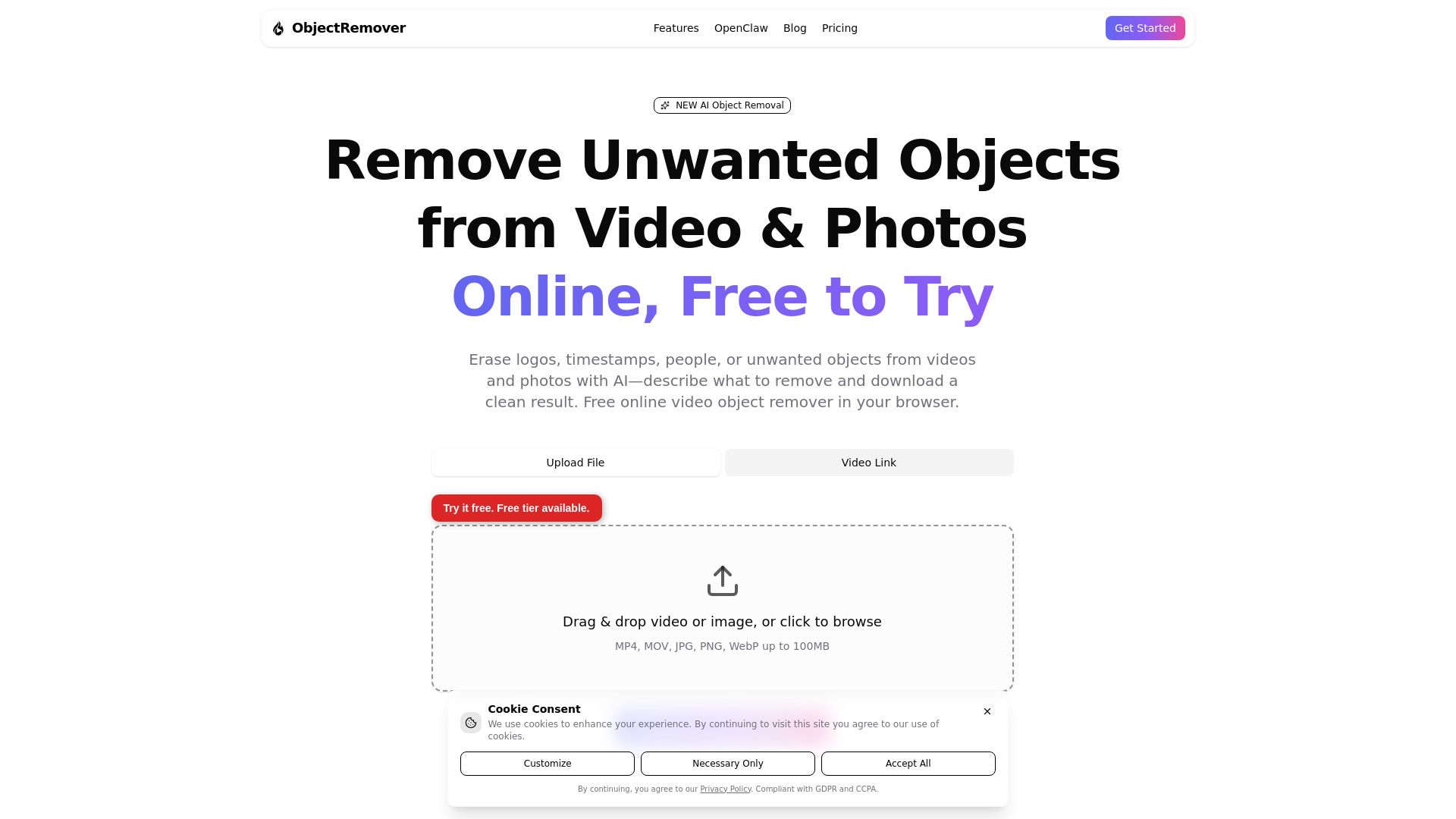
ObjectRemover is a browser-based AI application designed to remove unwanted objects, logos, date stamps, and people from videos and photos. It also allows users to extract subjects with a transparent background. This tool is particularly beneficial for creators who are cleaning footage they own or have permission to edit.
Utilizing advanced open-source AI technologies, including Meta's Segment Anything Model (SAM3) and ProPainter, ObjectRemover provides a user-friendly platform for video processing. It is an independent service and is not officially affiliated with Meta Platforms, Inc. or the original academic authors of ProPainter.
ObjectRemover Features
ObjectRemover is a browser-based AI application designed to remove unwanted objects, logos, date stamps, and people from videos and photos. It also allows users to extract subjects with a transparent background, making it an essential tool for creators who need to clean footage they own or have permission to edit. The platform operates entirely in the browser, eliminating the need for a desktop application.
The functionality of ObjectRemover is powered by advanced AI technologies, including Meta's Segment Anything Model (SAM3) and ProPainter. For video processing, the AI tracks objects across frames and inpaints the background, while for photos, it builds a mask on the still image to remove or extract the specified object, returning a clean image file.
Removes unwanted objects, logos, and people from videos and photos.
Extracts subjects with a transparent background.
Supports various video formats including MP4 and MOV, and photo formats like JPG, JPEG, PNG, and WebP.
Operates entirely in the browser with no desktop app required.
Why ObjectRemover?
ObjectRemover is a powerful browser-based AI application designed to help creators efficiently remove unwanted objects, logos, date stamps, and even people from videos and photos. This tool is particularly valuable for those who need to clean footage they own or have permission to edit, making it an essential resource for content creators looking to enhance their visual media.
Some of the key benefits of using ObjectRemover include:
Easy-to-use interface that allows for quick object removal without extensive editing skills.
Cost-effective pricing model with a pay-per-credit system, eliminating the need for subscriptions.
Access to advanced AI technologies, ensuring high-quality results in video and photo editing.
Flexible credit packs that cater to different user needs, from casual users to professional creators.
How to Use ObjectRemover
Getting started with ObjectRemover is simple and user-friendly. To begin, you need to upload your media, which can be an MP4/MOV video or a JPG/PNG/WebP photo. Once your media is uploaded, you can use the AI Agent to specify the objects you want to remove or extract from your footage.
After selecting the objects, the AI will process your request, allowing you to download the edited result. This streamlined process makes it easy for creators to clean up their footage efficiently.
Free online AI application for removing unwanted objects from videos and photos.
Supports various media formats including MP4, MOV, JPG, PNG, and WebP.
User-friendly interface for quick and easy editing.
Ready to see what ObjectRemover can do for you?and experience the benefits firsthand.
How to Use
Visit the Website
Navigate to the tool's official website.
Pros & Cons
What's good
What's not good
Pricing
- No credit card required
- Upload and process without an account
- AI object removal for short clips and images
- Low-quality preview with daily usage limits
- Sign up anytime to unlock HD output and more credits
- From 25 to 75 credits available
- Ideal for occasional one-off edits
- Same HD quality options as larger packs
- Cost per credit: $0.129
- Purchase as needed
- 100 credits
- Cost per credit: $0.099
- Suitable for 8-10 short videos or batches of photos
- Low / Medium / High quality options
- Great for occasional projects and first-time buyers
- 400 credits
- Cost per credit: $0.075
- Suitable for 15-20 medium-quality videos or batches of photos
- Low / Medium / High quality options
- Best balance of price and volume
- 1500 credits
- Cost per credit: $0.066
- Lowest cost per credit in the lineup
- 4K priority processing queue
- Scale batch edits without worrying about running out