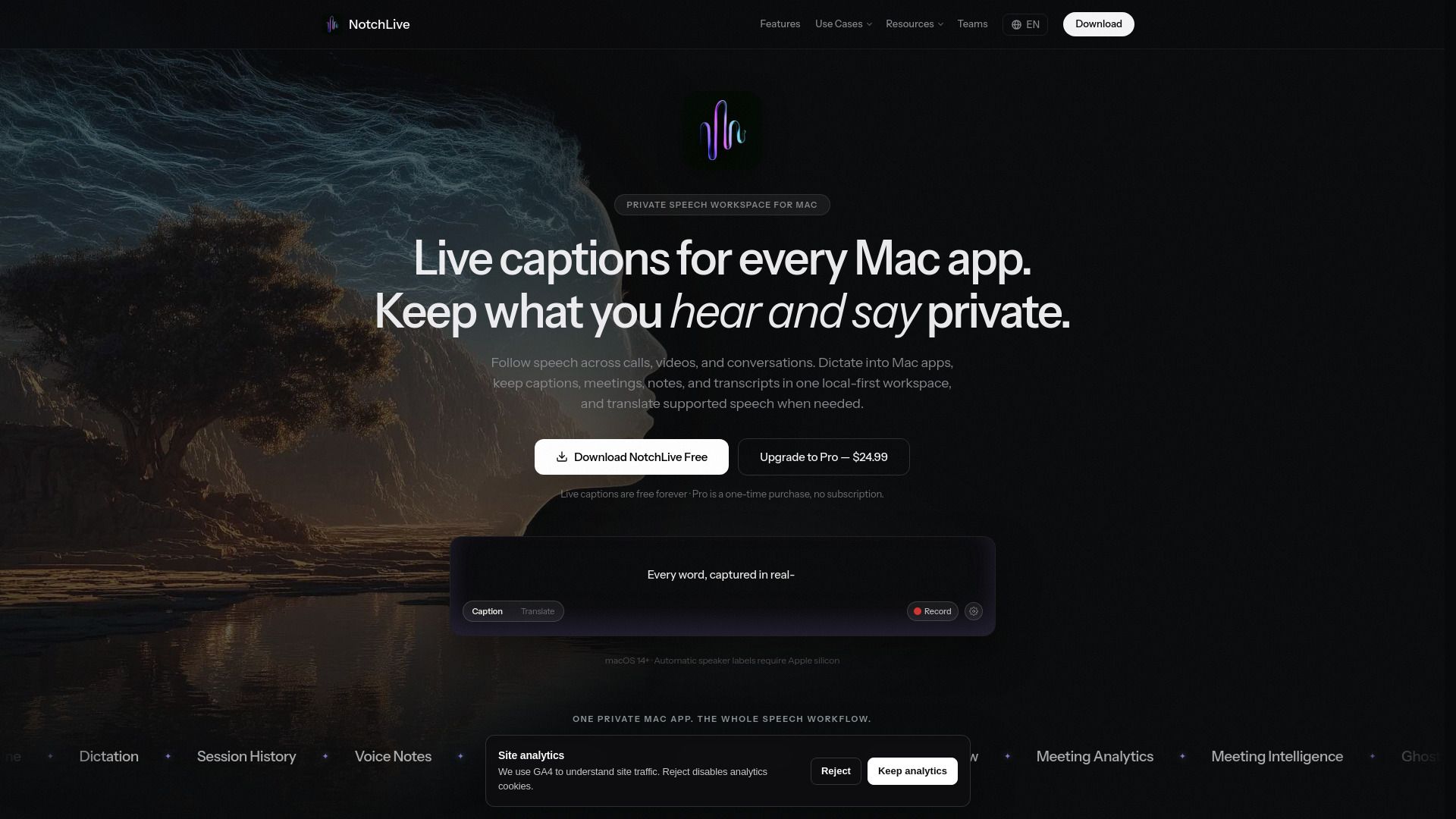
About NotchLive
What is NotchLive?
NotchLive is a powerful application designed to provide live captions for every Mac app, ensuring that users can keep their conversations private while still capturing important information. With NotchLive, users can follow speech in real-time, recover missed content, and create speaker-aware meeting records that can be reviewed, measured, translated, exported, or queried using their own AI tools.
Some of the key features of NotchLive include:
Live captioning for various Mac applications
Support for dictation and translated speech
Compatibility with multiple audio sources
Flexible pricing options including free, pro, and team packs
Resources for setup and usage guidance
NotchLive Features
NotchLive is a versatile application designed to provide private captions, dictation, translation, and transcripts for various professional needs. It offers features that cater to different use cases, including legal transcription, meeting translation, and accessibility for hearing-impaired users.
Key features of NotchLive include:
Private captions for Mac audio, calls, and lectures, enhancing hearing accessibility.
Local-first captions and transcripts specifically tailored for legal work.
Zoom captions on Mac without the need for host settings or meeting bots.
Ability to capture client calls for consultants without relying on cloud meeting bots.
Support for research interviews by providing local transcripts.
Translated captions for meetings, videos, and calls, facilitating effective communication.
Why NotchLive?
NotchLive offers a range of benefits that make it an essential tool for various users, including educators, lawyers, consultants, and researchers. Its ability to provide real-time captions and translated speech enhances communication and accessibility, making it easier for teams to collaborate effectively. The app is designed to integrate seamlessly with compatible Mac applications, ensuring a smooth user experience.
Some of the key advantages of using NotchLive include:
Free, Pro, and Team Packs available, catering to different user needs and budgets.
Comprehensive guides for setting up captions, translations, and audio modes.
Compatibility with various Mac apps and audio sources for versatile usage.
Privacy-focused features that ensure local audio processing and secure analytics.
Learn more and.
Key Features
How to Use
Visit the Website
Navigate to the tool's official website.