
About Muse Video - 3
What is Muse Video - 3?
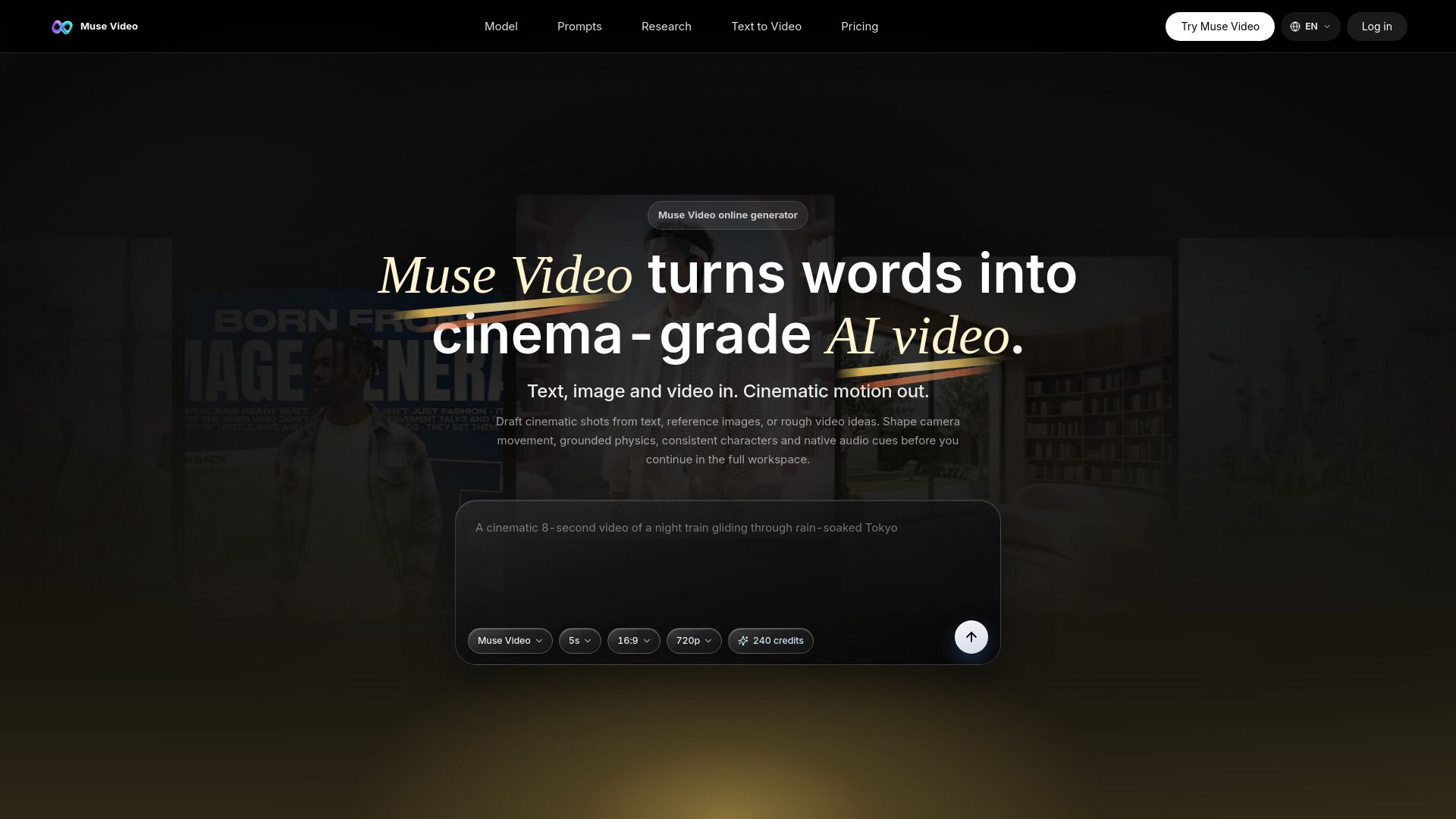
Muse Video is Meta’s early-preview AI video generation model, designed to transform text, images, and video inputs into high-quality cinematic video outputs. It emphasizes strong visual fidelity, prompt adherence, and temporal consistency, making it suitable for creators looking to produce engaging video content. The model allows users to draft cinematic shots from various inputs, shape camera movements, and incorporate grounded physics and consistent characters, all while supporting native audio cues.
The Muse Video generator operates entirely online, requiring no GPU, and enables users to generate short video drafts directly in their browser. Users can start with a cinematic prompt, direct motion, sound, and camera settings, and utilize a history feature to revisit and iterate on their best prompts. This streamlined workflow is ideal for creating product clips, storyboards, social videos, and character shots.
Transform text, images, and video into cinema-grade AI video.
Supports text prompts and optional reference images for precise guidance.
Offers strong visual fidelity and temporal consistency across video generations.
Accessible online with no GPU required for operation.
Allows for iterative editing and refinement of video drafts.
Muse Video - 3 Features
Muse Video is an innovative AI video generation model developed by Meta Superintelligence Labs, designed to transform text, images, and video inputs into high-quality cinematic videos. It emphasizes strong visual fidelity, prompt adherence, and temporal consistency, making it suitable for a variety of creative workflows. Users can generate videos directly in their browser without the need for a GPU, allowing for easy access and experimentation with different video formats.
The platform offers a range of features that enhance the video creation process, including:
Native synchronized audio support for a more immersive experience.
Grounded physics and consistent character representation to maintain realism.
Directable camera work that allows users to shape camera movement and scene direction.
Workflow tools for generating, reviewing, and reusing prompts to streamline the creative process.
Why Muse Video - 3?
Muse Video offers a powerful online generator that transforms text into high-quality, cinema-grade AI videos. This innovative tool allows users to draft cinematic shots from written prompts, reference images, or rough video ideas, making it an ideal choice for creators looking to enhance their storytelling capabilities. With features like camera movement shaping, grounded physics, and consistent character representation, Muse Video ensures that the final output is not only visually appealing but also narratively coherent.
Utilizing Muse Video provides several advantages for content creators:
Efficiently turn written ideas into motion studies for pitches and short films.
Create elegant product videos with detailed camera movements and lighting notes.
Generate social media clips in various formats, including vertical and square, tailored for different platforms.
Iterate on video outputs easily by revisiting and refining prompts based on previous generations.
How to Use Muse Video - 3
Muse Video offers a streamlined process for creating AI-generated videos, making it easy for users to get started. To begin, simply open the Muse Video generator in your browser and write a scene prompt. You can set the desired aspect ratio and duration for your video, allowing for flexibility in your projects without the need for local setup.
Once you have your prompt ready, you can generate your first video draft. The platform supports various features that enhance the video creation experience:
Cinematic style generation for high-quality visuals.
Native audio direction to incorporate sound cues effectively.
Temporal consistency to maintain continuity across clips.
Options for different formats and ratios suitable for various platforms.
Ready to see what Muse Video - 3 can do for you?and experience the benefits firsthand.
Key Features
How to Use
Visit the Website
Navigate to the tool's official website.
Pros & Cons
What's good
What's not good
Pricing
- 100 credits / day
- Standard generation speed
- Email support
- Access to Muse Video text-to-video generation
- Muse Video prompt controls and aspect-ratio presets
- 1,000 credits per month
- Approx 4 Muse Video generations/month (est. ~240 credits for 720p · 5s)
- Approx 2 Muse Video HD generations/month (est. ~360 credits for 1080p · 5s)
- Standard generation speed
- Email support
- 2,000 credits per month
- Approx 8 Muse Video generations/month (est. ~240 credits for 720p · 5s)
- Approx 5 Muse Video HD generations/month (est. ~360 credits for 1080p · 5s)
- Standard generation speed
- Email support
- 5,000 credits per month
- Approx 20 Muse Video generations/month (est. ~240 credits for 720p · 5s)
- Approx 13 Muse Video HD generations/month (est. ~360 credits for 1080p · 5s)
- Standard generation speed
- Email support
- Custom Muse Video usage, support, and commercial terms
- Dedicated support
- Highest priority queue
- Future access to new Muse Video model workflows
- Priority support