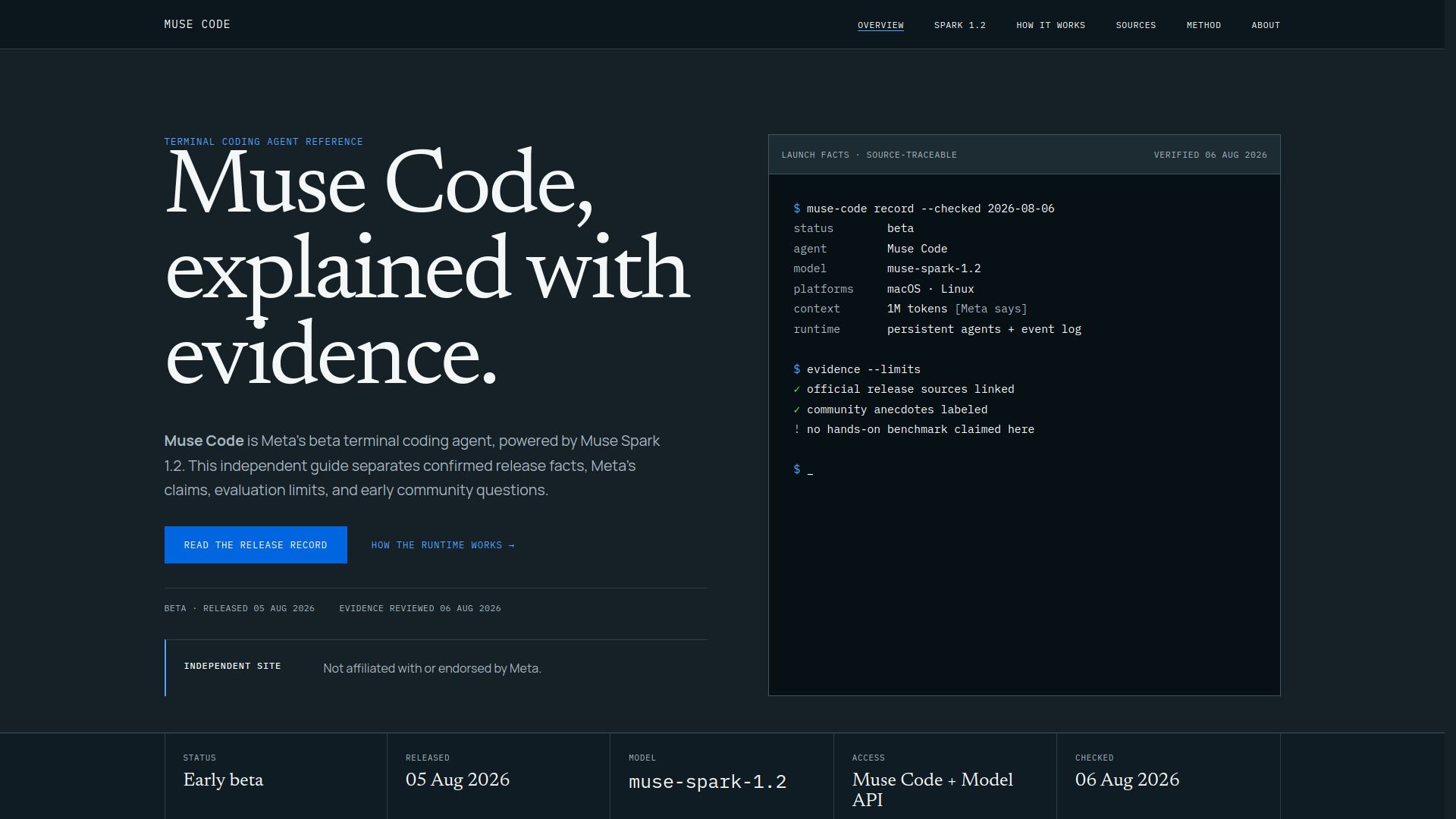
About Muse code
What is Muse code?
Muse Code is an independent terminal agent and runtime designed to work alongside the Muse Spark 1.2 model, which focuses on coding tasks. While Muse Spark 1.2 generates model outputs, Muse Code is responsible for managing sessions, validating actions, and coordinating workflows. This functional distinction is crucial for developers as it clarifies the roles of each component in the coding process.
The Muse Code platform is built to provide developers with essential tools and state management, ensuring that they can effectively handle complex debugging and multi-file refactors. It operates with a local event log and maintains goals and tool results, allowing for a streamlined development experience.
Terminal agent and runtime for coding tasks
Manages sessions and validates actions
Coordinates workflows and invokes tools
Maintains local event log and goals
Muse code Features
Muse Code is Meta's beta terminal coding agent, designed to facilitate coding tasks by providing a runtime environment that manages sessions, validates actions, and coordinates workflows. It operates in conjunction with the Muse Spark 1.2 model, which generates outputs for the agent's operations. This separation of roles allows Muse Code to focus on managing state, tools, and approvals while the Muse Spark model handles inference and output generation.
The capabilities of Muse Code include:
Plans, acts, and manages coding sessions effectively.
Maintains a local event log, tracking goals, tool results, and agent state.
Can invoke tools and coordinate isolated worktrees without directly editing a repository.
Supports persistent background agents that remain active for long-running workflows.
Why Muse code?
Muse Code offers several advantages for developers looking to enhance their coding workflows. By providing a terminal runtime and a suite of tools, it allows for efficient management of sessions and validation of actions. This functionality is particularly beneficial for complex debugging and multi-file refactors, making it an essential component for developers working on large codebases.
Some key benefits of using Muse Code include:
Enhanced session management and validation capabilities.
Support for complex debugging processes.
Facilitation of multi-file refactors, improving overall coding efficiency.
Integration with the Meta Model API for advanced coding tasks.
How to Use Muse code
Muse Code serves as the terminal runtime and agent, providing essential tools, state management, approvals, and event logging for developers. To get started with Muse Code, users should familiarize themselves with its functionalities, which are distinct from those of Muse Spark 1.2, the coding-focused model that generates outputs for the agent loop.
For a smooth onboarding experience, consider the following steps:
Understand the roles of Muse Code and Muse Spark 1.2 to leverage their capabilities effectively.
Explore the terminal runtime features and how they can assist in managing sessions and validating actions.
Utilize the local event log and goals to track progress and outcomes during development.
Ready to see what Muse code can do for you?and experience the benefits firsthand.
Key Features
How to Use
Visit the Website
Navigate to the tool's official website.
Pros & Cons
What's good
What's not good
Pricing
- Cached input processing
- Token-based pricing
- No data retention for prompts and completions
- Rolling five-hour window for token limits
- Available in select countries
- Input token processing
- Token-based pricing
- No data retention for prompts and completions
- Rolling five-hour window for token limits
- Available in select countries
- Output token processing
- Token-based pricing
- No data retention for prompts and completions
- Rolling five-hour window for token limits
- Available in select countries