
About markitdown
What is markitdown?
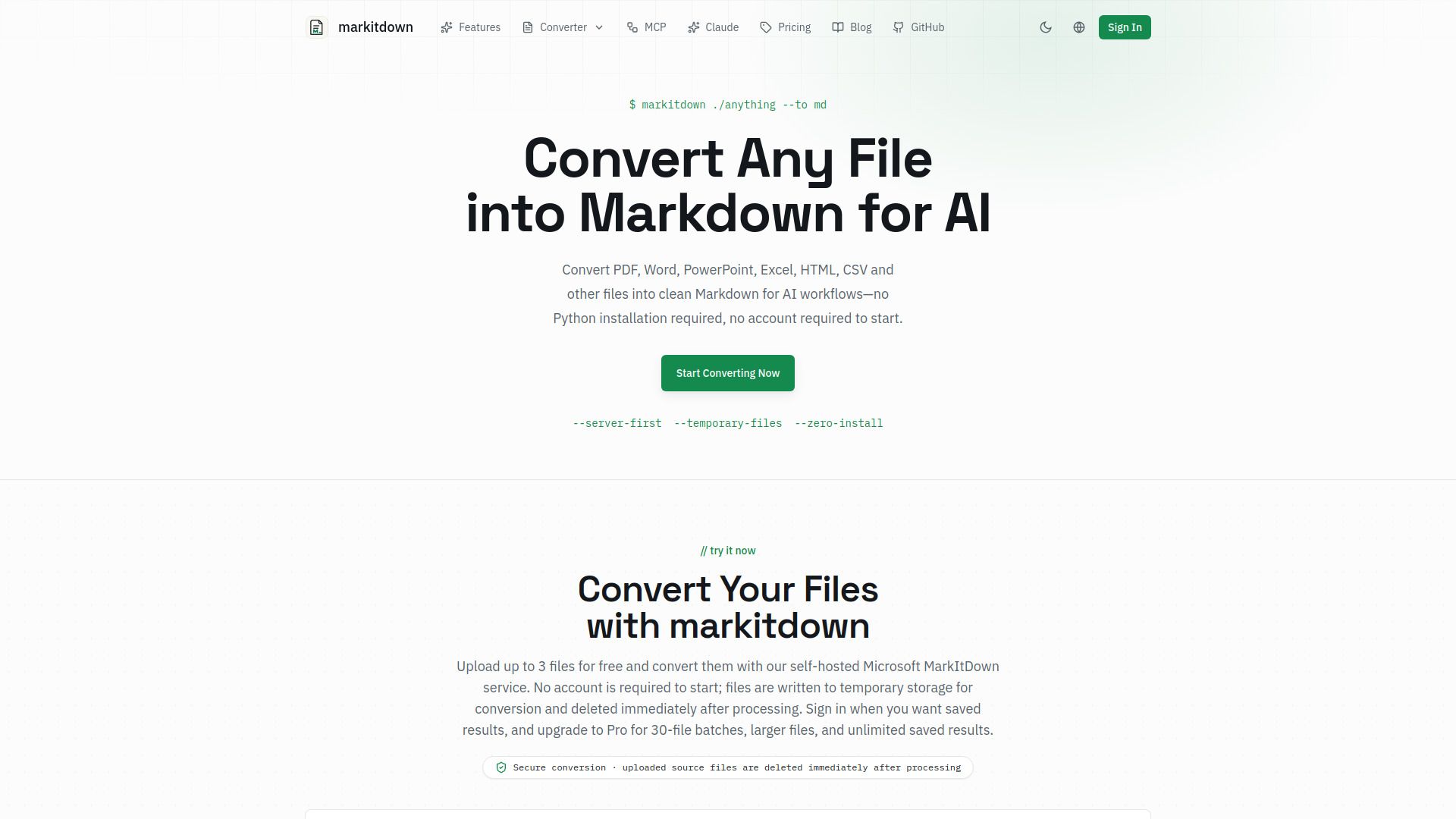
MarkItDown is an online converter, inspired by Microsoft's open-source MarkItDown utility, that turns documents into clean, structured Markdown, the format AI tools understand best. It supports various file types including PDF, DOCX, XLS/XLSX, and PPTX, making it versatile for different document conversions.
As an open-source Python package, MarkItDown can be installed and integrated into applications, scripts, and data pipelines. It is designed to work seamlessly in automated workflows, CI/CD pipelines, and batch processing systems, providing a reliable solution for converting source files into structured output quickly.
Free to start with independent service built around open-source conversion technology.
Faithful formatting preserves tables, headings, lists, links, and other structural elements.
Fast server processing with immediate deletion of temporary source files after conversion.
markitdown Features
MarkItDown is an online converter that transforms documents into clean, structured Markdown, which is the format best understood by AI tools. It supports a variety of file formats including PDF, DOCX, XLS/XLSX, and PPTX, ensuring that users can convert their documents seamlessly. The output generated by MarkItDown is not only well-structured but also preserves essential formatting elements such as tables, headings, lists, links, and bold or italic text.
Key features of MarkItDown include:
Multi-format support for various document types including PDF, DOCX, PPTX, and more.
AI-optimized output that maintains the original structure and meaning of documents.
Fast server processing with immediate deletion of temporary files after conversion.
Built-in AI OCR for scanned PDFs, enabling the reconstruction of tables and conversion of math equations to LaTeX.
Instant preview and download of the converted Markdown file.
Why markitdown?
MarkItDown offers a range of benefits that make it an essential tool for developers, researchers, and teams engaged in AI-powered workflows. Its ability to convert various file formats into clean, structured Markdown ensures that users can maintain the integrity of their documents while optimizing them for AI processing. The service is built around open-source technology, providing a free-to-start model that allows users to leverage its capabilities without upfront costs.
Some key advantages of using MarkItDown include:
Multi-format support for a wide range of document types, including PDF, DOCX, PPTX, and more.
Faithful formatting that preserves tables, headings, lists, and other structural elements.
Fast server processing that ensures quick conversion and immediate access to results.
Clear data handling with temporary processing and immediate deletion of uploaded sources.
How to Use markitdown
To get started with MarkItDown, you can easily convert various file types such as PDF, Word, PowerPoint, and more into clean Markdown format optimized for AI workflows. The process is straightforward and does not require any Python installation or account creation to begin. Simply use the commandmarkitdown ./anything --to mdto initiate the conversion.
MarkItDown offers several features that enhance your experience:
Free to start with no account required for initial conversions.
Supports local conversion to keep files on your device or server conversion for temporary uploads.
Preserves formatting elements like tables, headings, and links in the output.
Fast processing with immediate deletion of temporary files after conversion.
Ready to see what markitdown can do for you?and experience the benefits firsthand.
Key Features
How to Use
Visit the Website
Navigate to the tool's official website.
Pros & Cons
What's good
What's not good
Pricing
- Process up to 30 files in one batch
- Max file size: 100MB
- Unlimited saved Markdown results
- Unlimited Local OCR
- High-Accuracy AI OCR for scanned PDFs: 500 pages/month
- Process up to 30 files in one batch
- Max file size: 100MB
- Unlimited saved Markdown results
- Unlimited Local OCR
- High-Accuracy AI OCR for scanned PDFs: 500 pages/month
- Permanent Pro access with no recurring charge
- Max file size: 100MB
- Process up to 30 files in one batch
- Unlimited saved Markdown results
- Unlimited conversions