About Magggic
What is Magggic?
Magggic is an innovative platform designed to transform ideas into clear visual forms through AI-generated artwork. Users can open an artwork to review its prompt and generation details, allowing them to use it as a starting point for their own creative projects. The platform emphasizes content safety by scanning user prompts before generation and reviewing images submitted for public display to ensure compliance with community standards.
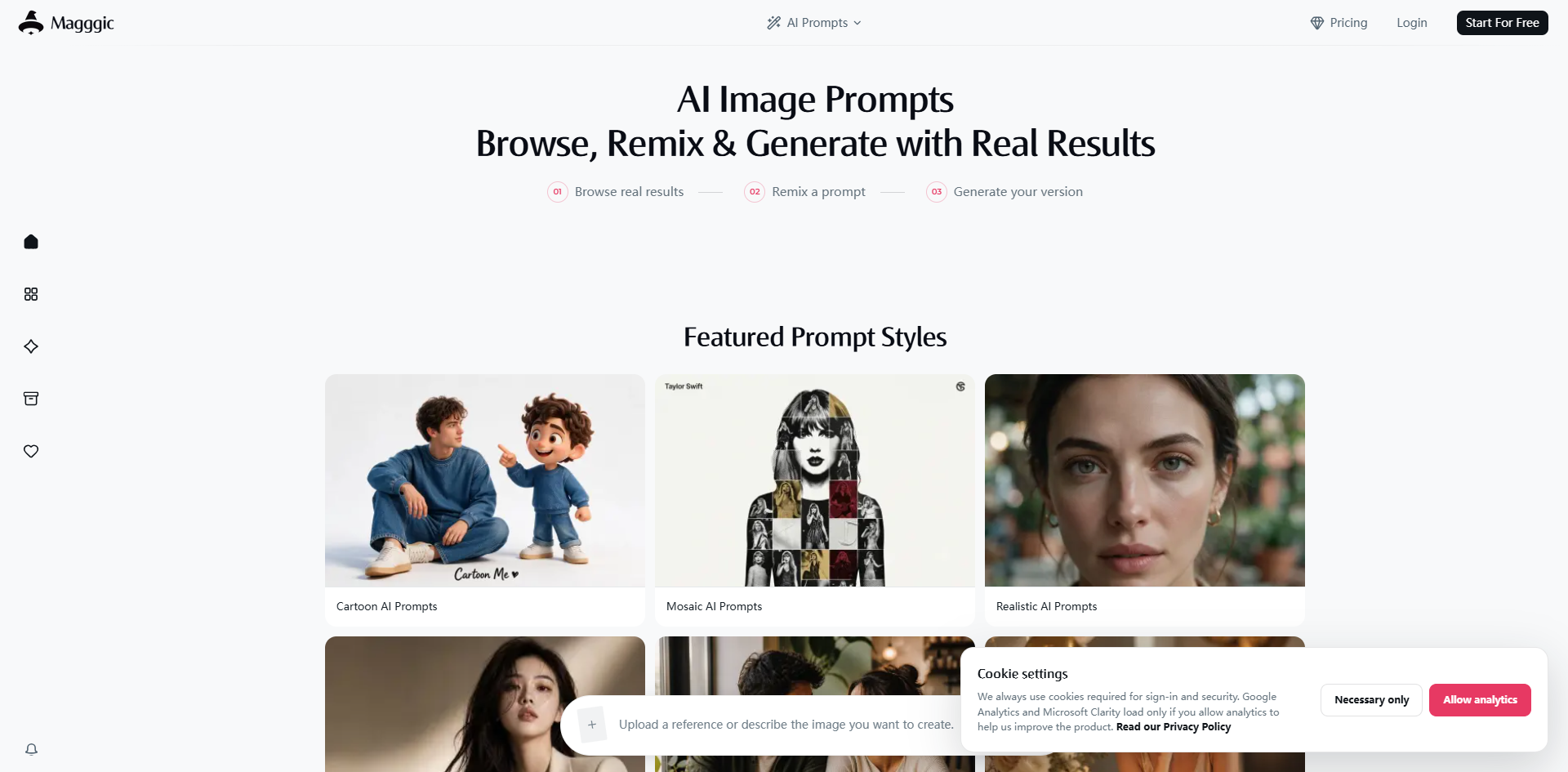
With Magggic, creators can easily build on their work by reusing any creation as a template or reference, maintaining visual consistency across their projects. The platform supports various artistic styles, including cartoon, mosaic, realistic, watercolor, 3D render, minimalist, and oil painting, enabling users to explore diverse visual directions effortlessly.
Content safety measures to ensure appropriate submissions.
Ability to upload reference images for guided generation.
Multiple artistic styles available for diverse creative expression.
Effortless exploration of visual directions with all references in one panel.
Magggic Features
Magggic is an innovative AI image generator that allows users to create stunning visuals by providing a clear visual form to their ideas. Users can upload reference images or describe the desired image, guiding the selected model toward a specific subject, composition, or visual direction. The platform currently offers several image models, including Seedream 5.0 Pro, GPT Image 2.0, and Nano Banana Pro, ensuring a diverse range of creative possibilities.
Key features and capabilities of Magggic include:
Content safety measures that scan user prompts and review submitted images for public display.
The ability to remix existing artworks and explore different styles such as Cartoon, Realistic, and Watercolor.
A streamlined workflow that keeps outputs, credit charges, and assets in sync.
Support for reusing creations as templates to maintain visual continuity across projects.
Why Magggic?
Magggic offers a unique value proposition for creators by streamlining the image generation process, allowing users to focus on their ideas rather than the technicalities of creation. With its intuitive interface, users can easily browse and remix existing prompts, making it accessible even for those who may not be familiar with writing AI prompts from scratch.
The benefits of using Magggic include:
Effortless exploration of visual directions with all references, aspect ratios, and resolutions in one panel.
Enhanced creative collaboration by turning written concepts into visual routes that facilitate discussions among teams.
Time-saving features that allow for the reuse of existing templates, ensuring visual continuity across projects.
Content safety measures that ensure user prompts are scanned and reviewed, maintaining a secure creative environment.
How to Use Magggic
To get started with Magggic, open an artwork to review its prompt and generation details. This allows you to use existing creations as a foundation for your own projects. You can browse through the inspiration gallery to find images that resonate with your vision and click on the Remix button to bring the prompt and generation settings into the generator.
Magggic simplifies the creative process by allowing you to adapt existing prompts instead of starting from scratch. If you have a specific idea in mind, you can describe it directly in the generator or upload a reference image to guide the selected model. This flexibility helps you create unique images tailored to your needs.
Browse real generated results and remix prompts easily.
Use reference images to guide your creations.
Adjust prompts, models, and settings before generating your own version.
Ready to see what Magggic can do for you?and experience the benefits firsthand.
How to Use
Visit the Website
Navigate to the tool's official website.