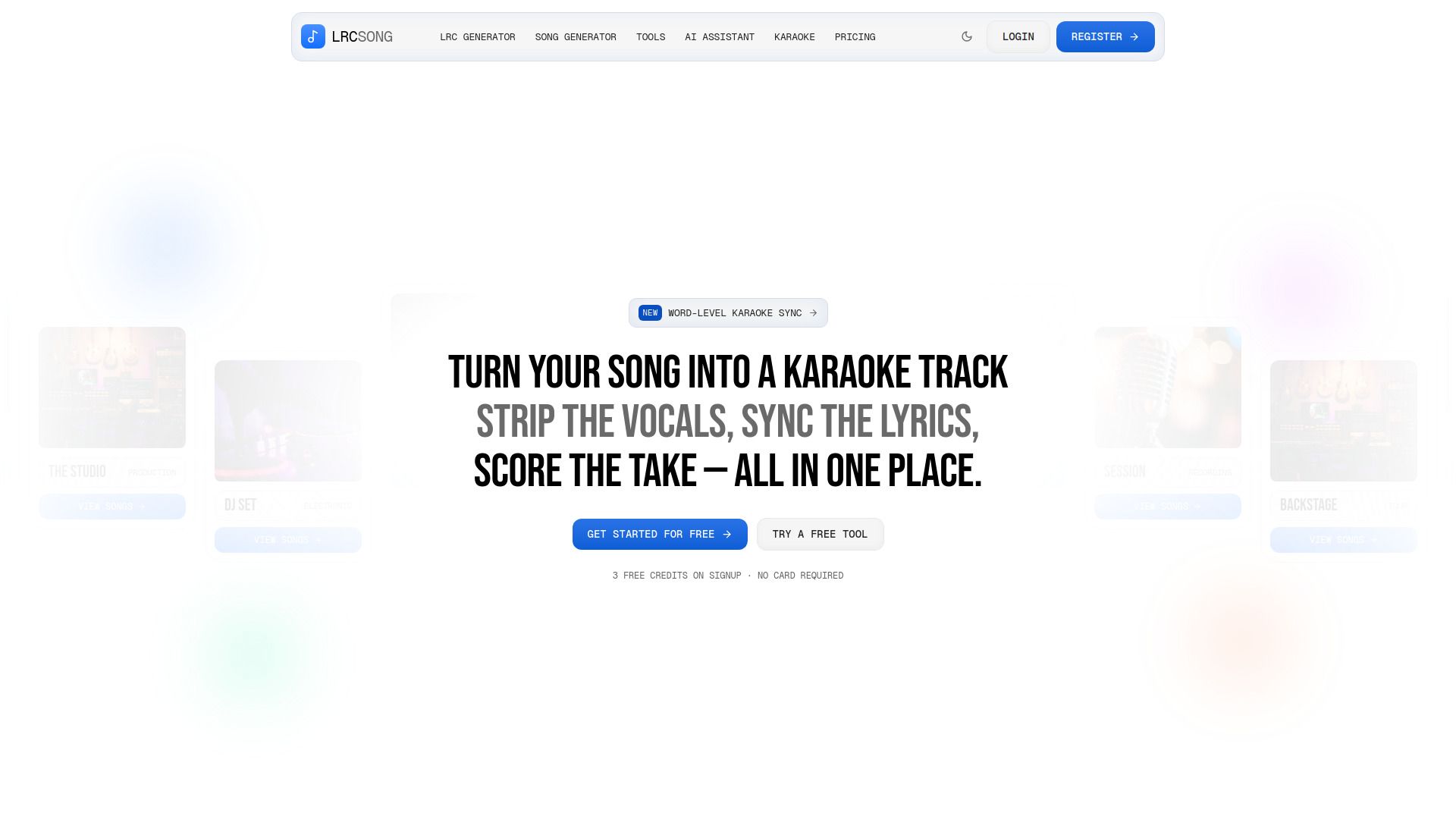
About LrcSong AI LRC
What is LrcSong AI LRC?
LrcSong AI LRC is an innovative tool designed to assist users in generating and managing LRC files, which are commonly used for displaying synchronized lyrics in media players. The AI Assistant helps users navigate through various tasks related to LRC files, such as fixing broken files or selecting the appropriate tools for their needs. By simply describing the issue in plain language, users can receive guidance or have their files corrected automatically.
Some key features of LrcSong AI LRC include:
Free credits for new users to generate AI-created LRC files.
Client-side processing ensures user files are not stored on servers.
A variety of tools for converting, viewing, and validating LRC files.
Integration with popular platforms for enhanced functionality.
LrcSong AI LRC Features
LrcSong AI LRC offers a range of features designed to enhance the experience of working with LRC files. Users can generate enhanced LRC files with word-level highlighting, making it ideal for karaoke applications. The platform also allows for the creation of synced-lyric videos, which can be exported in various subtitle formats such as SRT and ASS, catering to content creators on platforms like YouTube and TikTok.
Additionally, LrcSong AI LRC supports language learners by providing lyrics in 57 languages, complete with romanization and line-by-line translations. Music producers can embed lyrics directly into MP3 ID3 or FLAC Vorbis tags, ensuring that their delivery files are complete with necessary metadata. DJs and broadcasters can bulk-process entire albums, generating LRC files for individual tracks and exporting them for streaming purposes.
AI-generated LRC files with word-level highlighting
Sync lyric videos and export in SRT and ASS formats
Support for 57 languages with translation features
Embedding lyrics into audio file metadata
Bulk processing for DJs and broadcasters
Why LrcSong AI LRC?
LrcSong AI LRC offers a range of benefits that make it an invaluable tool for anyone working with lyrics and audio files. One of the primary advantages is its ability to generate LRC files quickly and efficiently, allowing users to focus on their creative projects without getting bogged down by technical issues. The platform supports various audio formats and provides enhanced LRC features, such as word-level highlighting, which can significantly improve the user experience when syncing lyrics with music.
Additionally, LrcSong AI LRC is designed with user convenience in mind. It offers free credits upon signup, ensuring that users can try out the service without any initial investment. The AI-generated outputs are fully editable, allowing for easy corrections and adjustments, which is particularly beneficial for live recordings or mixed vocals. This flexibility, combined with the ability to use the service commercially for elite plan subscribers, makes LrcSong a versatile choice for a wide range of users, from music producers to language learners.
Free credits on signup for initial use
Supports multiple audio formats and LRC enhancements
Fully editable AI-generated outputs
Commercial licensing available for elite plan subscribers
Convenient tools for various user needs, including DJs and language learners
How to Use LrcSong AI LRC
To get started with LrcSong AI LRC, simply visit the website and explore the various tools available. You can utilize the AI LRC Generator to create LRC files effortlessly. If you encounter any issues, the AI Assistant can help you troubleshoot by directing you to the appropriate tool or fixing the file for you.
Here are some features that make LrcSong AI LRC user-friendly:
Free credits on signup for generating LRC files.
Client-side tools that do not require file uploads to the server.
Automatic deletion of uploaded audio files after processing.
A variety of tools for converting, viewing, and validating LRC files.
Ready to see what LrcSong AI LRC can do for you?and experience the benefits firsthand.
Key Features
How to Use
Visit the Website
Navigate to the tool's official website.
Pros & Cons
What's good
What's not good
Pricing
- 3 credits (one-time)
- 3 AI generations
- All subtitle converters
- All viewers & validators
- Metadata tools
- 6 credits (one-time)
- 6 AI generations included
- Lyrics extraction
- Priority support
- Everything in Free
- 18 credits (one-time)
- 18 AI generations included
- Word-level sync
- YouTube extraction
- Everything in Starter
- 25 credits (one-time)
- Bulk processing
- Commercial license
- Dedicated support
- Everything in Premium