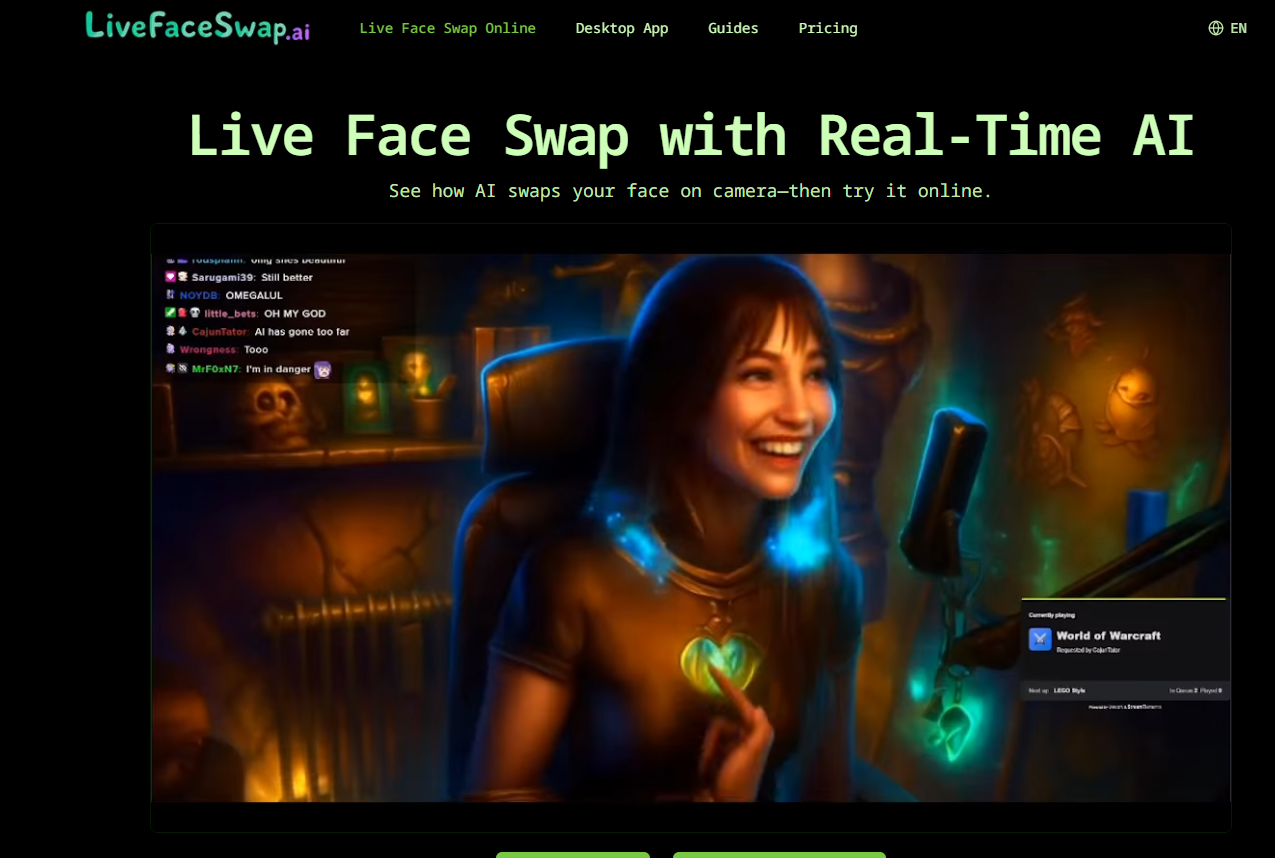
About LiveFaceSwap AI
What is LiveFaceSwap AI?
LiveFaceSwap AI provides real-time face swap for live camera video on the web and desktop. This innovative technology allows users to seamlessly swap their faces with others in a live setting, making it ideal for streaming, video calls, and creative content creation.
With LiveFaceSwap AI, you can experience the following features:
Real-time face swapping with less than 500 ms latency.
Compatibility with both browser and desktop applications.
No need for a GPU; it works directly with your webcam.
Easy setup with a simple three-step process to get started.
LiveFaceSwap AI Features
LiveFaceSwap AI offers a powerful real-time face swapping capability for live camera video, enabling users to transform their appearance during video calls, livestreams, and creative projects. The technology processes video input in the cloud, eliminating the need for users to have high-performance hardware, as the AI handles the face swap with less than 500 ms of latency.
Key features and functionalities of LiveFaceSwap AI include:
Real-time face swapping for video calls and livestreaming.
Cloud-based AI processing, requiring no local GPU.
Immediate AI output displayed on the user's screen.
Compatibility with popular streaming apps like OBS.
Easy setup with a simple three-step process for users to start swapping faces.
Why LiveFaceSwap AI?
LiveFaceSwap AI offers a unique and innovative solution for real-time face swapping during live video sessions. By utilizing cloud-based AI processing, users can achieve high-quality face swaps without the need for powerful local hardware or complex setups. This accessibility allows anyone with a camera and a stable internet connection to engage in creative projects, livestreaming, or video calls with ease.
Some of the key benefits of using LiveFaceSwap AI include:
Real-time face swapping with less than 500 ms latency.
No need for powerful GPUs or local AI models, as processing is handled in the cloud.
Easy to use online preview for testing without installation.
Compatibility with popular streaming and video call applications through a virtual camera.
How to Use LiveFaceSwap AI
To get started with LiveFaceSwap AI, follow these three simple steps. First, choose a portrait reference by uploading a portrait you have permission to use, or select a preset. A clear, front-facing portrait usually provides the model with a better starting point.
Next, turn on your camera by allowing camera access, ensuring your face is in view, selecting an AI model, and starting the live face swap. Finally, review the swap result by comparing it with your camera view. You can adjust the reference image, lighting, position, or model as needed to achieve the desired effect.
Upload a portrait or choose a preset.
Allow camera access and keep your face in view.
Compare the result and make adjustments as necessary.
Ready to see what LiveFaceSwap AI can do for you?and experience the benefits firsthand.
How to Use
Visit the Website
Navigate to the tool's official website.
Pros & Cons
What's good
What's not good
Pricing
- Get started with real-time AI
- Credits refresh monthly
- Cancel subscription renewal anytime
- Credits work across XMAX and Lucy real-time models
- Browser and Desktop
- Current rate shown before each session
- Cancel subscription renewal anytime
- Stunning AI face swap workflows
- Credits work across XMAX and Lucy real-time models
- Browser and Desktop
- Choose your Max credit capacity
- Cancel subscription renewal anytime
- Get started with real-time AI
- Credits refresh monthly
- Save 20%
- Cancel subscription renewal anytime
- Explore cutting-edge AI face swap
- Credits refresh monthly
- Save 20%
- Cancel subscription renewal anytime