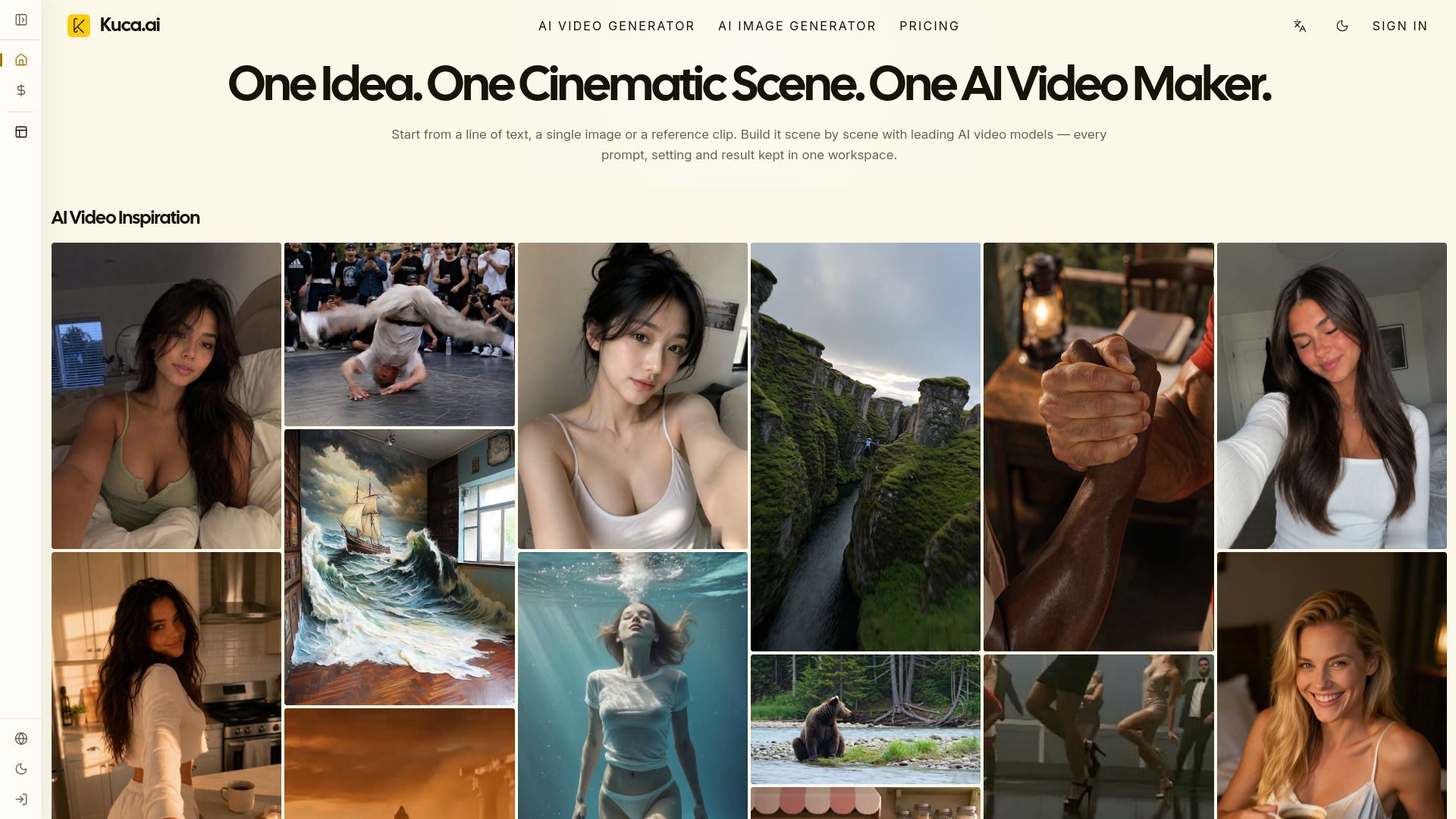
About Kuca AI
What is Kuca AI?
Kuca is a unified workspace designed for creating professional AI videos using multiple leading models. It allows users to seamlessly transition from a prompt or reference image to video generation, review, and reuse, all without the hassle of managing separate subscriptions or disconnected tools. This makes it an ideal solution for filmmakers and content creators looking to streamline their video production process.
With Kuca, users can create a variety of content types, including cinematic scenes, short dramas, social videos, advertisements, product films, and music visuals. The platform supports various input formats, enabling users to start from text, images, or other reference media. Additionally, Kuca allows for comparison of different models and the reuse of the most effective setups for subsequent shots.
Supports text-to-video and image-to-video workflows
Integrates multiple AI video models like Seedance, Veo, and Hailuo
Facilitates fast iteration and realistic motion
Enables audio generation for dialogue, sound effects, and ambient audio
Kuca AI Features
Kuca is a unified workspace designed for creating professional AI videos using multiple leading models. It allows users to transition seamlessly from a prompt or reference image to video generation, review, and reuse, all without the hassle of managing separate subscriptions or disconnected tools. This makes it an efficient solution for filmmakers and content creators.
With Kuca, users can create a variety of video content, including cinematic scenes, short dramas, social videos, advertisements, product films, and music visuals. The platform supports various workflows, such as text-to-video and image-to-video, and allows for the use of model-specific references. Depending on the selected model, users can provide different types of inputs, including first frames, last frames, multiple reference images, or reference videos.
Supports multiple AI video models including Seedance, Veo, Kling, Wan, Grok Imagine, Hailuo, Runway, HappyHorse, and Gemini Omni.
Enables fast iteration and comparison of models to find the best setup for each shot.
Offers audio capabilities for dialogue, sound effects, and ambient audio, depending on the selected model.
Allows users to review results in a single history panel for better project management.
Why Kuca AI?
Kuca AI offers a unified workspace for creating professional AI videos, making it an ideal choice for filmmakers and content creators. By integrating multiple leading models, Kuca allows users to seamlessly transition from prompts or reference images to video generation, review, and reuse, all without the hassle of managing separate subscriptions or disconnected tools.
The value proposition of Kuca AI lies in its versatility and efficiency. Users can create a wide range of content, including cinematic scenes, short dramas, social videos, ads, and product films. With the ability to compare different AI models and reuse the strongest setups for subsequent shots, Kuca enhances the creative process and streamlines production workflows.
Access to multiple AI video models in one platform
Seamless transition from concept to final video
Ability to compare and select the best model for specific needs
Supports various media inputs, including text and images
Cost-effective solution with no need for multiple subscriptions
How to Use Kuca AI
Kuca AI is designed to streamline the video creation process, allowing users to easily generate professional-quality videos using various AI models. To get started, you can choose from different workflows such as text-to-video, image-to-video, or model-specific reference workflows. Depending on the selected model, you may provide a first frame, last frame, multiple reference images, or a reference video. Kuca will only display the controls that are relevant to the current workflow, making it user-friendly for beginners.
To effectively use Kuca AI, consider the following features:
Multiple AI video models available for diverse creative needs.
Support for various input types, including text and images.
Ability to compare models and reuse setups for efficiency.
Integrated audio capabilities depending on the selected model.
Ready to see what Kuca AI can do for you?and experience the benefits firsthand.
How to Use
Visit the Website
Navigate to the tool's official website.
Pros & Cons
What's good
What's not good
Pricing
- Monthly credits: 1,800 credits
- About 360 images per month
- About 48 videos per month
- Multiple models
- Watermark-free
- Monthly credits: 4,000 credits
- About 800 images per month
- About 108 videos per month
- Multiple models
- Watermark-free
- 4,900 total credits
- Credits never expire
- Generate images and videos
- Watermark-free generation and downloads
- Private generation
- Monthly credits: 4,000 credits
- Access to supported AI video and image models
- Text-to-video and image-to-video
- Text-to-image and image-to-image
- Model-specific generation controls
- Monthly credits: 800 credits
- About 160 images per month
- About 20 videos per month
- Multiple models
- Watermark-free