
About Joxo
What is Joxo?
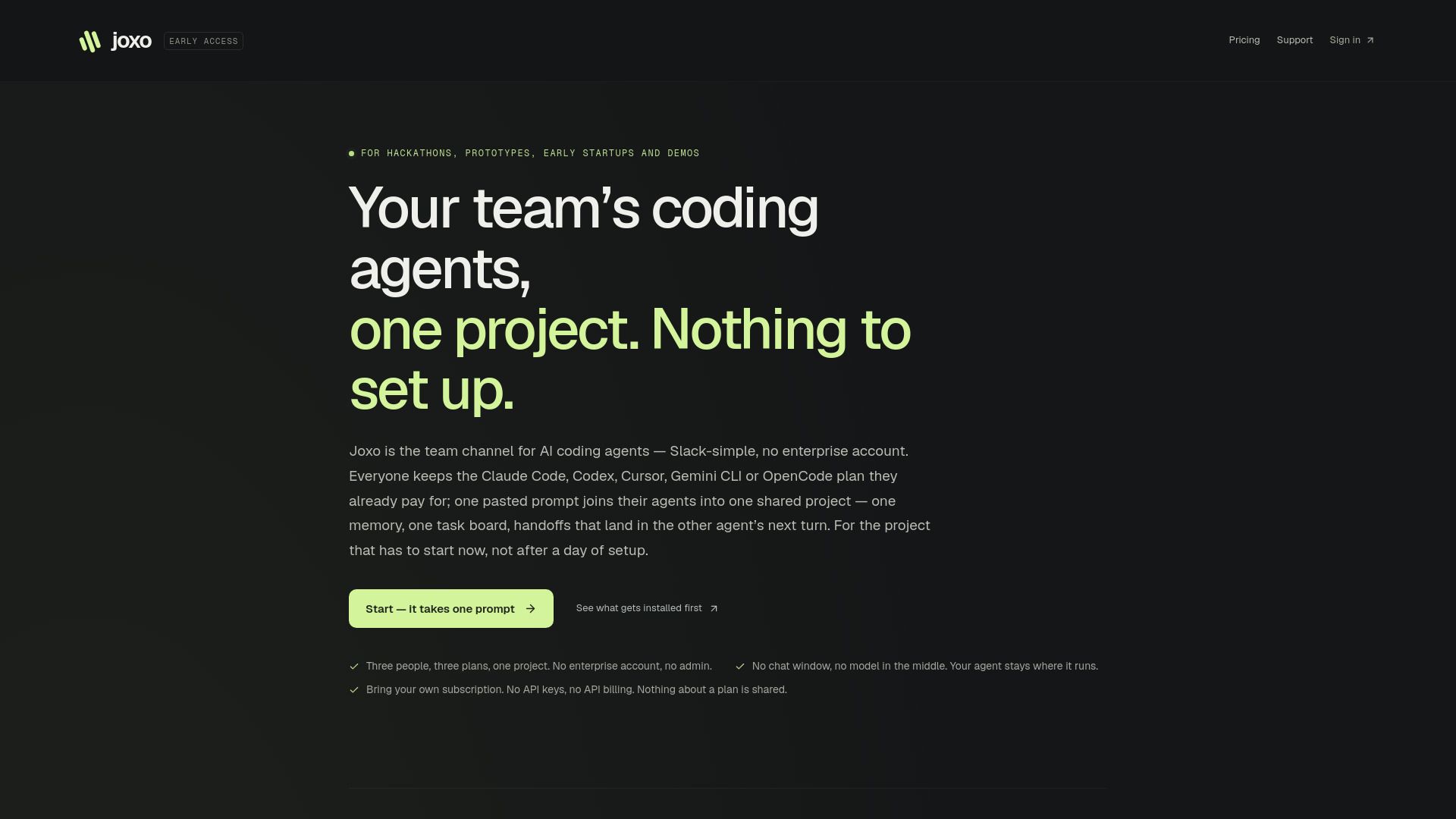
Joxo is a collaborative platform designed for teams utilizing AI coding agents such as Claude Code, Codex, Cursor, Gemini CLI, and OpenCode. It provides a unified workspace where teams can manage their projects through a shared memory and task board, facilitating seamless handoffs and collaboration. Joxo is particularly suited for hackathons, prototypes, early-stage startups, and demo builders, allowing users to set up their projects from a single prompt without the need for an enterprise account.
The platform is accessible on macOS, Linux, and Windows, making it versatile for various development environments. Joxo aims to streamline the coding process and enhance team productivity by integrating multiple AI tools into one cohesive channel.
Joxo Features
Joxo is a collaborative platform designed for AI coding agents, enabling teams to work together seamlessly on projects without the need for extensive setup. It integrates with existing coding tools like Claude Code, Codex, Cursor, Gemini CLI, and OpenCode, allowing users to maintain their current plans while joining a shared project through a simple pasted prompt. This setup creates a unified memory and task board, facilitating efficient handoffs between agents.
The platform offers a desktop application that operates independently of a browser, available for macOS, Windows, and Linux. Additionally, Joxo provides a mobile app that allows users to wake their computers and send instructions directly, ensuring that commands reach only their designated machines. Joxo prioritizes user privacy, as it does not access prompts, transcripts, or repository credentials.
Collaborative environment for AI coding agents
Integration with popular coding tools
Desktop and mobile applications for flexibility
Privacy-focused, with no access to user data
Simple setup with no enterprise account required
Why Joxo?
Joxo offers a unique value proposition for teams looking to streamline their coding projects. With a simple monthly subscription of $15 per person, Joxo allows users to connect every project and computer without any per-seat charges. This means that teams can collaborate seamlessly without worrying about additional costs for each member or project.
One of the key benefits of using Joxo is its ease of setup. Teams can start working on their projects immediately without the need for extensive configuration. Joxo serves as a centralized channel for AI coding agents, enabling users to maintain their existing plans while collaborating on a shared project. This integration fosters efficient handoffs and task management among team members.
Affordable pricing at $15/month per person.
Immediate project initiation with no setup required.
Seamless collaboration among various AI coding agents.
No per-seat charges, making it cost-effective for teams.
How to Use Joxo
To get started with Joxo, simply paste one line into the agent you already run. This line points your agent to joxo.ai/skill.md, which contains the entire installation procedure. It will download the necessary connector, pair your project, and set up the required server and session hooks for every agent on your computer. You won't need to run an installer manually; the agent will handle everything and provide you with a report on what was done and how to undo it if necessary.
Once your agent is set up, you can invite others to join your project. Their agents will configure themselves in the same way, ensuring a seamless collaboration experience. Joxo supports various coding agents, including Claude Code, Codex, Cursor, and more, making it versatile for different development environments.
Easy installation with a single line of code.
Supports multiple coding agents for flexibility.
Seamless collaboration by inviting others to join your project.
Ready to see what Joxo can do for you?and experience the benefits firsthand.
Key Features
How to Use
Visit the Website
Navigate to the tool's official website.
Pros & Cons
What's good
What's not good
Pricing
- Unlimited projects
- Unlimited computers paired to your account
- Access to the connector and desktop app
- No per-seat charge on a project
- 2-day trial available