About ImageInverter
What is ImageInverter?
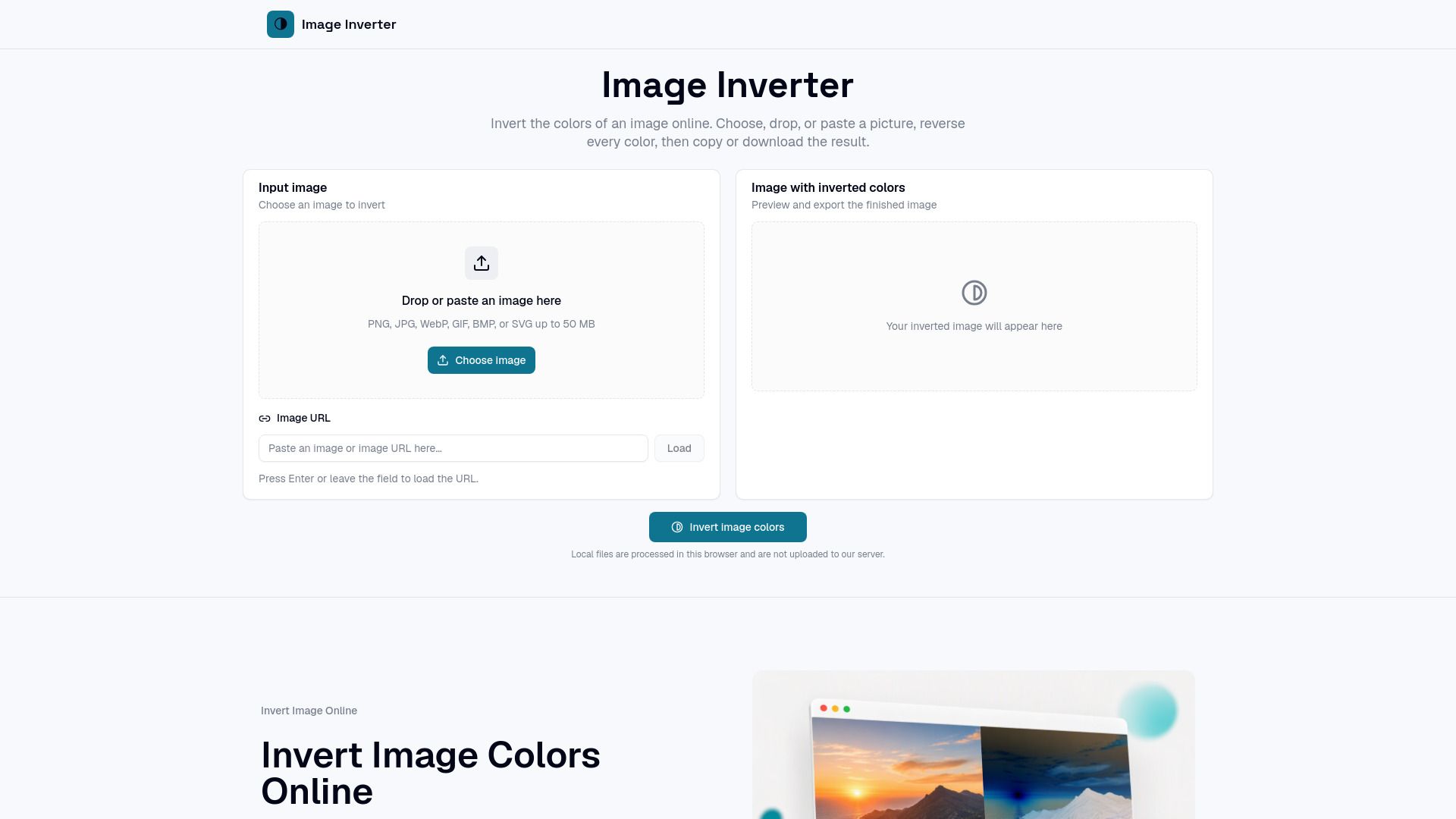
Image Inverter is a powerful online tool designed to quickly invert the colors of images while maintaining their original dimensions and transparency. It is particularly useful for creating film-inspired graphics, album art, posters, and educational demonstrations of complementary colors. With a simple and efficient workflow, users can turn a photo negative with just one predictable pixel operation, eliminating the need for complex editing controls or adjustable effect stacks.
This tool caters to a variety of users, including designers, photographers, teachers, and content creators. It allows for immediate color studies, exploration of tonal relationships, and the creation of striking drafts for various visual projects. Image Inverter exports ready-to-use files without watermarks, making it ideal for thumbnails, social media posts, and visual transitions.
Quick and reliable color inversion without account creation.
Preserves transparency in PNG images.
Supports multiple file formats including PNG, JPG, BMP, and WebP.
Local processing ensures privacy and speed.
Easy-to-use interface with drag-and-drop functionality.
ImageInverter Features
Image Inverter is a specialized tool designed for quick and efficient color inversion of images. It allows users to upload, paste, or drag images directly into the browser, producing a negative version of the original image without the need for complex editing software. This functionality is particularly beneficial for content creators, teachers, and designers who require a straightforward solution for generating inverted images for various applications, such as thumbnails, educational demonstrations, and graphic design projects.
The tool supports multiple image formats, including PNG, JPG, BMP, and WebP, and ensures that transparent areas in PNG images remain unaffected during the inversion process. Users can easily copy the inverted image to their clipboard or download it directly, making it a versatile option for anyone needing quick results without the hassle of account creation or complicated workflows.
Invert image colors directly in the browser.
Supports image uploads, pasting from clipboard, or loading via URL.
Exports images in PNG, JPG, BMP, or WebP formats.
Allows copying of the inverted image to the clipboard.
Why ImageInverter?
ImageInverter offers a straightforward solution for users needing quick and reliable color inversion without the complexities of full photo editing software. This tool is particularly beneficial for teachers, students, content creators, designers, and photographers who require immediate results without the hassle of accounts or complicated workflows. By focusing solely on the task of color inversion, ImageInverter allows users to efficiently produce high-quality inverted images for various applications.
Some of the key advantages of using ImageInverter include:
Local file processing ensures privacy and speed, as images are not uploaded to a server.
Supports multiple file formats including PNG, JPG, BMP, and WebP for versatile usage.
Maintains transparency in PNG images while inverting colors, preserving the original quality.
Easy-to-use interface allows for quick image uploads and immediate results.
Ideal for creating striking visuals for thumbnails, posters, and educational demonstrations.
How to Use ImageInverter
To get started with ImageInverter, simply open an image from your device or paste one from the clipboard. The tool will process the image locally, producing negative colors that you can inspect, copy, or download. This straightforward workflow allows you to quickly create inverted images without the need for complex editing software.
ImageInverter is particularly useful for various users, including teachers, students, content creators, and designers. Here are some of the key features and benefits:
Local file processing ensures your images remain private and secure.
Supports multiple file formats including PNG, JPG, BMP, and WebP.
Preserves transparency in images, making it ideal for artwork and visual experiments.
Quickly generates inverted images without the need for accounts or complicated controls.
Ready to see what ImageInverter can do for you?and experience the benefits firsthand.
Key Features
How to Use
Visit the Website
Navigate to the tool's official website.
Pros & Cons
What's good
What's not good
Pricing
- Basic features for hobbyists and beginners
- Limited credits per month
- Access to community support
- 150 Videos per month
- 4 credits/5s
- For serious creators
- 450 Videos per month
- 12 credits/10s
- For professionals and agencies
- 1350 Videos per month
- Unlimited storage
- For power users and studios
- 300 Videos per month
- Access to premium features
- For serious creators