About Image to STL - 2
What is Image to STL - 2?
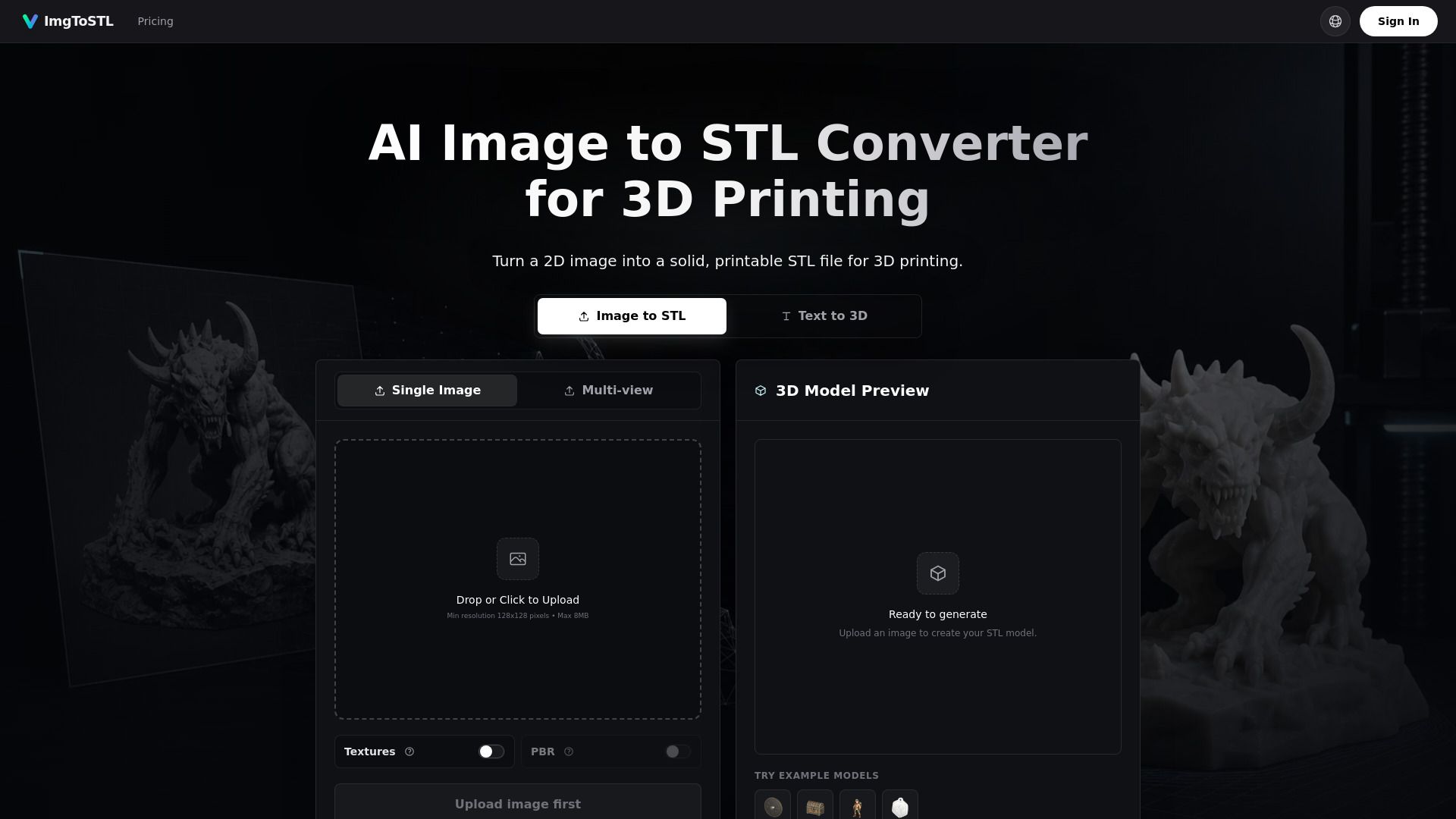
Image to STL is a practical tool designed to convert 2D images into solid, printable STL files for 3D printing. The conversion process involves estimating a 3D shape from a 2D reference, building a mesh, and then exporting the geometry as an STL file. This workflow utilizes AI reconstruction to create fuller 3D forms from photos and sketches, while logos or flat art can be transformed into relief, embossing, or extrusion formats.
To achieve the best results in STL generation, it is recommended to use clear single-object images with centered subjects, strong lighting, visible edges, and simple backgrounds. Supported file formats include JPG, PNG, JPEG, and WebP. The following features enhance the image to STL conversion process:
Image analysis reads the subject, silhouette, contrast, and visible depth cues.
Mesh generation creates printable geometry that can be previewed before export.
STL export prepares the model for slicers, 3D printers, and cleanup tools.
Image to STL - 2 Features
The Image to STL - 2 converter is a powerful tool designed to transform 2D images into solid, printable STL files suitable for 3D printing. This AI-driven generator allows users to upload various image formats, including JPG, PNG, JPEG, and WebP, and quickly generates a 3D model that can be previewed before downloading. The process involves estimating the 3D shape from the 2D reference, building a mesh, and exporting the geometry as an STL file, making it ideal for functional 3D printing applications.
Key features and capabilities of the Image to STL - 2 converter include:
AI-powered image analysis for accurate 3D shape reconstruction.
Support for multiple image formats and the ability to export in various 3D formats.
Preview functionality to rotate and inspect the 3D model before finalizing the STL file.
Fast iteration for generating solid 3D model candidates, allowing for quick validation of shapes and proportions.
Versatile use cases, including creating miniatures, custom parts, and rapid prototyping for DIY projects.
Why Image to STL - 2?
Image to STL offers numerous benefits for makers and designers looking to transform visual references into tangible 3D objects. By converting images into STL files, users can quickly generate starting meshes that can be refined for various applications, from prototyping to custom parts. This process not only streamlines the creation of 3D models but also enhances the efficiency of design workflows.
Some key advantages of using Image to STL include:
Fast iteration on designs, allowing for quick validation of shapes and proportions.
Ability to create a wide range of products, including logos, keychains, and custom parts from photos or sketches.
Facilitates rapid prototyping, enabling users to move from concept to physical model seamlessly.
Supports various image formats, making it accessible for different types of visual references.
How to Use Image to STL - 2
To get started with converting an image to an STL file, follow these simple steps: first, upload your image, then generate a 3D model, and finally, download the STL file for 3D printing. This process allows you to transform flat images, photos, sketches, and concepts into printable 3D models efficiently.
For optimal results, ensure that you use clear single-object images with strong lighting and visible edges. The following features enhance the image-to-STL conversion process:
Image analysis reads the subject, silhouette, contrast, and visible depth cues.
Mesh generation creates printable geometry that can be previewed before export.
STL export prepares the model for slicers, 3D printers, and cleanup tools.
Ready to see what Image to STL - 2 can do for you?and experience the benefits firsthand.
Key Features
How to Use
Visit the Website
Navigate to the tool's official website.