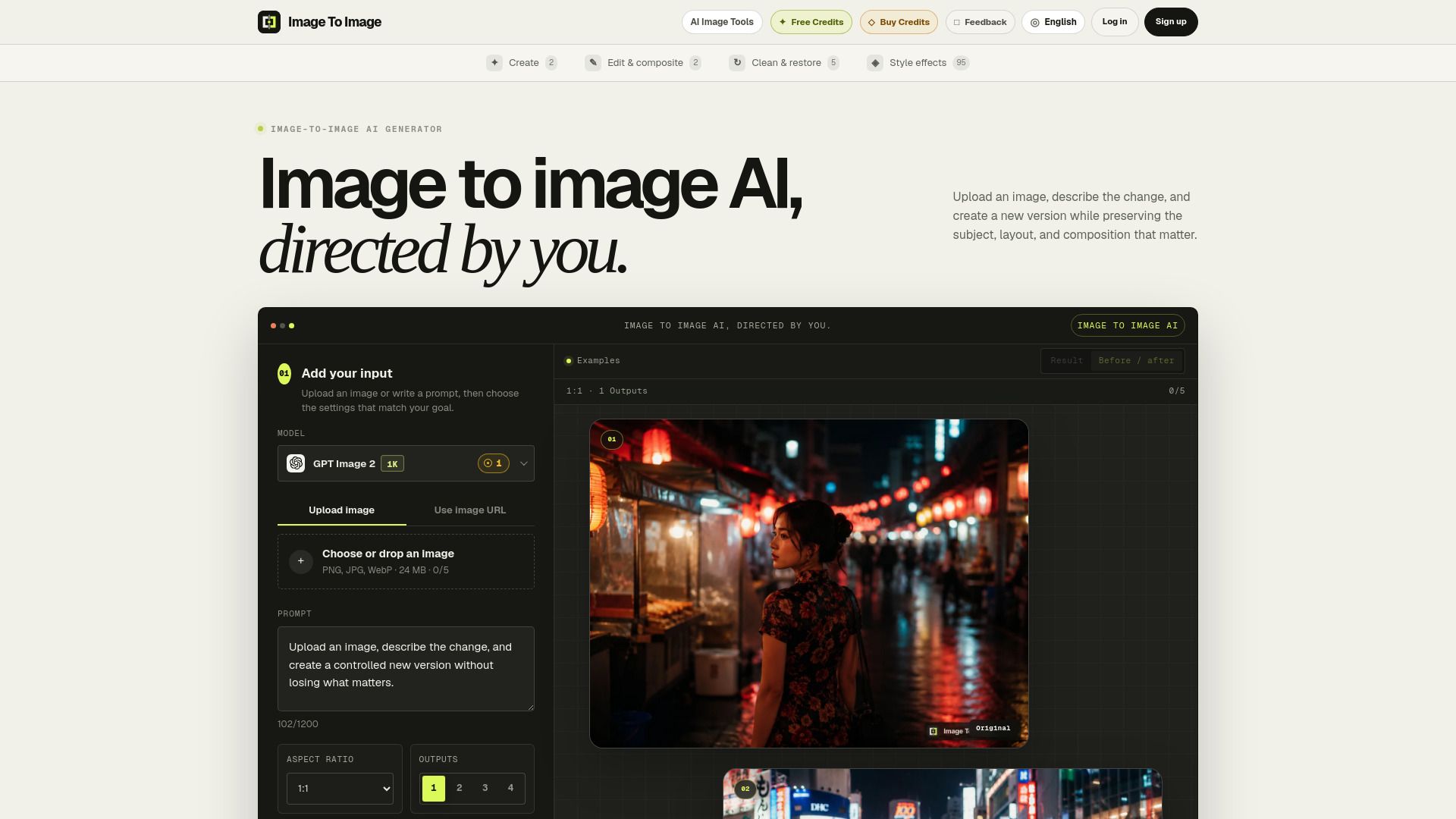
About Image To Image AI - 1
What is Image To Image AI - 1?
Image-to-image AI transforms an existing source image into a new version. The uploaded image guides the subject and composition, while a text prompt describes the edits, style, lighting, materials, or setting you want. This technology allows users to maintain the integrity of the original image while making desired modifications.
With image-to-image AI, you can:
Edit, restyle, or transform photos using text prompts.
Preserve the subject, layout, and composition of the original image.
Make controlled revisions based on existing images.
Image To Image AI - 1 Features
Image-to-image AI is designed to transform an existing source image into a new version while preserving the subject and composition. Users can upload images in formats such as JPG, PNG, or WebP, and then provide a text prompt that describes the desired changes, including edits to style, lighting, materials, or settings.
This technology offers several key features and capabilities:
Preserves scene composition while allowing for modifications.
Supports prompt-based direction for precise edits.
Utilizes multiple AI models for varied results.
Enables high-resolution exports for quality outputs.
Why Image To Image AI - 1?
Image-to-image AI offers significant advantages for users looking to transform existing visuals while maintaining essential elements of the original composition. By utilizing this technology, users can achieve precise edits and enhancements that align with their creative vision. The ability to keep the subject, layout, and overall structure intact while making targeted changes is a key value proposition of image-to-image AI.
Some of the notable benefits of using image-to-image AI include:
Preservation of scene composition, allowing for controlled revisions without starting from scratch.
Support for prompt-based direction, enabling users to specify desired changes in detail.
High-resolution export options, ensuring polished outputs suitable for various applications such as marketing and personal projects.
Flexibility to explore different styles, lighting, and materials while keeping the original image as a guide.
How to Use Image To Image AI - 1
To get started with image-to-image AI, follow these three simple steps. First, upload an image in JPG, PNG, or WebP format, which can be a photo, render, sketch, or an existing AI-generated image. Next, describe the changes you want to make, specifying what should change and what elements must remain unchanged. Finally, generate and refine your image by choosing a model, comparing the results, and adjusting the prompt or transformation strength as needed.
Using image-to-image AI allows you to maintain your composition while altering aspects such as weather, material, mood, or context. This tool is particularly useful for controlled revisions, ensuring that the essence of your original image is preserved while you make desired modifications.
Ready to see what Image To Image AI - 1 can do for you?and experience the benefits firsthand.
How to Use
Visit the Website
Navigate to the tool's official website.
Pros & Cons
What's good
What's not good
Pricing
- 200 credits
- No bonus
- Credits never expire
- One-time payment
- No subscription or automatic renewal
- 400 credits
- 100 bonus credits
- 25% extra credits
- Credits never expire
- One-time payment
- 1,000 credits
- 300 bonus credits
- 30% extra credits
- Credits never expire
- One-time payment
- 3,000 credits
- 1,200 bonus credits
- 40% extra credits
- Credits never expire
- One-time payment