About Image 2.5
What is Image 2.5?
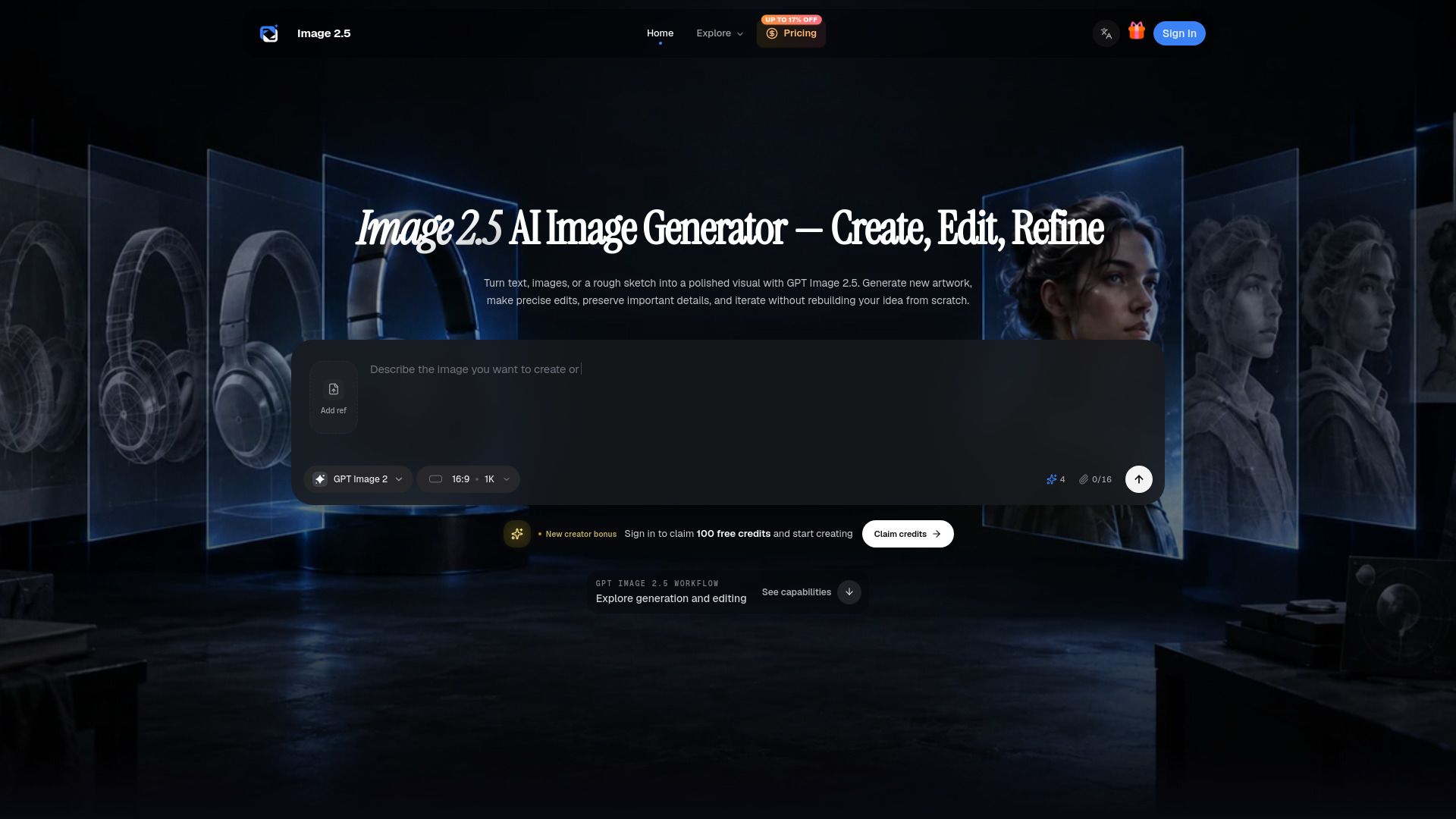
Image 2.5 is a cutting-edge platform designed for the generation and editing of images, enhancing the creative workflow for users. It integrates advanced features such as precise editing, the use of reference images, and flexible output controls, all aimed at streamlining the visual creation process.
Released on September 8, 2026, GPT Image 2.5 significantly improves editing consistency, infographic accuracy, layout control, and iteration speed, making it an essential tool for everyday visual production.
Precise image editing capabilities
Integration of reference images for enhanced creativity
Flexible output controls for tailored results
Focused browser workflow for efficient production
Image 2.5 Features
Image 2.5, part of the GPT Image 2.5 platform, offers a comprehensive suite of features designed for precise image editing and visual creation. Users can choose between the quality-first Sunburst model for detailed work or the speed-first Flare model for quicker outputs, allowing for flexibility based on project needs. The platform supports up to 4K resolution and offers various quality modes, ensuring that users can select the best settings for their specific requirements.
This innovative tool enhances the creative process by allowing users to start with text, images, or sketches, and define essential aspects such as subject, composition, and intended use in a single prompt. The editing capabilities are robust, enabling users to make precise adjustments while preserving important details. Image 2.5 is designed for a variety of use cases, including product campaigns, structured layouts, and social media posts, making it an invaluable resource for creators and marketers alike.
Choose between Sunburst for precision or Flare for speed.
Supports up to 4K resolution with customizable dimensions.
Offers multiple quality modes for tailored output.
Start creation from text, images, or sketches.
Allows for detailed editing while retaining key elements.
Why Image 2.5?
Image 2.5 offers a streamlined approach to image creation and editing, making it an invaluable tool for creators, marketers, and teams. By integrating GPT Image 2.5 generation and editing into a single workspace, users can easily transition from initial concepts to refined visuals. This focused workflow allows for clear direction and thoughtful iteration, ensuring that the final product aligns with specific campaign goals or design tasks.
The benefits of using Image 2.5 include:
Clear inputs and costs, allowing users to understand model options and credit usage before generating images.
Deliberate creative choices that enhance the quality of prompts and references.
An iterative workflow that encourages continuous refinement based on previous results.
A focus on producing useful results that fit real-world applications, rather than just visually striking previews.
How to Use Image 2.5
Image 2.5 provides a streamlined approach to visual creation and editing, making it easier for users to transform their ideas into polished visuals. By starting with a text prompt, reference image, or rough sketch, users can define essential parameters such as size, quality, format, and visual details, ensuring that the final output meets their specific needs.
The platform is designed to cater to a variety of users, including creators, marketers, and teams working on product campaigns or social media posts. With a focus on keeping prompts, references, results, and refinements organized, Image 2.5 enhances the creative workflow.
Clear direction and thoughtful iteration for effective visual creation.
Integration of generation and editing in one focused workspace.
Easy-to-understand inputs, output settings, and revision paths.
Ready to see what Image 2.5 can do for you?and experience the benefits firsthand.
Key Features
How to Use
Visit the Website
Navigate to the tool's official website.
Pros & Cons
What's good
What's not good
Pricing
- 350 workspace credits per month
- Create and edit images with Image 2.5
- Guide generations and edits with multiple image references
- Generation history and result downloads
- Credits valid while subscribed, cancel anytime
- 1,600 workspace credits per month
- Batch output
- Lower cost per AI image generation
- Priority queue for faster creative iteration
- Commercial license included
- 5,500 workspace credits per month
- Batch output
- Lowest monthly cost per AI image generation
- High-priority generation queue
- Commercial license included