
About getdesign
What is getdesign?
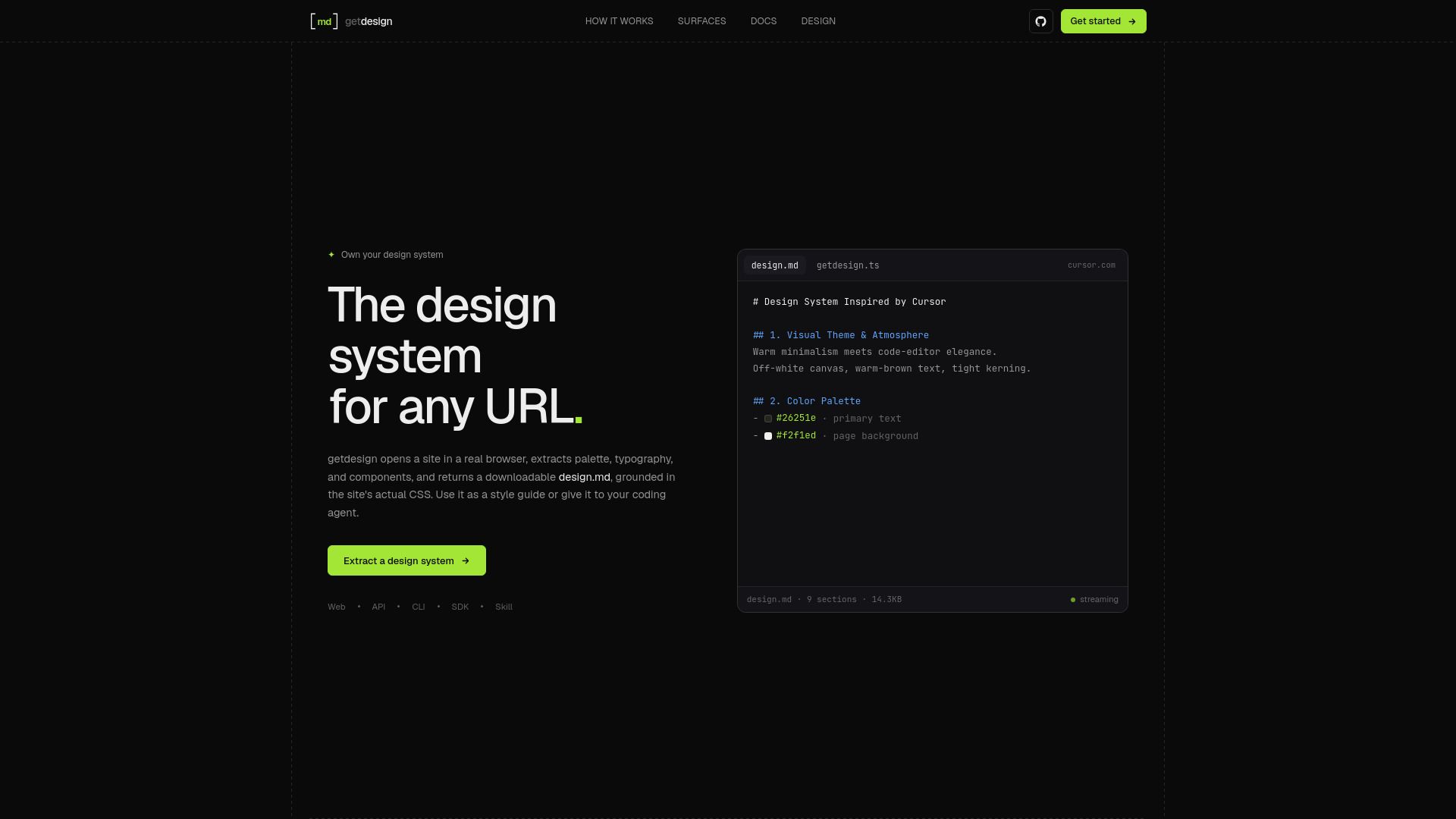
getdesign extracts a design system from a public website. It reads the site's CSS and captures the rendered page, then writes its colors, typography, spacing, and components to a design.md file. This allows users to own their design system based on any URL.
With getdesign, you can:
Extract a design system from a website in real-time.
Generate a downloadable design.md file that serves as a style guide.
Utilize the extracted design elements for coding and interface building.
getdesign Features
getdesign is a powerful tool that extracts a design system from any public website. It analyzes the site's CSS, captures the rendered page, and compiles essential design elements such as colors, typography, spacing, and components into a downloadable design.md file. This file serves as a comprehensive style guide, which can be utilized by developers or coding agents to build user interfaces that align with the original design.
The functionality of getdesign is accessible through various surfaces, including a web dashboard, API, CLI, and SDK. Users can easily input a website URL, and the tool will generate a design document that can be downloaded or used directly in coding environments. Additionally, getdesign supports integration with coding agents, allowing for seamless extraction of design context using the agent's tools.
Extracts design systems from public websites
Generates a design.md file containing colors, typography, and components
Accessible via web dashboard, API, CLI, and SDK
Supports integration with coding agents for enhanced functionality
Allows for local runs using Daytona and OpenAI keys
Why getdesign?
Getdesign offers a powerful solution for extracting design systems from any public website, making it an invaluable tool for designers and developers alike. By utilizing getdesign, users can quickly obtain a comprehensive style guide that includes essential elements such as color palettes, typography, and component structures, all derived directly from the site's CSS. This streamlined process not only saves time but also ensures accuracy in design implementation.
The advantages of using getdesign are numerous:
Efficient extraction of design elements from any URL.
Creation of a downloadable design.md file that serves as a style guide.
Ability to publish and share design documents easily.
Integration with various platforms through API, CLI, and SDK.
Supports collaboration by allowing private and public access to design documents.
How to Use getdesign
To get started with getdesign, simply sign in to the dashboard atand add your Daytona and OpenAI keys. Once you have your keys set up, you can paste the URL of the website you want to extract the design system from. The tool will analyze the site's CSS and generate a design.md file that includes essential design elements such as colors, typography, spacing, and components.
Here are some key features of the getting started tutorial guide:
Easy sign-in process to access the dashboard.
Step-by-step instructions for adding provider keys.
Ability to extract design systems from any public website.
Downloadable design.md file for use as a style guide.
Ready to see what getdesign can do for you?and experience the benefits firsthand.
Key Features
How to Use
Visit the Website
Navigate to the tool's official website.