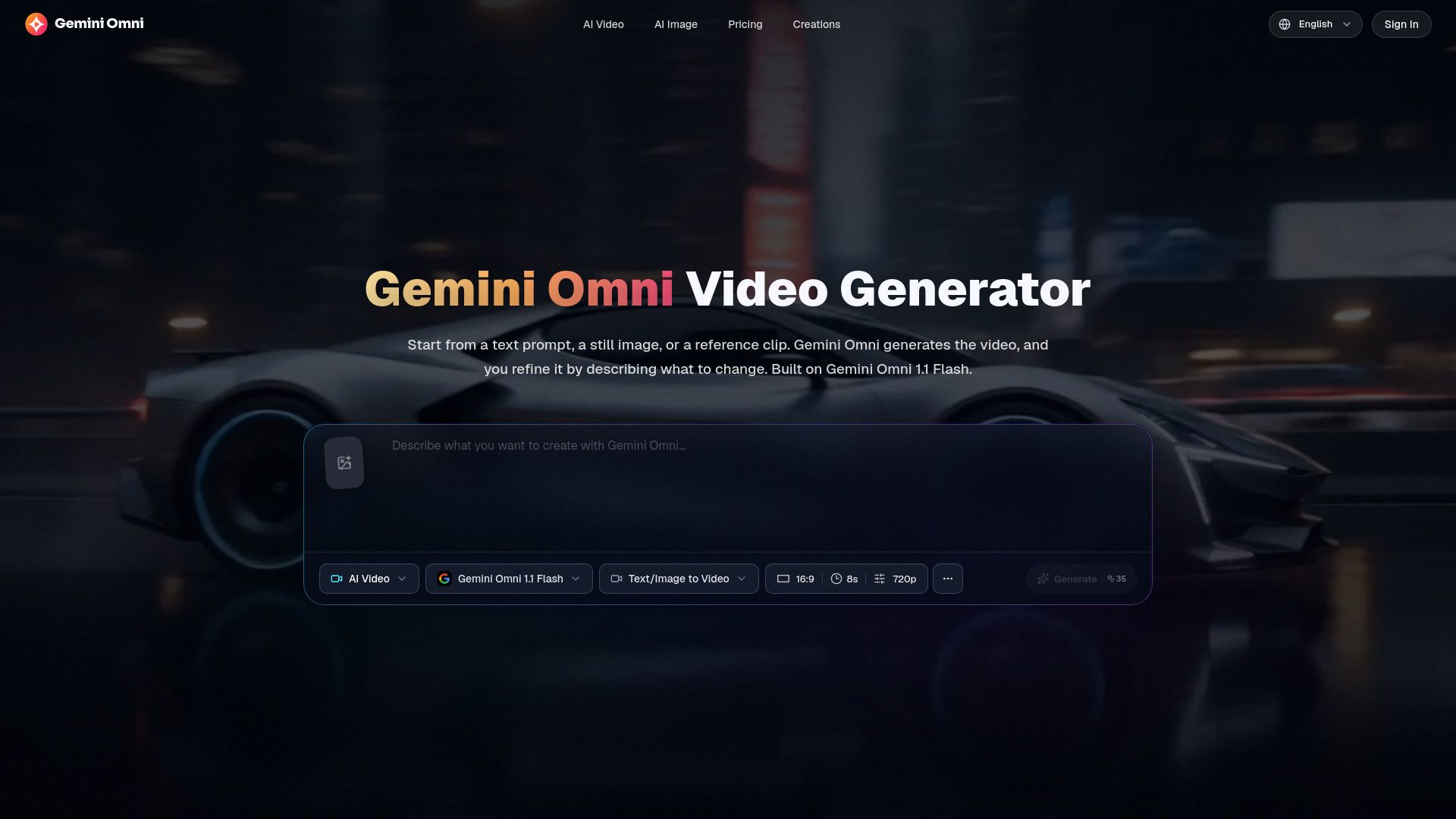
About Gemini Omni Video Generator - 2
{"What is Gemini Omni Video Generator - 2?":"AI video generation from text, images, and reference clips","What is Gemini Omni Video Generator?":"Gemini Omni is an independent AI video generation platform powered by Gemini Omni 1.1 Flash. It creates videos from text prompts, still images, reference clips, or first-and-last-frame inputs. Users can generate 4- to 10-second videos in 16:9 or 9:16 formats, choose resolutions from 360p to 4K, and refine results by describing changes to the visuals, motion, camera, lighting, style, or scene. The platform also supports reference-guided creation, video style transfer, scene reconstruction, multimodal inputs, watermark-free exports, and commercial use rights.","How to use Gemini Omni Video Generator?":"Choose Text to Video, Image to Video, Reference to Video, or First & Last Frames mode. Enter a detailed prompt describing the subject, setting, action, and camera movement, then optionally upload an image or trimmed reference clip. Select the duration, aspect ratio, and resolution, generate the video, review the result, and refine it with another prompt or reference.","What is Gemini Omni?":"Gemini Omni is a multimodal AI model and video generation platform that creates and edits videos from text, images, and video references.","Does this platform use Gemini Omni 1.1 Flash?":"Yes. Generations on the platform use Gemini Omni 1.1 Flash by default.","Do I need an image to generate a video?":"No. Text to Video can create a video from a written prompt alone. Images and reference clips are optional.","What is the difference between Image to Video and Reference to Video?":"Image to Video animates a still image that becomes the opening visual. Reference to Video uses images or a trimmed clip to guide a new shot without treating the reference as the literal first frame.","What video durations and resolutions are available?":"You can generate 4-, 6-, 8-, or 10-second videos in 16:9 or 9:16 formats, with resolutions from 360p to 4K.","Can I edit a generated video?":"Yes. Upload an existing clip in Reference to Video mode and describe the changes you want, such as modifying the background, lighting, subject motion, or style.","Are exported videos watermarked?":"No. Exports are watermark-free on all plans.","Can I use the generated videos commercially?":"Yes. Commercial use rights are included on every plan.","Does the platform offer a free plan?":"No free plan or free trial quota is specified in the provided pricing information."}
How to Use
Visit the Website
Navigate to the tool's official website.