About GanttPilot
What is GanttPilot?
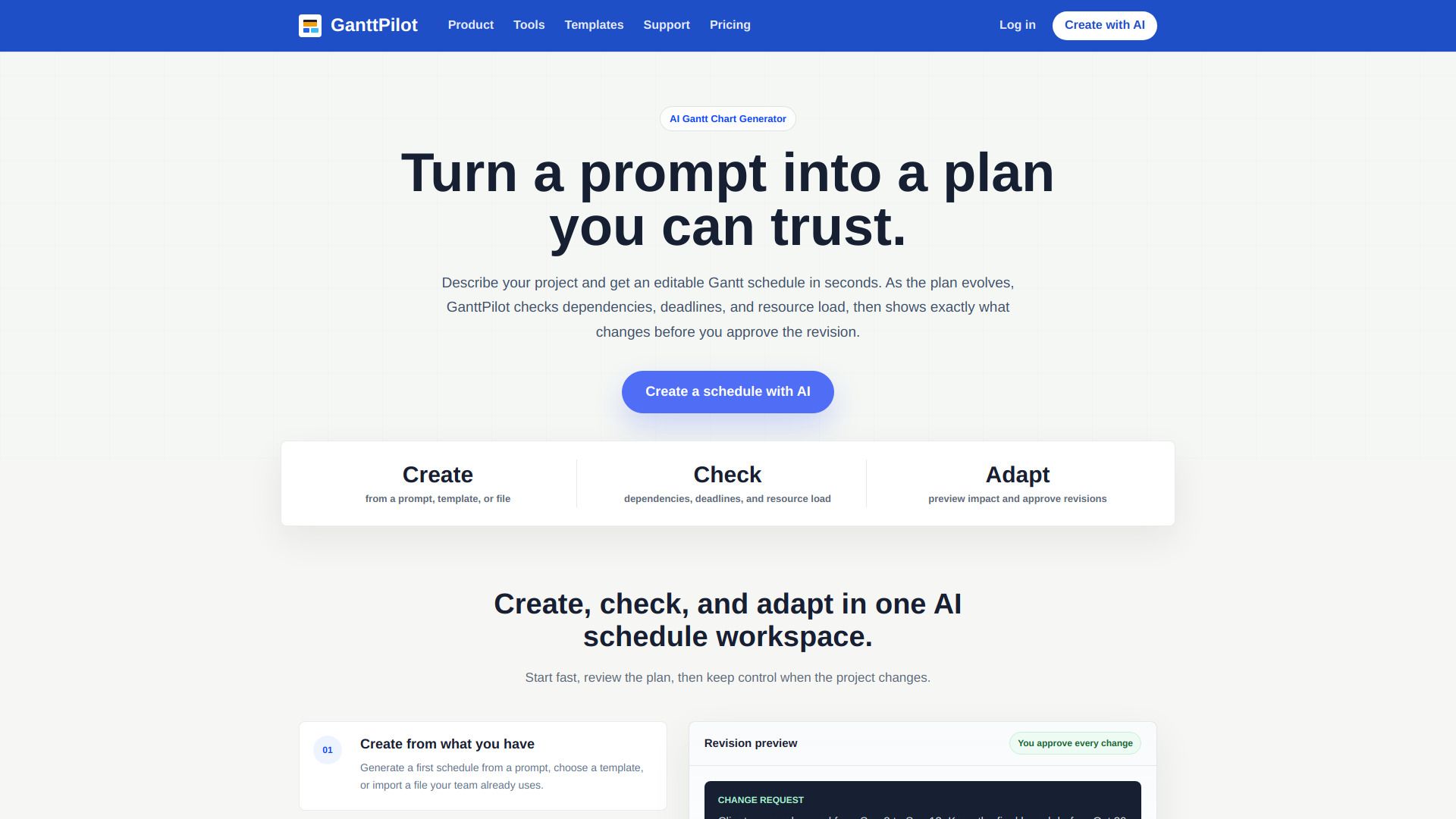
GanttPilot is an AI-powered Gantt schedule workspace designed for project teams. It enables users to create schedules from prompts, check plans for logic and risk, and adapt schedules as dates, scope, or resources change. Unlike traditional project management tools, GanttPilot focuses on providing an editable schedule that remains flexible throughout the project lifecycle.
Key features of GanttPilot include:
AI Gantt chart generation
Editable project schedules
Schedule logic checks
Revision preview
Gantt timeline editing
GanttPilot Features
GanttPilot is an AI-powered Gantt schedule workspace designed for project teams, enabling users to create, check, and adapt project schedules efficiently. It transforms project plans into editable schedule data, including tasks, durations, dependencies, milestones, and a Gantt timeline. Unlike traditional chat tools that only describe plans in text, GanttPilot provides a visual and interactive scheduling experience.
The platform offers several key features that enhance project management:
Editable Gantt workspace for real-time adjustments.
Import and export capabilities for various file formats, including Excel and Microsoft Project XML.
Visibility of schedule logic to prevent dependency gaps and resource overloads.
Ripple effect previews to understand the impact of changes before they are made.
Support for various project types, including product launches, client deliveries, marketing campaigns, and event management.
Why GanttPilot?
GanttPilot offers a streamlined approach to project scheduling, transforming complex plans into editable Gantt charts that are easy to understand and manage. Unlike traditional methods such as chat or spreadsheets, GanttPilot maintains schedule logic visibility, allowing users to see how changes impact the entire project. This feature is crucial for avoiding dependency gaps and ensuring that deadlines are met without unforeseen delays.
Some of the key benefits of using GanttPilot include:
AI-assisted Gantt chart generation for quick and efficient planning.
Editable project schedules that adapt to changes in real-time.
Schedule logic checks to prevent common planning pitfalls.
Revision previews that allow users to assess the impact of changes before implementation.
Seamless integration with existing schedule files, including Excel and Microsoft Project formats.
How to Use GanttPilot
Getting started with GanttPilot is straightforward and user-friendly. You can create your first schedule by starting from a prompt, selecting a template, or importing an existing file such as Excel, CSV, or Microsoft Project formats. This flexibility allows you to leverage the tools your team is already familiar with, making the transition to GanttPilot seamless.
Once you have your schedule set up, GanttPilot enables you to check the logic of your plan, ensuring that all dependencies and deadlines are accounted for. As your project evolves, you can easily adapt the schedule, preview the impact of changes, and approve revisions before finalizing the updates. This iterative process helps maintain control over your project timeline.
Import schedules from Excel, CSV, or Microsoft Project formats.
Generate editable Gantt charts from prompts or templates.
Review dependencies and deadlines to ensure project integrity.
Adapt schedules based on changes and preview impacts before approval.
Ready to see what GanttPilot can do for you?and experience the benefits firsthand.
How to Use
Visit the Website
Navigate to the tool's official website.
Pros & Cons
What's good
What's not good
Pricing
- AI Gantt chart generation
- Editable project schedules
- Schedule logic checks
- Revision preview
- Gantt timeline editing
- Use it solo, or invite up to 2 teammates
- 1,000 AI credits/month
- Unlimited projects
- AI revision previews
- Resource and dependency checks