About Foneo
What is Foneo?
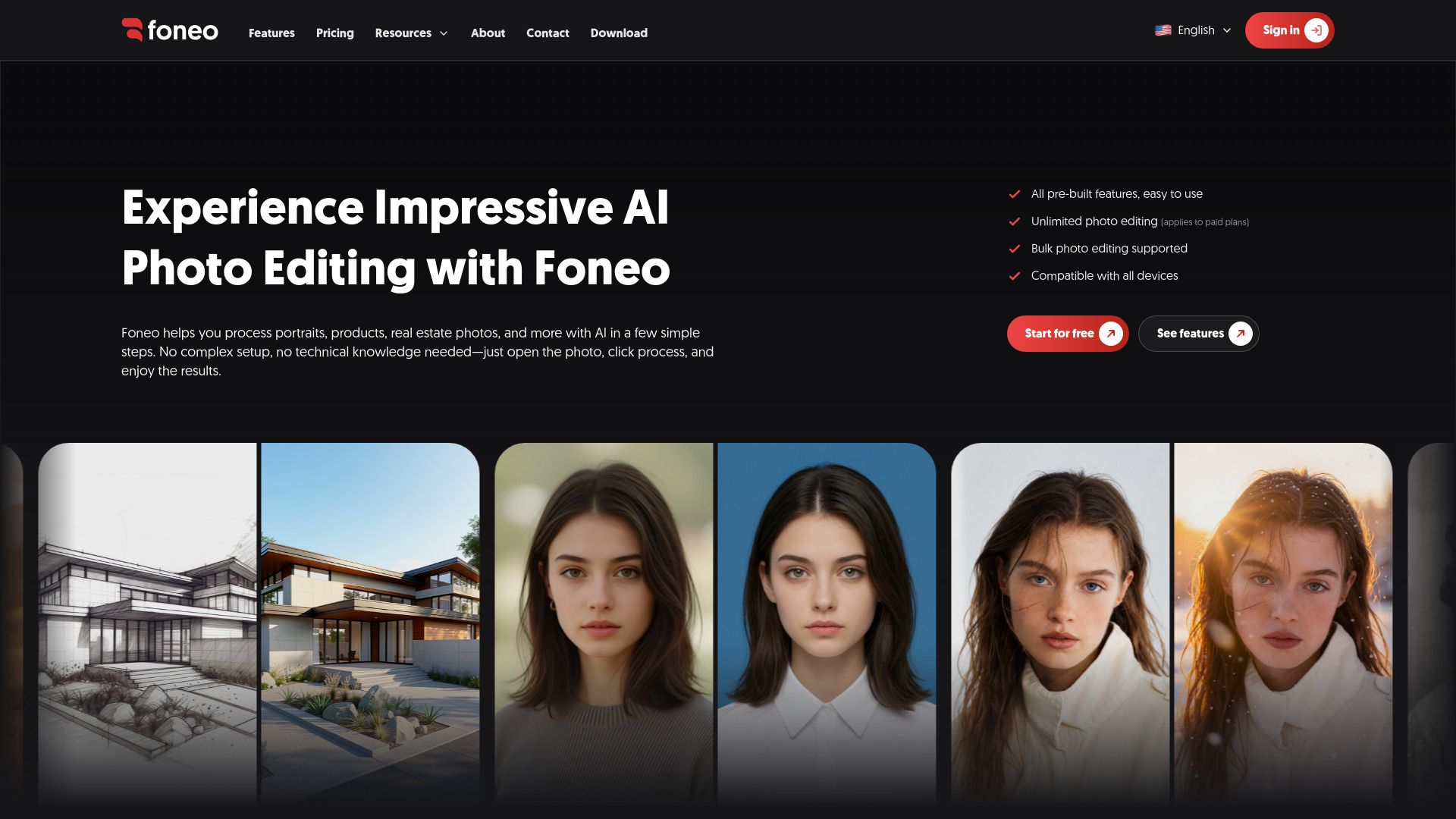
Foneo is an AI photo editing app designed for both macOS and Windows, enabling users to enhance their photos with ease. The application simplifies the editing process by allowing users to open a photo, select the desired tool, and press process to achieve the desired result. This streamlined approach eliminates the need for writing prompts, connecting to third-party APIs, or renting servers and GPUs.
Foneo is particularly beneficial for a variety of users, including photographers, retouchers, wedding studios, online sellers, and content creators. It focuses on automating the repetitive aspects of photo retouching, such as sharpening faces, removing unwanted objects, swapping backgrounds, and restoring old photos. The app is tailored for various types of work, including portraits, weddings, product shots, advertising, and social media content.
One-click tools for quick photo editing
No need for external API connections
Suitable for batch photo processing
Designed for both professionals and casual users
Foneo Features
Foneo is an AI photo editing application designed to streamline the photo editing process for photographers, retouchers, and content creators. It allows users to edit and export multiple photos simultaneously, making it ideal for handling large batches of images from shoots. The application features a user-friendly interface where users can simply select a tool, upload their photo, and initiate processing with a single click. This functionality eliminates the need for writing prompts or connecting to external APIs, making it accessible for users without technical expertise.
Some of the key features and capabilities of Foneo include:
Batch processing of multiple photos at once.
A variety of AI tools for tasks such as sharpening faces, removing unwanted objects, and background swapping.
Support for restoring old photos and enhancing product shots.
Free and paid plans with flexible pricing options, allowing users to process as many photos as needed without per-photo charges.
Compatibility with both macOS and Windows operating systems.
Why Foneo?
Foneo is designed to streamline the photo editing process, making it an invaluable tool for photographers, retouchers, and content creators. By automating repetitive tasks such as sharpening faces, removing unwanted objects, and restoring old photos, Foneo allows users to focus on the creative aspects of their work. This efficiency not only saves time but also enhances productivity, enabling users to handle large volumes of photos with ease.
Some key benefits of using Foneo include:
One-click processing for various editing tasks.
Batch processing capabilities, allowing multiple photos to be edited simultaneously.
No need for external APIs or complex setups, making it user-friendly.
Flexible pricing plans, including a free option with essential features.
No per-photo charges, allowing unlimited processing based on job requirements.
How to Use Foneo
Getting started with Foneo is simple and straightforward. To begin, download the appropriate version for your operating system—either macOS or Windows—from the official download page. Once installed, log in to your account, and you can immediately start using the software without any complicated setup or API connections.
Foneo is designed to be user-friendly, making it accessible for both professionals and anyone looking to enhance their photos. Here are some key features that will help you get started:
No need for external server rentals or high-spec computers; Foneo is fully optimized for ease of use.
Process unlimited photos without worrying about additional costs, as there are no charges per export.
Utilize one-click AI tools that are pre-built for real-world scenarios, eliminating the need for complex commands or prompt writing.
Ready to see what Foneo can do for you?and experience the benefits firsthand.
Key Features
How to Use
Visit the Website
Navigate to the tool's official website.
Pros & Cons
What's good
What's not good
Pricing
- Capped at 10 exports a day
- Watermark on results
- One task at a time
- Access to every AI tool
- No daily export cap
- No watermark on results
- Higher processing queue priority
- No daily export cap
- No watermark on results
- Higher processing queue priority
- No daily export cap
- No watermark on results
- Higher processing queue priority
- Sign-in on 2 devices instead of 1