
About Flux 3 AI
What is Flux 3 AI?
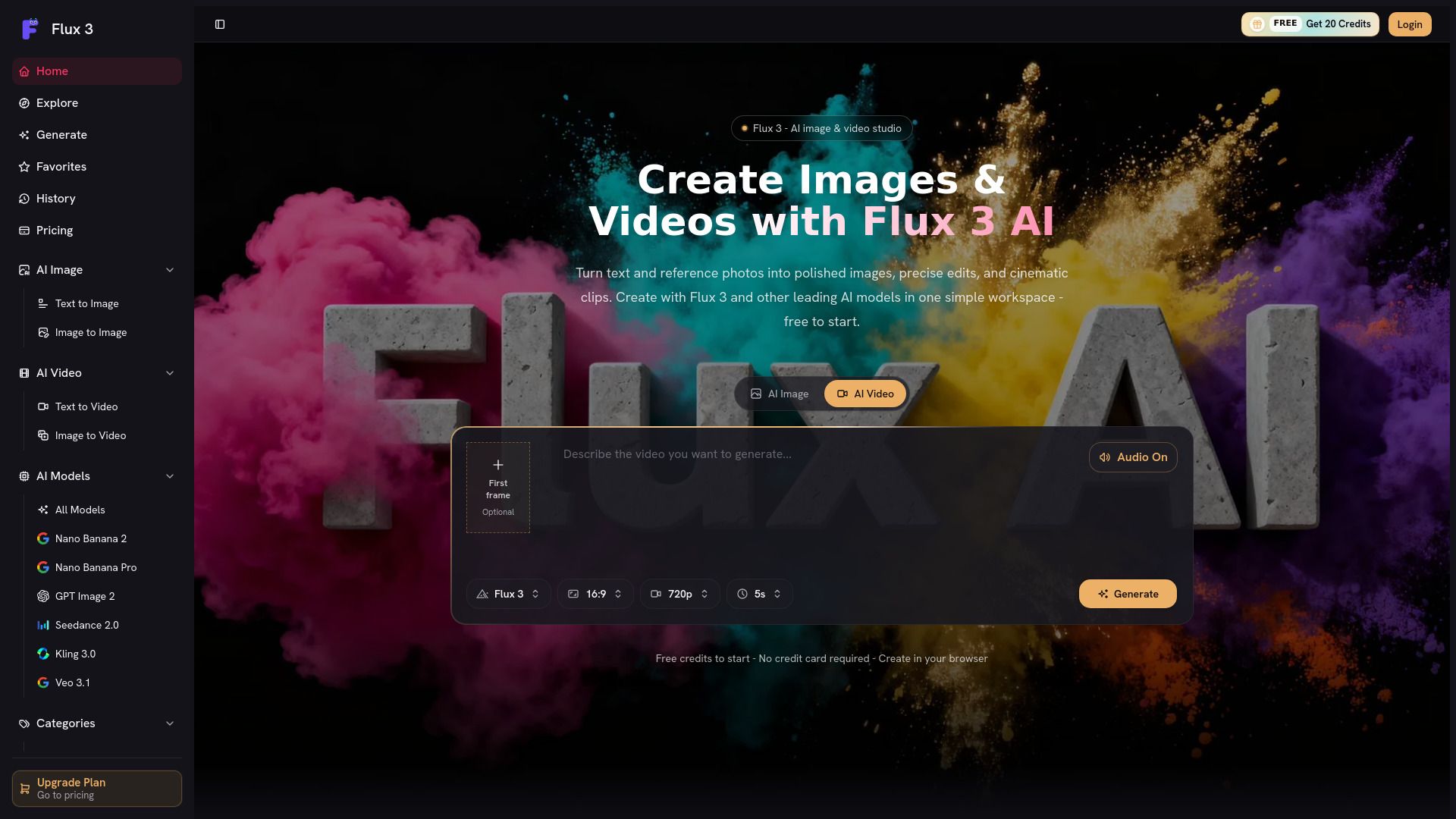
Flux 3 is a browser-based creative workspace designed for generating images, editing with references, and producing short AI videos. It consolidates multiple model families, generation controls, credits, and results into one accessible platform, making it easier for users to manage their creative projects without the need for separate accounts or workflows for different models.
With Flux 3, users can start with a text prompt or reference photo, select a model, and create polished images, precise edits, or cinematic clips directly in their browser. The platform supports various AI models for both image generation and video production, allowing for a seamless creative experience.
Browser-based interface for easy access and use.
Supports multiple AI models for diverse creative outputs.
Free credits available for new users to test the platform.
Integrated workspace for image generation, editing, and video production.
Flux 3 AI Features
Flux 3 is a browser-based creative workspace designed for generating images, editing with references, and producing short AI videos. It consolidates multiple model families, generation controls, credits, and results into a single platform, making it easier for users to manage their creative projects without the need for separate accounts or workflows for different models.
With Flux 3, users can create polished images and cinematic clips from text prompts or reference photos. The platform supports various AI models, allowing for versatile image and video generation. Key features include:
AI image generation from text or photos
Editing capabilities with reference images
Short video production using AI
Access to multiple leading AI models in one workspace
Free credits for new users to start creating without upfront costs
Why Flux 3 AI?
Flux 3 AI offers a comprehensive browser-based creative workspace that simplifies the process of generating images and videos. By consolidating multiple AI models and generation controls into one platform, users can easily compare different approaches, preserve useful prompts, and maintain a consistent visual direction across various media formats. This integration enhances workflow efficiency and creativity, making it an ideal choice for both individual creators and agencies.
Some of the key benefits of using Flux 3 AI include:
Free credits for new users to test the platform before committing financially.
Clean, professional results that fit seamlessly into regular workflows.
The ability to create images, edits, and short videos without the need for separate software installations.
Commercial use options depending on the model and plan, allowing for flexibility in marketing and client work.
How to Use Flux 3 AI
Getting started with Flux 3 AI is simple and user-friendly. As a browser-based platform, you can begin creating images and videos without the need for any software installation. To start, sign up for a new account to receive free credits, allowing you to explore the features of Flux 3 without any initial investment. Once you have your account set up, you can input a text prompt or upload a reference photo, select from various AI models, and begin generating your desired content.
Here are some key features to help you get started with Flux 3:
Access to multiple AI models for diverse image and video generation.
Free credits for new users to test the platform before committing to a subscription.
Ability to edit images and create short videos all in one workspace.
Easy comparison of different models and approaches to find what works best for your project.
Ready to see what Flux 3 AI can do for you?and experience the benefits firsthand.
Key Features
How to Use
Visit the Website
Navigate to the tool's official website.
Pros & Cons
What's good
What's not good
Pricing
- 2,200 credits per month
- Generate up to 110 images (from 20 credits/image)
- Or up to 13 fast videos (from 160 credits/video)
- No watermark
- Commercial usage rights
- 7,000 credits per month
- Generate up to 350 images (from 20 credits/image)
- Or up to 43 fast videos (from 160 credits/video)
- No watermark
- Commercial usage rights
- 18,000 credits per month
- Generate up to 900 images (from 20 credits/image)
- Or up to 112 fast videos (from 160 credits/video)
- No watermark
- Dedicated support