About Flux 3
What is Flux 3?
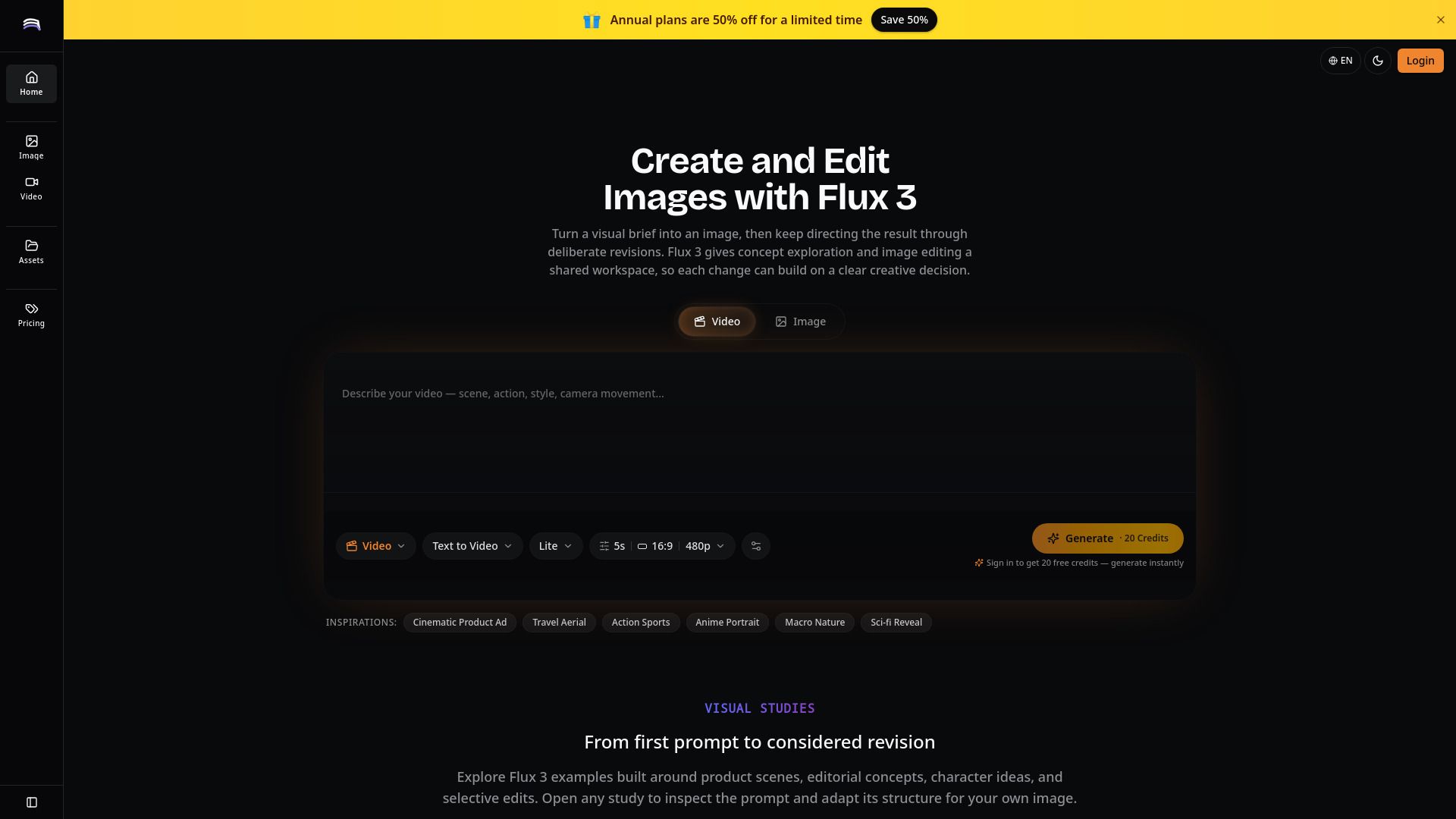
Flux 3 is an AI creative studio built around multimodal generation, enabling users to create prompt-led images, focused editing, and videos with synchronized audio. The workflow emphasizes clear briefs, thoughtful comparisons, and precise revision instructions, making it a versatile tool for various creative projects.
With Flux 3, users can create a wide range of content, including:
Product concepts
Campaign moodboards
Editorial key art
Character studies
Short videos such as product motion or social clips
Flux 3 Features
Flux 3 is an AI creative studio designed for multimodal generation, enabling users to create prompt-led images, perform focused editing, and generate videos with synchronized audio. The platform emphasizes a streamlined workflow that revolves around clear briefs, thoughtful comparisons, and precise revision instructions, making it easier for creators to develop their ideas effectively.
With Flux 3, users can create a variety of content, including product concepts, campaign moodboards, editorial key art, character studies, and short videos such as product motion or social clips. The platform is particularly effective when users start with a specific audience, format, and visual purpose, ensuring that the generated content meets their creative needs.
Multimodal generation of images and videos
Focused editing capabilities
Synchronized audio for video content
Iterative workflow that combines generation and revision
Support for creating diverse content types
Why Flux 3?
Flux 3 offers a unique value proposition as an AI creative studio that specializes in multimodal generation, allowing users to create prompt-led images, focused edits, and videos with synchronized audio. This integrated approach streamlines the creative process, making it easier for users to develop their ideas without the need to abandon them. The workflow emphasizes clear briefs and precise revision instructions, ensuring that the creative output aligns closely with the intended vision.
Some of the key benefits and advantages of using Flux 3 include:
Ability to generate diverse content types, including product concepts, campaign moodboards, and short videos.
Enhanced creative flexibility through a continuous loop of discovery and revision.
Support for synchronized audio in video generation, enriching the multimedia experience.
Focus on specific audience and visual purpose, leading to stronger and more targeted results.
How to Use Flux 3
To get started with Flux 3, begin by defining a complete visual brief that includes the subject, setting, composition, lighting, color palette, and intended use. This structured approach will help you evaluate the first result more effectively, as each major creative choice will have a clear rationale. Once you have your initial output, you can refine it by revising one decision at a time, such as adjusting the camera angle or background material.
Flux 3 also supports a repeatable workflow that enhances your creative process. You can generate a direction, identify the strongest elements, and describe the next changes with precision. This iterative loop is essential for both still images and moving shots, ensuring that your final product aligns with your original vision.
Define your visual goal clearly.
Generate a direction based on your brief.
Evaluate and identify the strongest parts of your output.
Make precise revisions to enhance your work.
Ready to see what Flux 3 can do for you?and experience the benefits firsthand.
Key Features
How to Use
Visit the Website
Navigate to the tool's official website.
Pros & Cons
What's good
What's not good
Pricing
- Limited features
- Basic support
- No watermark
- 1000 credits per month
- 100 high-quality images per month
- Standard speed
- Basic support
- No watermark
- 4000 credits per month
- 400 high-quality images per month
- High speed
- Priority support
- No watermark
- 8000 credits per month
- 800 high-quality images per month
- Commercial use
- Priority support
- No watermark