About EasyVeo
What is EasyVeo?
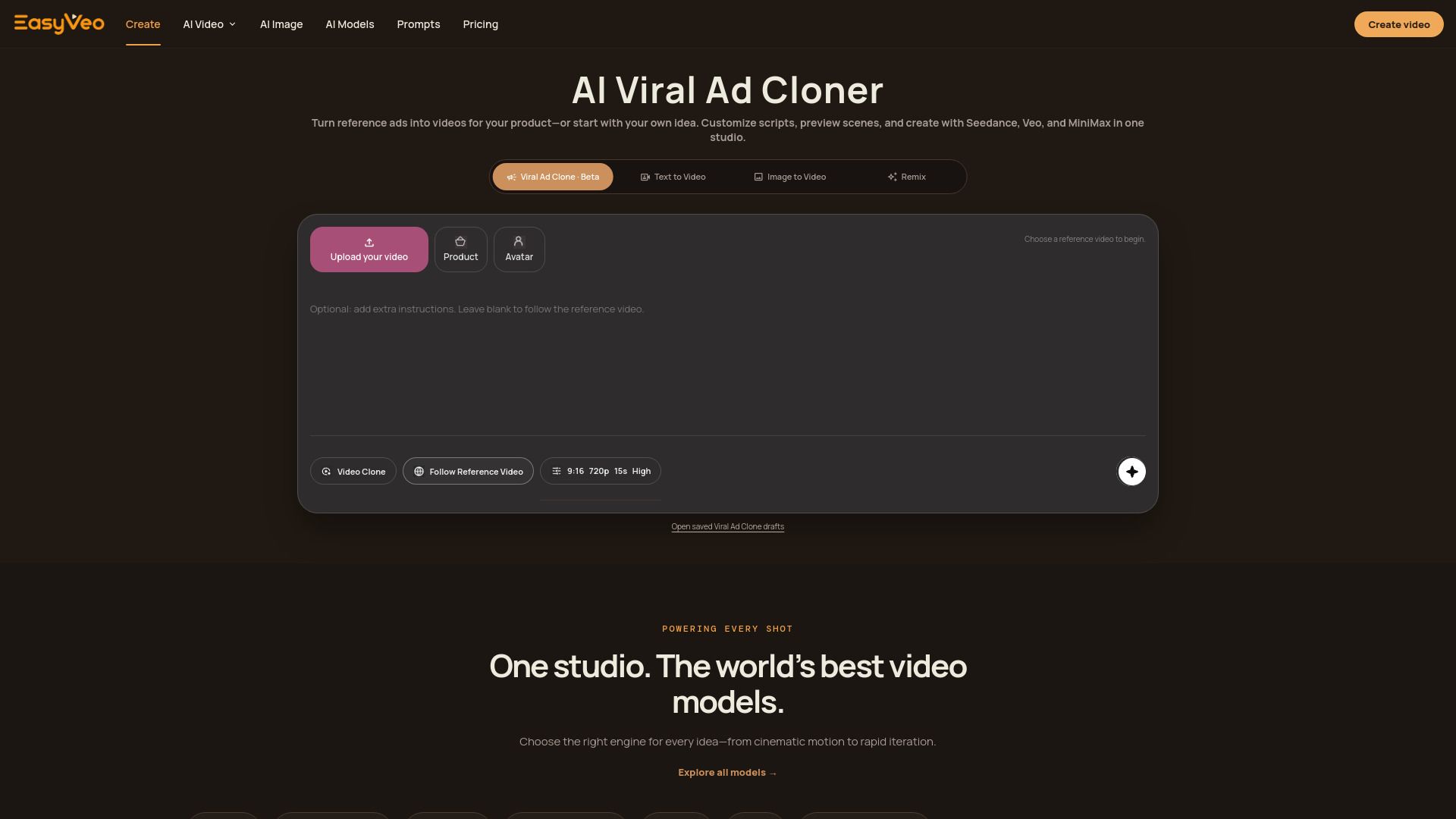
EasyVeo is a browser-based AI video ad cloner that allows users to transform successful reference ads into short videos tailored for their products. This innovative tool enables the creation of videos from various inputs, including text, still images, or creative references, making it versatile for different marketing needs.
With EasyVeo, users can choose from multiple video formats, including vertical (9:16), landscape (16:9), and square (1:1) options. The platform emphasizes ease of use, allowing users to bring in their reference materials and create videos at their convenience. Key features of EasyVeo include:
AI-driven video generation from existing ads.
Flexible video format options to suit different platforms.
No expiration on purchased credits, allowing for pay-as-you-create flexibility.
EasyVeo Features
EasyVeo is a browser-based AI video ad cloner that allows users to transform winning reference ads into short videos tailored for their products. It supports various input types, including text, still images, and creative references, making it versatile for different advertising needs. Users can create videos in multiple formats, including vertical (9:16), landscape (16:9), and square (1:1), ensuring compatibility with various platforms.
Some of the key features and capabilities of EasyVeo include:
Multiple video models for different creative needs, such as Seedance 2.0 for controlled motion and Veo 3.1 for high-fidelity cinematic output.
Instant character locking to maintain consistency in subjects across video clips.
Transparent pricing with no subscription required; users can buy credits as needed, which do not expire.
Ability to compare video model configurations and pricing against market benchmarks for informed decision-making.
Why EasyVeo?
EasyVeo offers a unique value proposition for users looking to create AI-generated video ads efficiently and effectively. With its browser-based platform, users can easily remake winning reference ads into short videos tailored for their products using text, stills, or creative references. This streamlined process allows for a focused workflow from the initial prompt to the final export, ensuring that users maintain creative control throughout the video creation process.
The benefits of using EasyVeo include:
No expiration on purchased credits, allowing users to create videos at their convenience.
Transparent pricing with clear comparisons to market benchmarks, ensuring users know what they are paying for.
Fast generation of videos, enabling users to test and adjust their ideas without disrupting their creative flow.
Flexibility in video formats, accommodating various aspect ratios such as vertical, landscape, and square.
How to Use EasyVeo
Getting started with EasyVeo is simple and intuitive, allowing you to create engaging video ads quickly. Begin by briefing your remake in plain language, describing the subject, action, camera angles, lighting, and mood you envision. This initial step sets the foundation for your video creation process.
Next, choose the right video model that fits your needs. EasyVeo offers a variety of models, enabling you to switch between them seamlessly within a consistent workflow. You maintain creative control throughout the process, allowing you to set the format and duration, use references, and remix results to achieve the desired outcome.
Fast generation of video ads to keep your creative flow uninterrupted.
Precise control over video elements, ensuring your vision is realized.
Flexible credit system with no expiration, allowing you to pay as you create.
Ready to see what EasyVeo can do for you?and experience the benefits firsthand.
Key Features
How to Use
Visit the Website
Navigate to the tool's official website.
Pros & Cons
What's good
What's not good
Pricing
- 1,000 generation credits
- For testing ideas
- Creating a few short clips
- 2,000 generation credits
- For regular creators
- Iterating across multiple videos
- 5,000 generation credits
- For larger batches
- Campaigns and ongoing production