About Design.com
What is Design.com?
Design.com is a comprehensive platform dedicated to providing resources and tools for designers and creatives. It serves as a hub for various design-related activities, including web design, logo creation, and branding. The platform aims to empower users by offering a range of services that cater to both novice and experienced designers.
Key features of Design.com include:
A user-friendly interface that simplifies the design process.
Access to a wide array of design templates and resources.
Opportunities for designers to sell their logos and designs.
Community support and resources to enhance design skills.
Why Design.com?
Design.com offers a range of benefits that make it an ideal choice for businesses looking to create a professional logo. With a user-friendly interface, users can easily customize their logos by adjusting colors, fonts, and layouts to achieve the perfect design that reflects their brand's personality. This flexibility ensures that every logo is unique and tailored to the specific needs of the business.
Additionally, Design.com provides logos in various formats, including vector files like PDF and SVG, which maintain their quality regardless of size. This feature is particularly advantageous for businesses that require their logos for different applications, from digital use to print materials. By choosing Design.com, users can enjoy:
Seamless logo-making experience with intuitive tools.
High-quality vector files for versatile use.
Customizable designs that reflect the brand's identity.
Quick turnaround time to get your logo ready for use.
How to Use Design.com
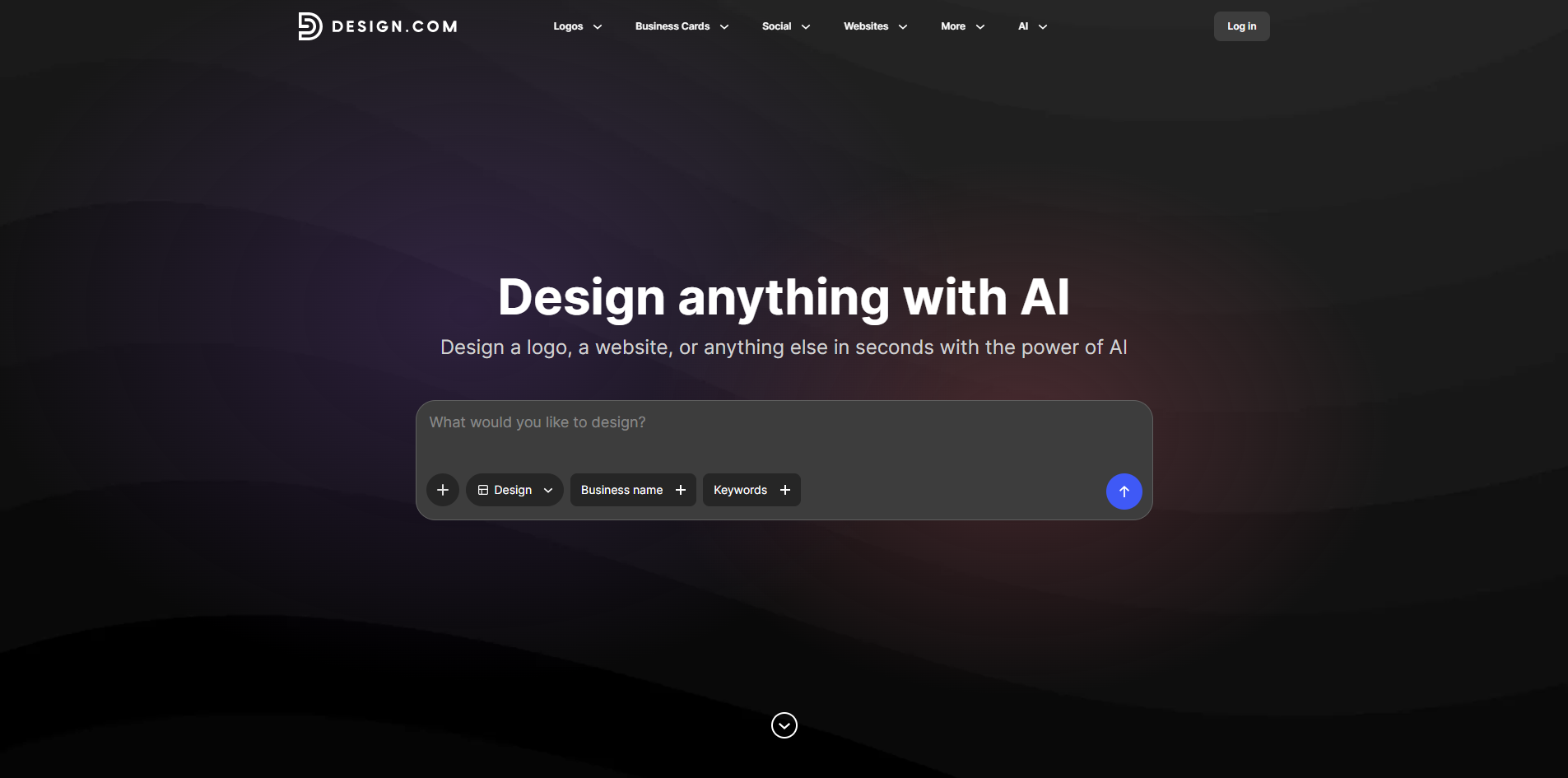
To get started with Design.com's logo maker, simply enter your business name and let our Logo Maker create amazing logo designs instantly. You can browse thousands of logos tailored with your business name and find a design that's perfect for you. If you're looking for a more specific logo, you can enter keywords to refine the logos and discover a design that truly suits your business.
Once you've found a logo you love, customizing it is a breeze. You can change the logo colors, fonts, and layout with ease. Adjusting the logo icon or spacing is simple, allowing for virtually limitless creativity. You can create something bespoke by adding gradient colors, additional shapes, or curved text, making the design process enjoyable and straightforward.
Instant logo creation by entering your business name.
Thousands of tailored logo options to choose from.
Easy customization of colors, fonts, and layouts.
Ability to refine designs using specific keywords.
Options to add unique elements like gradient colors and shapes.
Ready to see what Design.com can do for you?and experience the benefits firsthand.
Key Features
How to Use
Visit the Website
Navigate to the tool's official website.