About Command Code
What is Command Code?
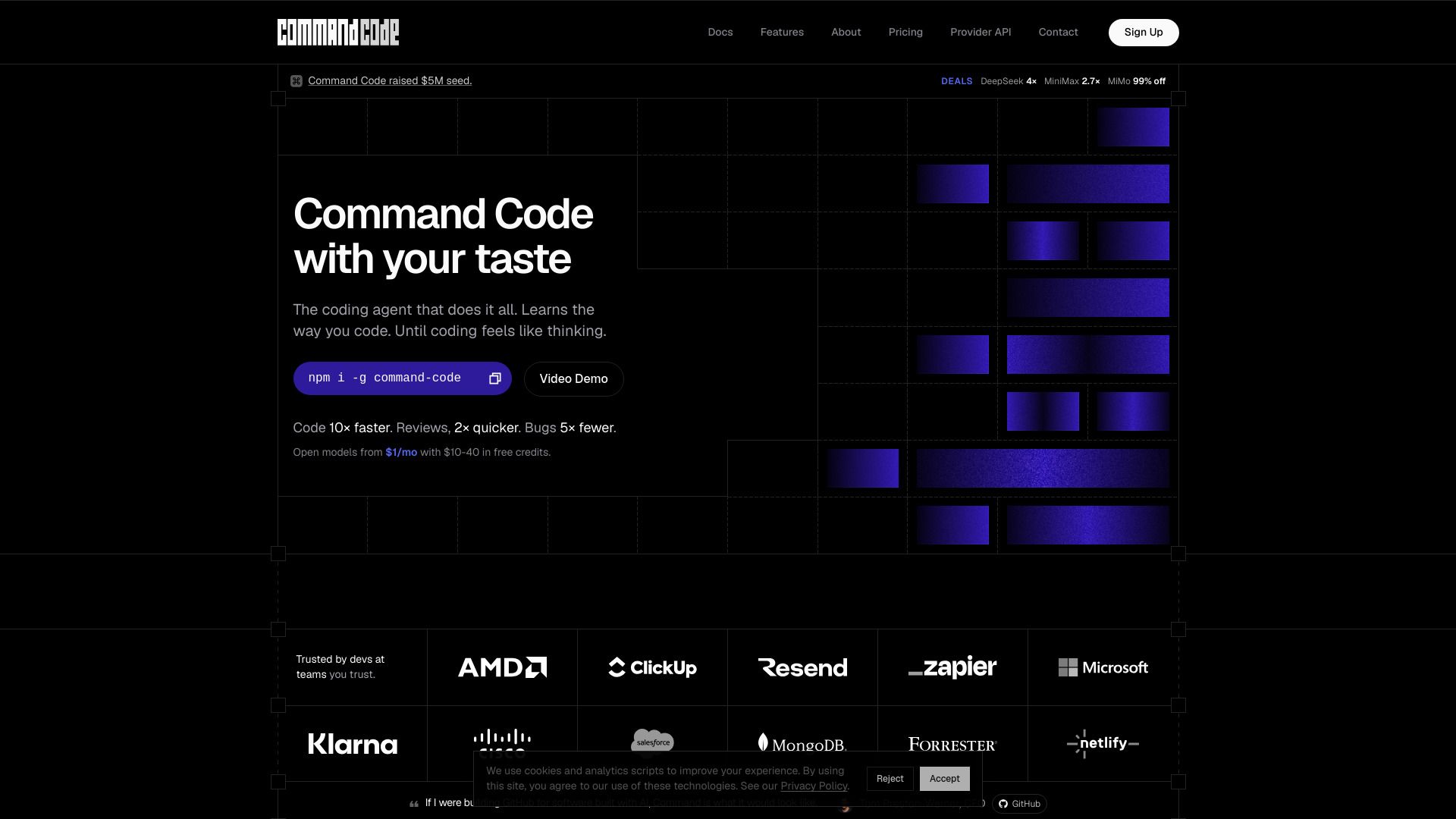
Command Code is a revolutionary coding agent designed to enhance the developer experience by continuously learning and adapting to individual coding preferences. It operates as a frontier coding agent that not only builds software but also evolves with the user, ensuring that coding feels intuitive and seamless. With its unique ability to learn from every interaction, Command Code aims to streamline the coding process, making it faster and more efficient.
The key features of Command Code include:
Continuous Learning: Adapts to your coding style and preferences, improving with every session.
Evolving Taste: Customizes its output to match your unique coding style, eliminating generic solutions.
Enhanced Speed: Allows you to code up to 10 times faster, with quicker reviews and significantly fewer bugs.
Command Code Features
Command Code is a revolutionary coding agent designed to enhance the developer experience by continuously learning and adapting to individual coding preferences. It operates with a unique capability to learn from every interaction, including accepts, rejects, and edits, which are transformed into project-level skills. This ensures that the coding process becomes more intuitive and aligned with the user's style, effectively making coding feel like a natural thought process.
The functionality of Command Code is built around several key features that significantly improve coding efficiency and reduce errors:
Code 10× faster, allowing developers to complete tasks in a fraction of the time.
Review processes are accelerated, with reviews taking 2× less time.
Fewer bugs are introduced, with a reduction of up to 5×, leading to more reliable code.
Adapts to individual coding styles, ensuring that the code produced fits the developer's architecture and preferences.
Continuous learning from user interactions, making it sharper and more effective with each session.
Why Command Code?
Command Code offers significant advantages for developers looking to enhance their coding experience. By continuously learning from user interactions, it adapts to individual coding styles, making the process feel more intuitive and efficient. This personalized approach not only accelerates coding speed but also reduces the time spent on code reviews and debugging.
Some key benefits of using Command Code include:
Code 10× faster, allowing developers to focus on creativity rather than repetitive tasks.
Reviews completed in half the time, resulting in cleaner code on the first attempt.
Fewer bugs, with a reduction of up to 5×, leading to more reliable software delivery.
How to Use Command Code
Getting started with Command Code is simple and intuitive. To begin, you need to install the Command Code package using the commandnpm i -g command-code. Once installed, sign in to your account, and you can start coding right away. Command Code is designed to learn your coding preferences continuously, making your coding experience more efficient and tailored to your style.
As you use Command Code, it will adapt to your coding habits by analyzing every accept, reject, and edit you make. This means that the more you use it, the better it becomes at understanding your unique coding taste. Here are some key benefits of using Command Code:
Code 10× faster with fewer bugs.
Receive code reviews 2× quicker.
Continuous learning that sharpens your coding experience with every session.
Ready to see what Command Code can do for you?and experience the benefits firsthand.
Key Features
How to Use
Visit the Website
Navigate to the tool's official website.
Pros & Cons
What's good
What's not good
Pricing
- 10~15K requests
- Open models + some premium
- $10 in credits included
- Limited usage analytics
- Discord community support
- 70~75K requests
- Open models, some closed per-model allowances
- $70 in credits included
- Best value subscription in market
- Per-model allowances
- 80~100K requests
- Open-source + premium models
- Per-model allowances
- Increased usage credits
- Access to more models
- Pay as you go
- Provider API access
- Open-source + premium models
- Flexible usage
- No monthly cap
- 150~230K requests
- Open-source + premium models
- Higher usage limits
- Pooled credits
- Team collaboration
- 300~370K requests
- Open-source + premium models
- No caps on usage
- Pooled credits
- Team collaboration
- 35K requests
- Open-source + premium models
- Pooled credits for team
- Team management features
- Collaboration tools
- Custom pool
- Custom terms
- Dedicated support
- SLA agreements
- Enterprise-level features