About Clumi AI
{"What is Clumi AI?":"Clumi is an AI-powered online audio editing platform that helps you edit, clean, and transform audio with ease. Whether you want to remove vocals, split stems, reduce background noise, convert audio to MIDI, or isolate instruments, Clumi delivers fast, high-quality results directly in your browser.","How to use Clumi AI?":"Step 1. Upload Your Audio File\nClumi AI Vocal Remover supports all major audio formats. Click the Upload File button or simply drag and drop your file onto the homepage.\n\nStep 2. Wait for Processing\nOur AI will analyze your audio and separate the vocals from the instrumental track in just a few moments.\n\nStep 3. Download Your Audio\nPreview both the isolated vocals and the instrumental track. Once you're satisfied with the results, click Download to save the files to your device.","What audio formats does Clumi support?":"Clumi supports most popular audio formats, including MP3, WAV, FLAC, M4A, AAC, and more. It also accepts MP4 video files, allowing you to edit audio without converting the video first.","Can I remove vocals from any song?":"Yes. Clumi uses AI to separate vocals from instrumentals in most songs, making it easy to create karaoke tracks, remixes, or practice versions.","Does Clumi preserve audio quality?":"Yes. Clumi is designed to deliver high-quality output while preserving important audio details during vocal removal, stem splitting, and audio enhancement.","Do I need to install any software?":"No. Clumi is a browser-based tool, so you can upload your files, process them online, and download the results without installing any software.","Who is Clumi designed for?":"Clumi is built for musicians, producers, content creators, podcasters, video editors, and anyone who needs fast, AI-powered audio editing online."}
How to Use
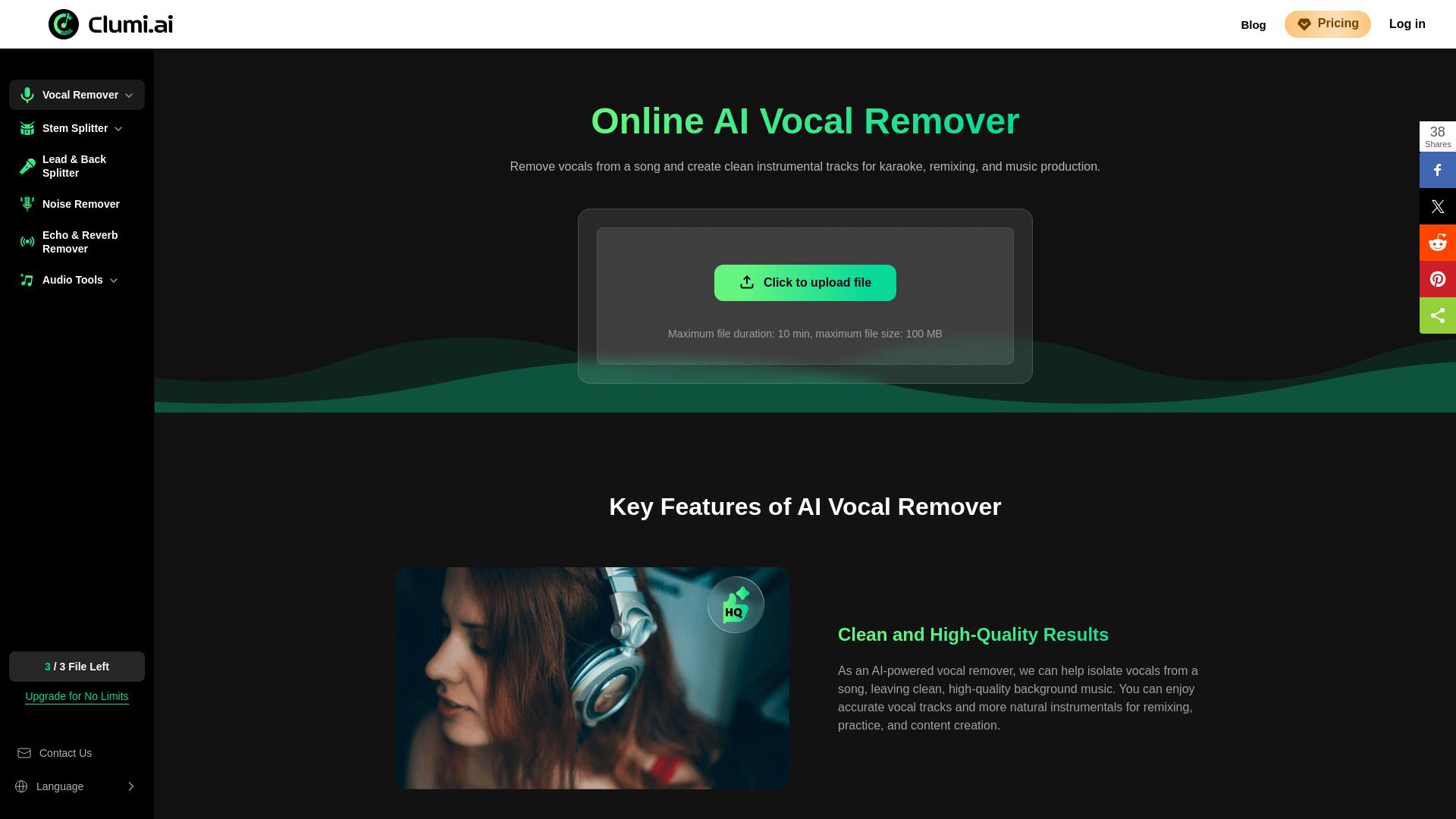
Visit the Website
Navigate to the tool's official website.