About ChatCut
What is ChatCut?
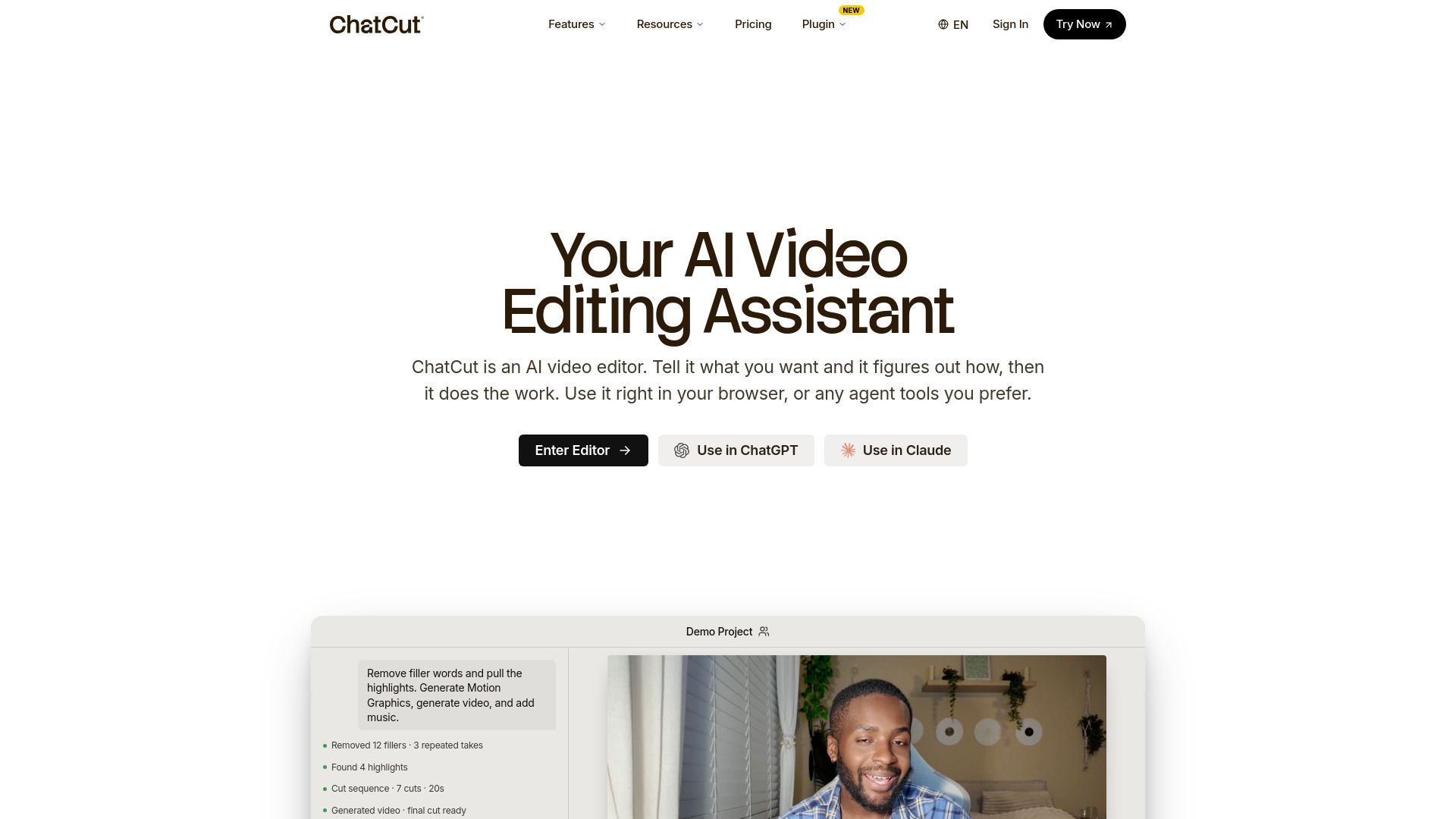
ChatCut is an innovative AI-powered video editing tool designed to streamline the video creation process. It allows users to edit videos by simply interacting with a transcript, making it accessible for both novice and experienced editors. With features like auto AI captions in over 100 languages and the ability to generate images and music, ChatCut enhances the editing experience by providing a comprehensive suite of tools.
Key features of ChatCut include:
AI Video Editor for seamless editing.
AI Motion Graphics to add dynamic visuals.
AI Video Generator for creating shots that couldn't be filmed.
AI Captions in multiple languages for broader accessibility.
AI Music Generator to complement video content.
AI Image Generation to enrich video storytelling.
ChatCut Features
ChatCut is an innovative AI-powered video editing tool that simplifies the video creation process by allowing users to edit videos through conversational editing. It enables users to find the best moments in their footage and build their first cut effortlessly. With features like auto AI captions in over 100 languages, users can add and style captions to enhance their videos.
Additionally, ChatCut offers capabilities such as AI image generation, allowing users to create images directly within their edits. This feature is particularly useful for generating cinematic creator portraits or shots that could not be filmed. The platform also includes an AI music generator, providing a variety of music styles to complement the video content.
AI Video Editor for seamless editing
Auto AI Captions in 100+ languages
AI Image Generation for custom visuals
AI Video Generation for unfilmed shots
AI Music Generator for diverse soundtracks
Why ChatCut?
ChatCut offers a unique value proposition by enabling users to edit videos through conversational editing, making the process intuitive and accessible. This innovative approach allows users to interact with the editing software using natural language, significantly reducing the learning curve associated with traditional video editing tools.
Some of the key benefits of using ChatCut include:
AI-powered editing capabilities that streamline the video creation process.
Integration with popular AI agents like ChatGPT and Claude for enhanced functionality.
Access to a variety of AI tools, including music generation, motion graphics, and image generation.
Free plan options that allow users to explore features without financial commitment.
How to Use ChatCut
To get started with ChatCut, first, you need to install the ChatCut plugin. You can do this by visiting chatcut.io/chatgpt for the ChatGPT desktop app or chatcut.io/claude for the Claude Code desktop app. Once installed, you can set up a new task by entering the appropriate prompt in your application.
After setting up, you can begin editing your videos by utilizing the ChatCut editor. This tool allows you to find the best moments in your footage and create your first cut effortlessly. You can also take advantage of features like auto AI captions in over 100 languages, AI image generation, and music generation to enhance your video editing experience.
Install the ChatCut plugin for your preferred desktop app.
Set up a new task using the provided prompts.
Edit videos by talking and using the ChatCut editor.
Utilize AI features for captions, images, and music.
Ready to see what ChatCut can do for you?and experience the benefits firsthand.
Key Features
How to Use
Visit the Website
Navigate to the tool's official website.
Pros & Cons
What's good
What's not good
Pricing
- Starter credits included
- Basic editing and exports
- Try AI image, captions, music, and motion graphics
- Upgrade when you need a monthly credit budget
- 200 credits / month
- 10% discount on yearly billing
- All AI agent editing capabilities
- No export limit
- 400 credits / month
- 12% discount on yearly billing
- All AI agent editing capabilities
- No export limit
- 800 credits / month
- 20% discount on yearly billing
- All AI agent editing capabilities
- No export limit
- 2000 credits / month
- 20% discount on yearly billing
- All AI agent editing capabilities
- No export limit