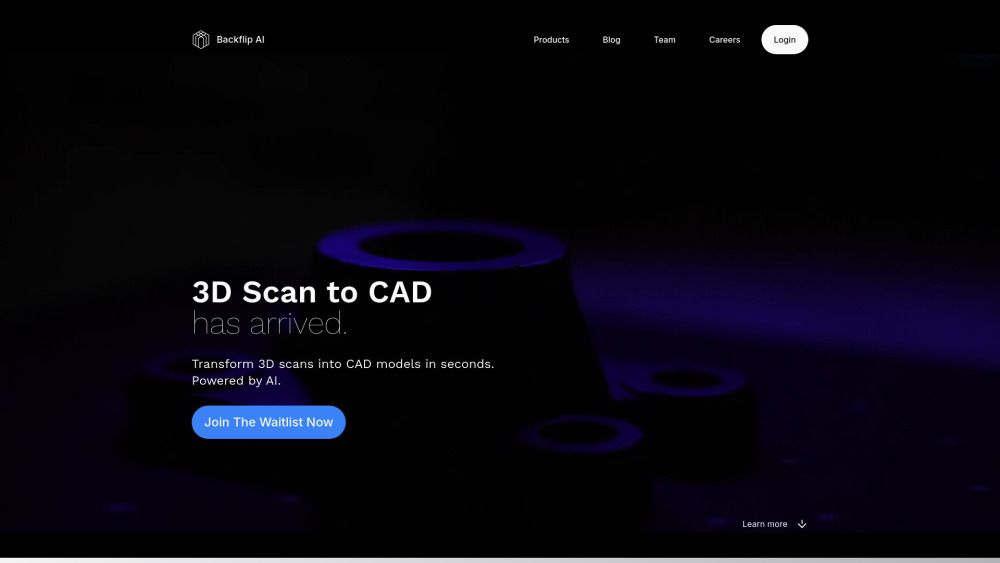
About Backflip AI
What is Backflip AI?
Backflip AI is a pioneering platform designed to transform the way users create and manipulate 3D models. It leverages advanced artificial intelligence to streamline the process of converting 3D scans into CAD models, enabling users to generate high-quality designs in a matter of seconds. The platform is built to cater to both mechanical CAD and 3D mesh workflows, making it versatile for various applications in the manufacturing and design industries.
Key features of Backflip AI include:
3D Scan to CAD: Effortlessly translate 3D scan data into parametric CAD models with a single click.
Mesh Creation: Generate mesh-based 3D models from descriptions, sketches, or images quickly and efficiently.
File Compatibility: Supports exports in multiple formats including .STL, .OBJ, .GLB, and .PLY, ensuring compatibility with industry-standard editing tools.
Backflip AI Features
Backflip AI offers innovative tools designed to transform the way users create and manipulate 3D models. One of its standout features is the AI-powered 3D Scan to CAD functionality, which allows users to convert 3D scans into CAD models in seconds. This tool is particularly beneficial for those working with mechanical CAD or 3D meshes, streamlining the design process significantly.
Additionally, Backflip AI provides a Parametric 3D Scan to CAD feature that translates 3D scan data into parametric CAD models with just one click. It supports native builds in Onshape and exports .STEP files, ensuring compatibility with a wide range of manufacturing ecosystems. Another notable capability is the MeshIdea to Mesh tool, which enables users to create mesh-based 3D models from descriptions, sketches, or images in mere seconds, with export options for .STL, .OBJ, .GLB, and .PLY files for 3D printing and editing.
AI-powered 3D Scan to CAD for quick model conversion.
Parametric 3D Scan to CAD for seamless integration with manufacturing tools.
MeshIdea to Mesh for rapid creation of 3D models from various inputs.
Why Backflip AI?
Backflip AI offers a range of innovative tools designed to enhance the 3D design process, making it faster and more efficient for users. By leveraging advanced AI technology, Backflip AI transforms 3D scans into CAD models in seconds, allowing for seamless integration into existing workflows. This capability not only saves time but also reduces the complexity associated with traditional modeling techniques.
Some of the key benefits of using Backflip AI include:
Rapid conversion of 3D scan data into parametric CAD models with a single click.
Support for multiple file formats, including .STL, .OBJ, .GLB, and .PLY, ensuring compatibility with various 3D printing and editing tools.
Streamlined creation of mesh-based 3D models from simple descriptions, sketches, or images, significantly speeding up the design process.
How to Use Backflip AI
To get started with Backflip AI, users can take advantage of the intuitive interface designed for both hobbyists and professionals. The platform offers a range of features that simplify the process of creating 3D models from various inputs, such as sketches or images. Users can quickly transform their ideas into mesh-based models, making it easier to visualize and iterate on designs.
New users can benefit from a 7-day free trial, which includes 250 trial credits to explore the platform's capabilities. After the trial, users can choose from different subscription plans that cater to their needs, ensuring they have the right tools for their projects.
Transform 3D scans into CAD models in seconds.
Create mesh-based 3D models from descriptions, sketches, or images.
Export models in various formats, including .STL, .OBJ, .GLB, and .PLY.
Access dedicated support and team onboarding for seamless integration.
Ready to see what Backflip AI can do for you?and experience the benefits firsthand.
Key Features
How to Use
Visit the Website
Navigate to the tool's official website.
Pros & Cons
What's good
What's not good
Pricing
- 2,000 credits per month
- ~50 3D model generations
- ~100 image generations
- 5,000 credits per month
- ~125 3D model generations
- ~250 image generations
- 35,000 credits per month
- ~875 3D model generations
- ~1,750 image generations
- Custom credit allocation
- Dedicated support
- Team onboarding
- 2,000 credits per month
- ~50 3D model generations
- ~100 image generations
Backflip AI Traffic Analysis
Frequently Asked Questions
Alternatives to Backflip AI
Studocu Global
A platform for accessing shared study materials globally.

Suno
Suno is an innovative platform that enables users to create stunning original music in seconds using artificial intelligence. With its user-friendly interface, individuals can easily craft their own masterpieces, share them with friends, and explore a diverse range of music from artists around the globe. Suno empowers creativity for everyone, from casual singers to aspiring professionals.
Jotform AI Agents
Jotform AI Agents revolutionizes customer service by enabling businesses to respond instantly to customer inquiries anytime and anywhere. With its seamless integration capabilities and user-friendly interface, it enhances operational efficiency and improves customer satisfaction. This innovative solution empowers organizations to provide timely support, ensuring they stay connected with their clients effectively.
Lovescape AI
Create Your AI Girlfriend for Chatting

Manus
Manus is a versatile AI agent designed to transform thoughts into actions, streamlining tasks in both professional and personal settings. Its primary value lies in its ability to manage various responsibilities efficiently, allowing users to relax while it handles their to-do lists. With Manus, users can experience increased productivity and peace of mind, knowing that their tasks are being completed seamlessly.
HealCycle
HealCycle is a comprehensive app designed to support individuals dealing with hormonal imbalances, mood swings, and symptoms of PMS or PMDD. It offers personalized symptom insights and science-backed resources, along with a 24/7 AI companion for emotional support, empowering users to take control of their health journey. With HealCycle, users can gain valuable knowledge and tools to enhance their well-being and manage their cycles effectively.