About ArchVizr
What is ArchVizr?
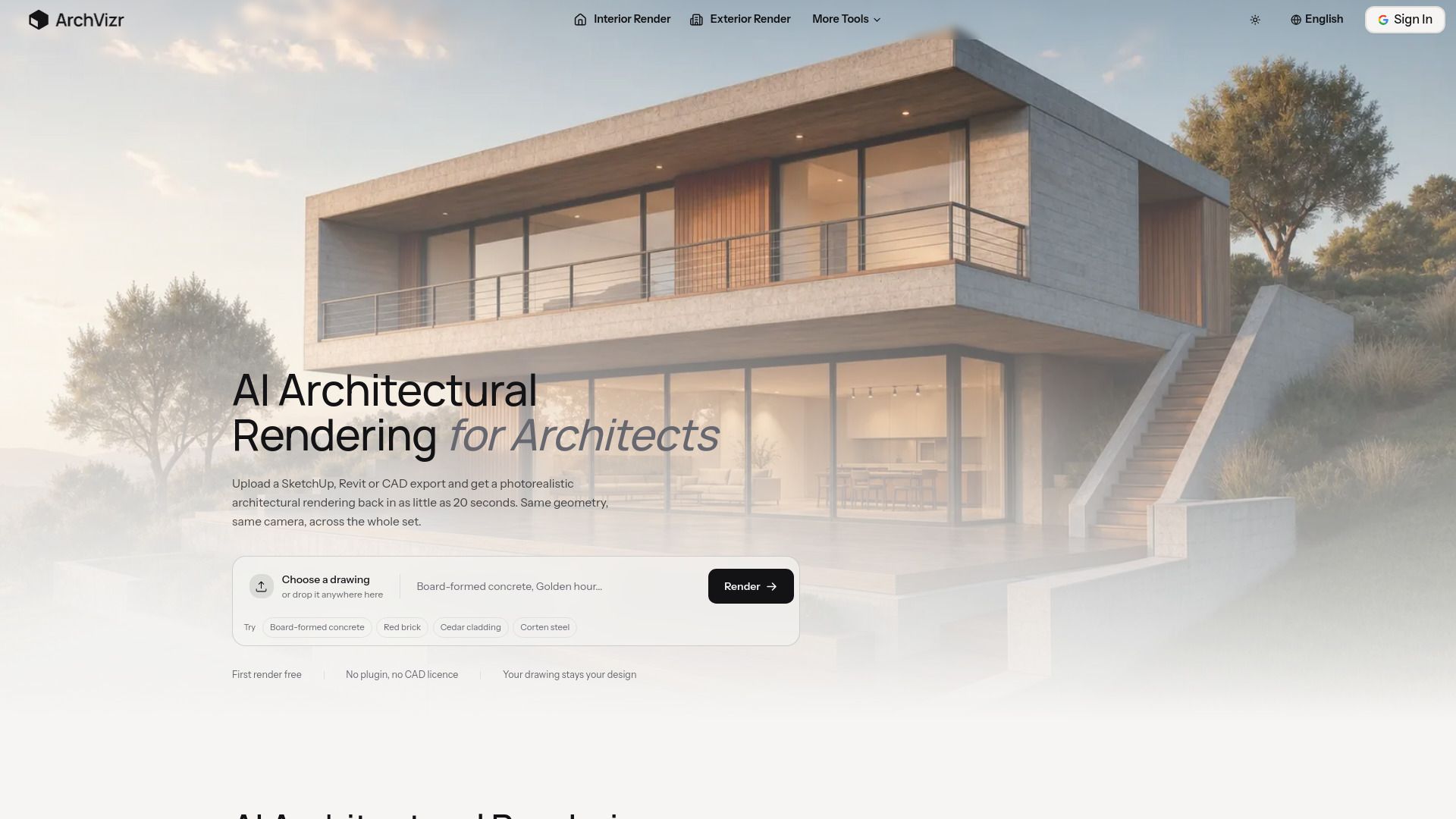
ArchVizr is an innovative platform that transforms architectural sketches, CAD exports, and massing models into consistent, photorealistic renders. Designed for independent architects, students, and developers, ArchVizr delivers high-quality visualizations in seconds and at a fraction of the cost typically associated with studio services.
With ArchVizr, users can easily upload their designs, including formats like SketchUp, Revit, or CAD exports, and receive stunning photorealistic renders in as little as 20 seconds. This rapid turnaround time allows for efficient project development and presentation.
Transforms sketches and models into photorealistic renders.
Fast processing time of renders, often within seconds.
Cost-effective solution compared to traditional rendering studios.
User-friendly interface for easy uploads and access.
ArchVizr Features
ArchVizr is an innovative AI tool designed for architects, students, and developers, transforming architectural sketches, CAD exports, and massing models into photorealistic renders in a matter of seconds. This platform allows users to upload their designs and receive high-quality visualizations at a fraction of the cost typically associated with studio services.
Key features of ArchVizr include:
Rapid rendering capabilities, producing results in as little as 20 seconds.
Support for various file formats, including SketchUp, Revit, and CAD exports.
Consistent and photorealistic output, enhancing the presentation of architectural designs.
Why ArchVizr?
ArchVizr offers a revolutionary solution for architects, students, and developers by transforming architectural sketches, CAD exports, and massing models into photorealistic renders in mere seconds. This innovative tool not only enhances the visualization process but also significantly reduces costs compared to traditional studio rendering services.
By utilizing ArchVizr, users can experience a range of benefits, including:
Rapid rendering times, with outputs available in as little as 20 seconds.
High-quality, consistent photorealistic images that elevate project presentations.
Cost-effective solutions that make professional rendering accessible to independent architects and students.
How to Use ArchVizr
Getting started with ArchVizr is simple and efficient. To begin, you can upload your architectural sketches, CAD exports, or massing models directly to the platform. ArchVizr utilizes advanced AI technology to transform these inputs into photorealistic renders in as little as 20 seconds, making it an ideal tool for architects, students, and developers looking to visualize their designs quickly and affordably.
Here are some key features to help you get started:
Upload formats include SketchUp, Revit, and CAD exports.
Receive your first render for free, allowing you to test the service without commitment.
Enjoy consistent and high-quality outputs that save time and reduce costs compared to traditional rendering studios.
Ready to see what ArchVizr can do for you?and experience the benefits firsthand.
Key Features
How to Use
Visit the Website
Navigate to the tool's official website.
Pros & Cons
What's good
What's not good
Pricing
- Create 1 room layout
- Access to basic design tools
- Limited features
- Create up to 5 room layouts
- 500 credits for creation
- Personal use
- Create up to 5 room layouts
- 500 credits for creation
- Personal use
- 1500 credits for creation
- Personal use
- Access to additional design tools
- 5000 credits for creation
- Personal use
- Full access to all AI design tools