About AIEraser
What is AIEraser?
AIEraser is an innovative tool designed to help users effortlessly erase unwanted objects from their photos. Utilizing advanced AI technology, it allows for precise removal of distractions such as text, logos, and even complex elements like shadows and reflections, all while maintaining the integrity of the original image. The user-friendly interface ensures that anyone can easily navigate the editing process without needing extensive technical skills.
Key features of AIEraser include:
More precise AI removal model that seamlessly rebuilds backgrounds for a natural finish.
An intuitive workspace that simplifies the editing process, allowing users to brush over unwanted elements with ease.
Accessibility on any device, enabling users to edit photos on the go.
Privacy-focused design, ensuring that uploaded images are not stored or used for AI training.
AIEraser Features
AIEraser offers a powerful AI Magic Eraser tool designed to remove unwanted objects from photos effortlessly. This tool excels at erasing distractions such as random people, harsh shadows, reflections, and clutter, while preserving the original file dimensions and image sharpness. Users can easily paint over elements like text, logos, and watermarks, allowing the AI to cleanly erase them and smart-fill the background for a seamless finish.
Key features and capabilities of AIEraser include:
Advanced neural network trained to understand depth and context for precise object removal.
Support for standard image formats including JPG, JPEG, PNG, and WebP.
Fast processing on any device through a responsive cloud infrastructure.
No storage of uploaded images, ensuring user privacy.
An intuitive workspace that eliminates the need for complex editing tools.
Why AIEraser?
AIEraser offers a powerful AI Magic Eraser that provides numerous benefits for users looking to enhance their images effortlessly. This tool is designed to save time and improve the quality of photos by allowing users to remove unwanted objects quickly and efficiently. With its intuitive interface, anyone can use the tool without needing extensive editing skills, making it accessible for e-commerce sellers, content creators, photographers, and more.
Some of the key advantages of using AIEraser include:
Fast processing that works on any device, including mobile, tablet, and desktop.
High-quality results that preserve the original image dimensions and sharpness.
Free access to a powerful editing tool that simplifies the creative process.
Precise AI removal that seamlessly rebuilds backgrounds for a natural finish.
An easy-to-use interface that eliminates the learning curve associated with complex software.
How to Use AIEraser
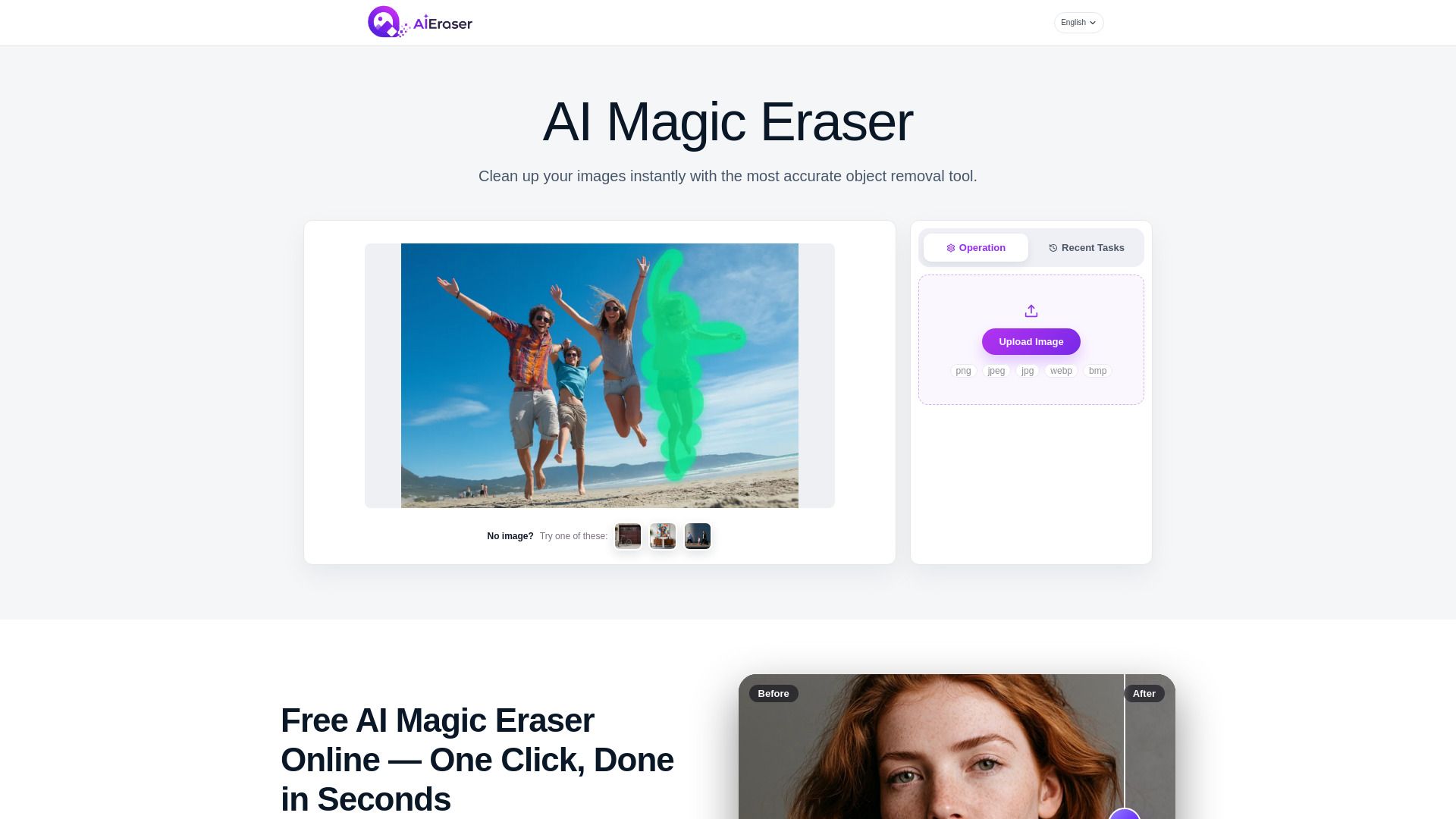
Getting started with AIEraser is simple and intuitive. To use the AI Magic Eraser, first, upload your image directly through your browser. Once your image is loaded, you can easily select the unwanted objects by brushing over them or drawing a box around them. The smart detection feature will auto-snap to the object boundaries, ensuring precise removal.
After selecting the objects you want to erase, click the erase button and watch as the AI processes your request. The neural network will seamlessly replace the removed objects with matching textures, leaving you with a clean image ready for high-resolution download. This process is quick and requires no prior experience, making it accessible for everyone.
Free to use directly in your browser.
Intuitive interface with no learning curve.
Fast processing on any device, including mobile and desktop.
Preserves original file dimensions and image sharpness.
Ready to see what AIEraser can do for you?and experience the benefits firsthand.
Key Features
How to Use
Visit the Website
Navigate to the tool's official website.