About AI Watercolor Generator
What is AI Watercolor Generator?
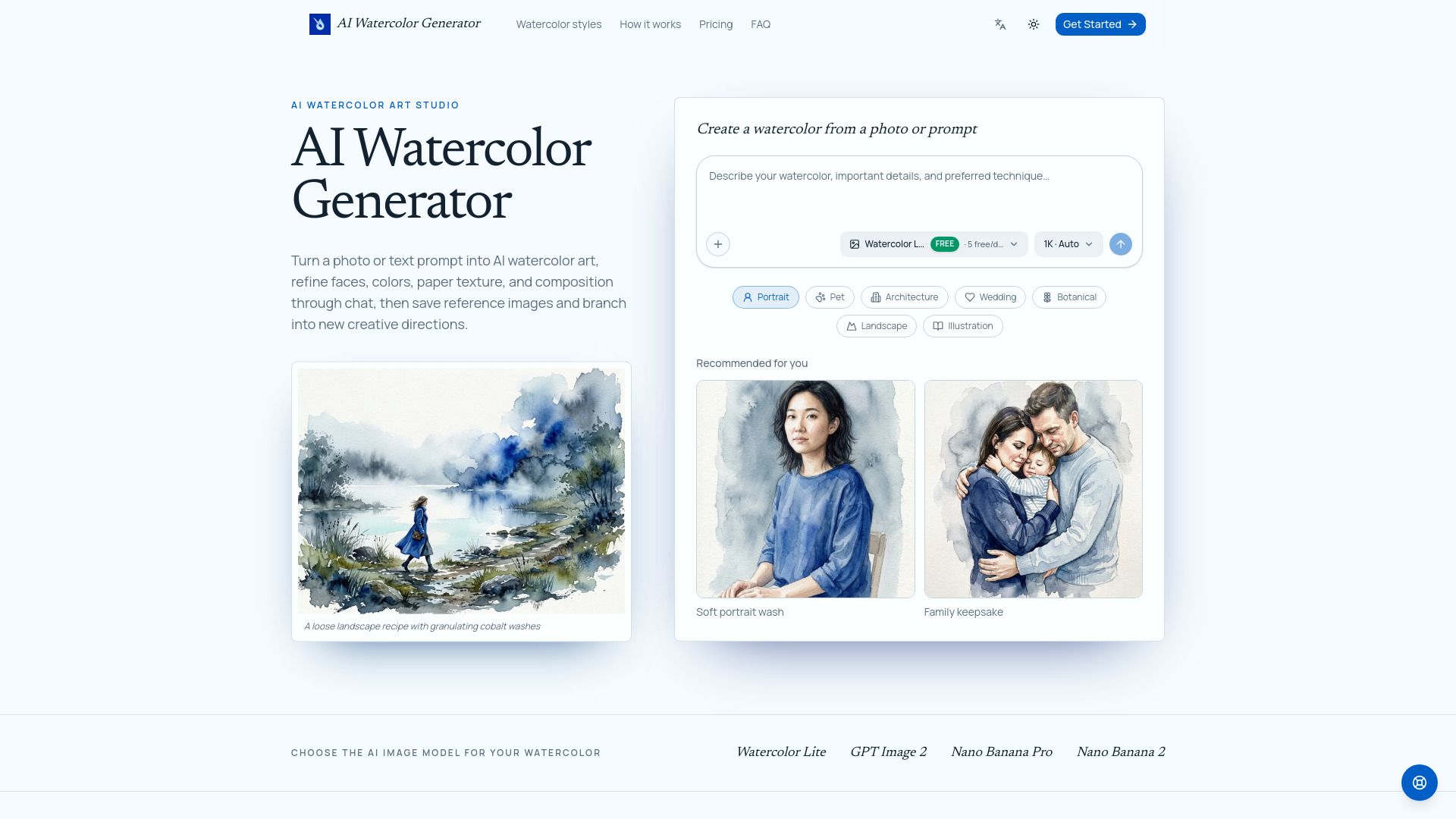
The AI Watercolor Generator is a creative tool designed to transform photos or text prompts into stunning watercolor-style artwork. Users can choose from various watercolor styles and image models, allowing for a personalized artistic experience. The generator not only creates beautiful images but also enables users to refine their artwork through interactive chat, making it easy to adjust details such as colors, textures, and compositions.
With the AI Watercolor Generator, you can:
Turn any photo, including portraits, pets, and architectural images, into watercolor paintings.
Utilize optional watercolor recipes for guidance or create your own instructions from scratch.
Engage in a conversation to edit and refine the generated artwork, ensuring it meets your vision.
AI Watercolor Generator Features
The AI Watercolor Generator is a creative tool designed to transform photos or text prompts into stunning watercolor-style artwork. Users can upload images or describe their ideas, and the generator will create a watercolor piece while allowing for ongoing edits through a conversational interface. This functionality enables users to refine various aspects of their artwork, including faces, colors, paper texture, and overall composition.
Key features and capabilities of the AI Watercolor Generator include:
Image-to-watercolor conversion for portraits, pets, houses, and more.
Editable prompts and watercolor recipes to guide the creation process.
Multiple AI image models to choose from, including Watercolor Lite and GPT Image 2.
Options for aspect ratio and output resolution, including 1K, 2K, or 4K.
Interactive editing through chat to request specific changes and enhancements.
Why AI Watercolor Generator?
The AI Watercolor Generator offers a unique and innovative way to create stunning watercolor art from photos or text prompts. This creative tool not only transforms your ideas into beautiful artwork but also allows for continuous editing through conversational interactions, making it a versatile option for artists and hobbyists alike.
Some of the key benefits of using the AI Watercolor Generator include:
Ability to turn any photo into a watercolor painting while preserving recognizable features.
Option to choose from various watercolor styles and models for personalized results.
Editable guidance through optional watercolor recipes, allowing for customization of the artwork.
Interactive editing process that enables users to refine details and achieve their desired outcome.
Free downloads and commercial licenses for created artworks, enhancing usability for various projects.
How to Use AI Watercolor Generator
To get started with the AI Watercolor Generator, first, upload a photo or describe an idea that you want to turn into watercolor art. You can choose from various subjects such as portraits, pets, houses, or even generate a new scene entirely from a text prompt.
Next, select a watercolor style that suits your vision. You can either choose from example prompts or write your own. Additionally, you will need to select the AI model, aspect ratio, and output resolution for your artwork. Once your watercolor is generated, you can refine it through chat by requesting adjustments like softer edges or richer pigments.
Upload a photo or describe an idea.
Choose a watercolor style and AI model.
Edit the watercolor through chat for personalized adjustments.
Ready to see what AI Watercolor Generator can do for you?and experience the benefits firsthand.
Key Features
How to Use
Visit the Website
Navigate to the tool's official website.
Pros & Cons
What's good
What's not good
Pricing
- Create 5 Watercolor Lite images at 1K every day
- Includes 3 saved assets
- Use credits for 2K and 4K output
- Access to different AI image models
- 3,600 credits, valid for 1 year
- Save up to 50 assets
- Text-to-image and image-to-image
- All image models
- Free download, commercial license
- 12,000 credits, valid for 1 year
- Save up to 200 assets
- Text-to-image and image-to-image
- All image models
- Free download, commercial license
- 31,900 credits, valid for 1 year
- Save up to 500 assets
- Text-to-image and image-to-image
- All image models
- Free download, commercial license