About AI Wallpaper - 1
What is AI Wallpaper - 1?
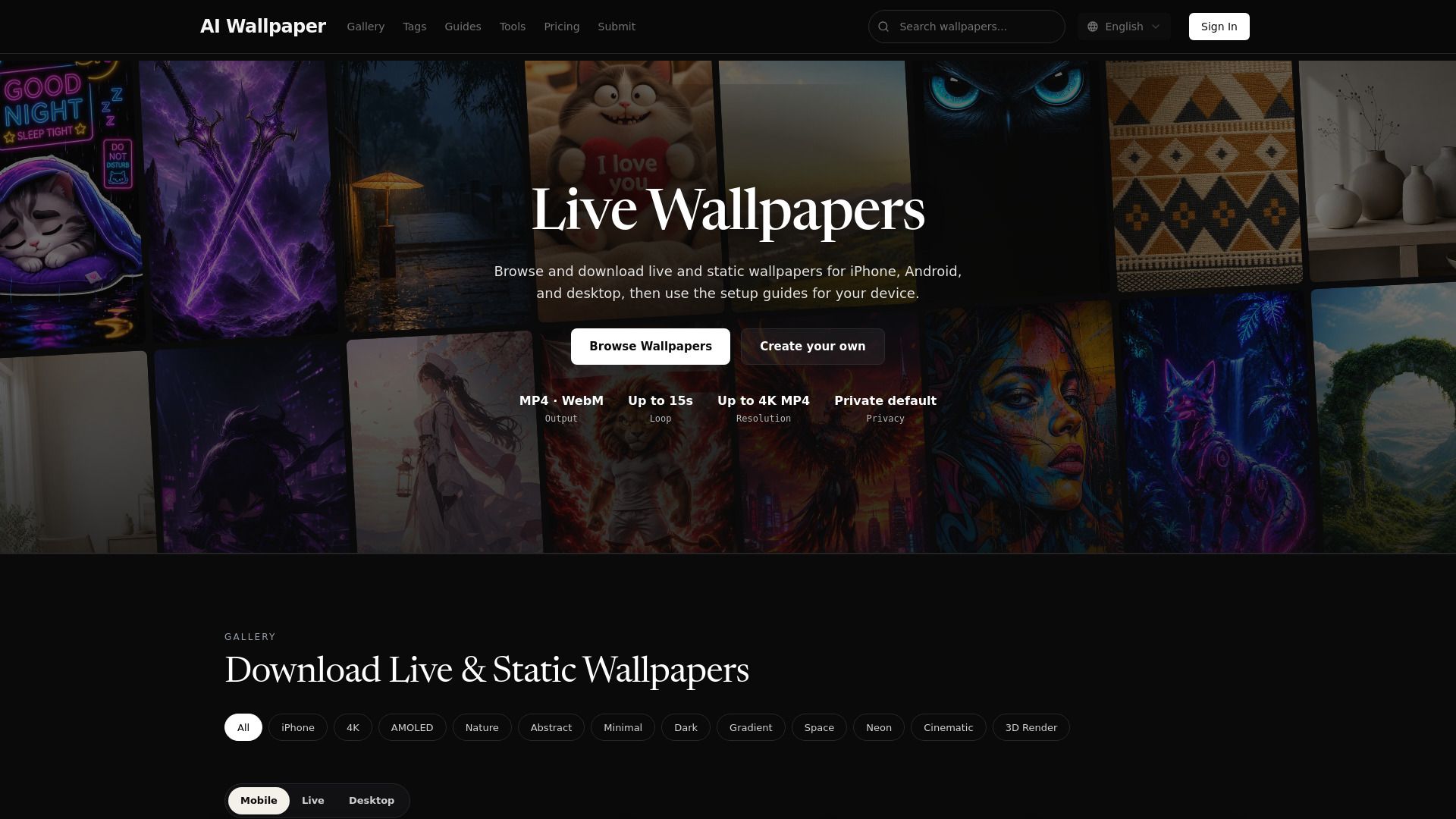
AI Wallpaper offers a unique collection of static and animated wallpapers designed to enhance your digital experience. Users can browse through a gallery of widescreen AI-generated wallpapers suitable for desktop and laptop screens, as well as live wallpapers that come in MP4/WebM formats. This platform allows for easy setup on various devices, including Android, PC, and iPhone Live Photo.
With AI Wallpaper, you can explore generative aesthetics and find the perfect visual to match your style. The platform is user-friendly, featuring categories for mobile, live, and desktop wallpapers, making it simple to navigate and discover new designs.
Static and animated wallpapers available
Wide selection for desktop and mobile devices
Easy setup paths for various platforms
Generative aesthetics for unique visuals
AI Wallpaper - 1 Features
AI Wallpaper offers a diverse collection of static and animated wallpapers, allowing users to choose from a variety of styles and themes. The platform features a gallery where users can browse widescreen AI wallpapers specifically designed for desktop and laptop screens, as well as live wallpapers that come in ready MP4/WebM formats.
Key functionalities of AI Wallpaper include:
Static and animated wallpaper options for enhanced visual appeal.
Compatibility with multiple devices, including Android, PC, and iPhone Live Photo.
A user-friendly interface for easy navigation and selection of wallpapers.
Regular updates with trending wallpapers to keep the collection fresh.
Why AI Wallpaper - 1?
AI Wallpaper - 1 offers numerous benefits that make it an attractive choice for users looking to personalize their digital spaces. By leveraging cutting-edge AI technology, the platform allows anyone to create stunning, high-resolution wallpapers in just minutes, regardless of their design skills. This democratization of wallpaper design ensures that beautiful and personalized visuals are accessible to everyone.
Some key advantages of using AI Wallpaper - 1 include:
Innovation: Continuously pushing the boundaries of AI-powered design to deliver better results.
Accessibility: Beautiful wallpapers are available to everyone, regardless of design skill.
Quality: Commitment to generating high-resolution, visually stunning wallpapers every time.
Privacy: Respect for user privacy and data security, ensuring that your creations are yours.
How to Use AI Wallpaper - 1
To get started with AI Wallpaper, follow these simple steps to create and set up your live wallpaper. First, begin by creating your wallpaper from text, an image, or a video-guided motion. This allows you to customize your wallpaper to your liking.
Next, preview the motion on your phone to ensure it meets your expectations before downloading the final product in MP4 or WebM format. Once you are satisfied with the preview, you can proceed to set up the wallpaper on your device.
For Android: Follow the specific setup guide provided for Android devices.
For PC: Use the setup instructions tailored for PC users.
For iPhone: Refer to the iPhone setup guide to apply your live wallpaper as a Live Photo.
Ready to see what AI Wallpaper - 1 can do for you?and experience the benefits firsthand.
Key Features
How to Use
Visit the Website
Navigate to the tool's official website.
Pros & Cons
What's good
What's not good
Pricing
- 300 credits, valid for 1 month
- Business Functions with AI
- User Center
- Credits System
- API Sales for your SaaS
- 200 credits, valid for 1 month
- NextJS boilerplate
- SEO-friendly structure
- Payment with Stripe
- Dedicated PostgreSQL data storage
- 100 credits, valid for 1 year
- NextJS boilerplate
- SEO-friendly structure
- Payment with Stripe
- Dedicated PostgreSQL data storage